The best AI academic research tools each handle a different part of the job, so there is no single winner for everyone: some find papers, some read them, some translate them, and some answer questions about them. The right choice depends on which part of the research workflow you need help with, and on how much you can trust what the tool tells you.
That last point matters more than any feature list. General chatbots still fabricate academic citations in a large share of answers: peer-reviewed studies have found GPT-4 produces false references 18% of the time, a GPT-4o study put the share of fake or error-laden citations at 56%, and a Tow Center audit found roughly 37% of Perplexity's answers contained citation errors. For research, a confident answer that points to a paper that does not exist, or misreads the one it cites, is worse than no answer. So our ranking weights citation integrity and source transparency as heavily as search and synthesis.
Our top all-around pick is Kenkyu.ai, because it combines the three things most researchers actually need into one workflow: search across more than 200 million papers, native-language translation of any paper, and answers you can trace back to the exact source paragraph. It is the strongest fit if you read or cite work in more than one language, and its free plan gives you plenty to test the tool before you decide. If your need is narrower, a specialist may serve you better, and we say exactly where below.
Every tool here was scored 0 to 5 on the same 13-point rubric, with the scores grounded in documented features, pricing, and real user sentiment rather than marketing copy. Higher is better.
At a glance: the best AI academic research tools compared
Scores are 0 to 5 (higher is better). Citation trust is our shorthand for citation integrity: whether claims trace to real, correctly linked sources.
| Rank | Tool | Search | Synthesis | Citation trust | Translation | Value | Price | Best for |
|---|---|---|---|---|---|---|---|---|
| Editor's pick | Kenkyu.ai | 3 | 3 | 4 | 4 | 4 | Free; Plus ~$8/mo | Cross-language research: search, translate, and cite in any language |
| 2 | SciSpace | 3 | 3 | 3 | 2 | 3 | Free; Premium $12/mo | Reading and chatting with individual PDFs |
| 3 | Paperguide | 3 | 3 | 3 | 0 | 5 | Free; Plus $12/mo | One affordable tool from discovery to writing |
| 4 | Elicit | 3 | 4 | 5 | 0 | 3 | Free; Plus ~$10/mo | Systematic reviews and data extraction at scale |
| 5 | NotebookLM | 0 | 4 | 5 | 1 | 4 | Free; Plus ~$8/mo | Synthesizing and studying your own uploaded sources |
| 6 | Liner | 4 | 3 | 4 | 0 | 3 | Free; Pro $14.99/mo | A cheap all-in-one cited search and writing tool |
| 7 | Consensus | 4 | 3 | 4 | 0 | 4 | Free; Pro $10/mo | Fast, evidence-based yes or no questions |
| 8 | Anara | 2 | 3 | 4 | 1 | 3 | Free; Plus ~$10/mo | Chatting across your own document library |
| 9 | Undermind | 5 | 3 | 5 | 0 | 4 | Free; Pro $16/mo | Deep, exhaustive literature discovery |
| 10 | Perplexity | 4 | 3 | 3 | 0 | 4 | Free; Pro $20/mo | Fast cited answers on current, open-web topics |
The one-line verdict on Kenkyu.ai: multilingual search across 200M+ papers, native-language translation, and answers you can trace back to the source paragraph, all in one tool with a free plan that needs no credit card.
What to look for in the best AI academic research tools
"AI research tool" covers a lot of ground, so the first step is matching the tool to the task. We group the category into four jobs: discover (find the right papers), understand (read, summarize, and chat with them), translate (read work written in another language), and output (extract data, synthesize a review, manage references, or draft text). Very few tools do all four well. Most are excellent at one or two and weak at the rest, which is why a researcher often ends up using two or three together.
Above every one of those jobs sits trust. An AI research tool earns its place only if you can verify what it claims. The strongest tools in this category ground every answer in real sources and link you to the exact passage, so checking takes seconds. The weakest write fluent summaries with citations that fall apart when you click them. When we score citation integrity, a 5 means every claim is traceable to a correctly linked source with effectively no fabrication, and a 1 means citations are rare or frequently wrong. We hold this criterion at high weight because it is the difference between a tool that saves you time and one that quietly creates work.
Value is the third lens. Most of these tools have a free tier, but "free" ranges from genuinely useful to a brief trial that pushes you to upgrade within a day. We note where the free plan is enough to do real work and where credits run out fast. The rest of this guide ranks all ten tools, explains the score behind each, and is honest about what every tool does best, including the ones we did not put first.
1. Kenkyu.ai, Editor's pick: search, translate, and cite papers in any language
Scores (0 to 5):
Search 3 · Coverage 4 · Synthesis 3 · Q&A 3 · PDF 3 · Data extraction 2 · Translation 4 · Citation trust 4 · Ease 4 · Value 4
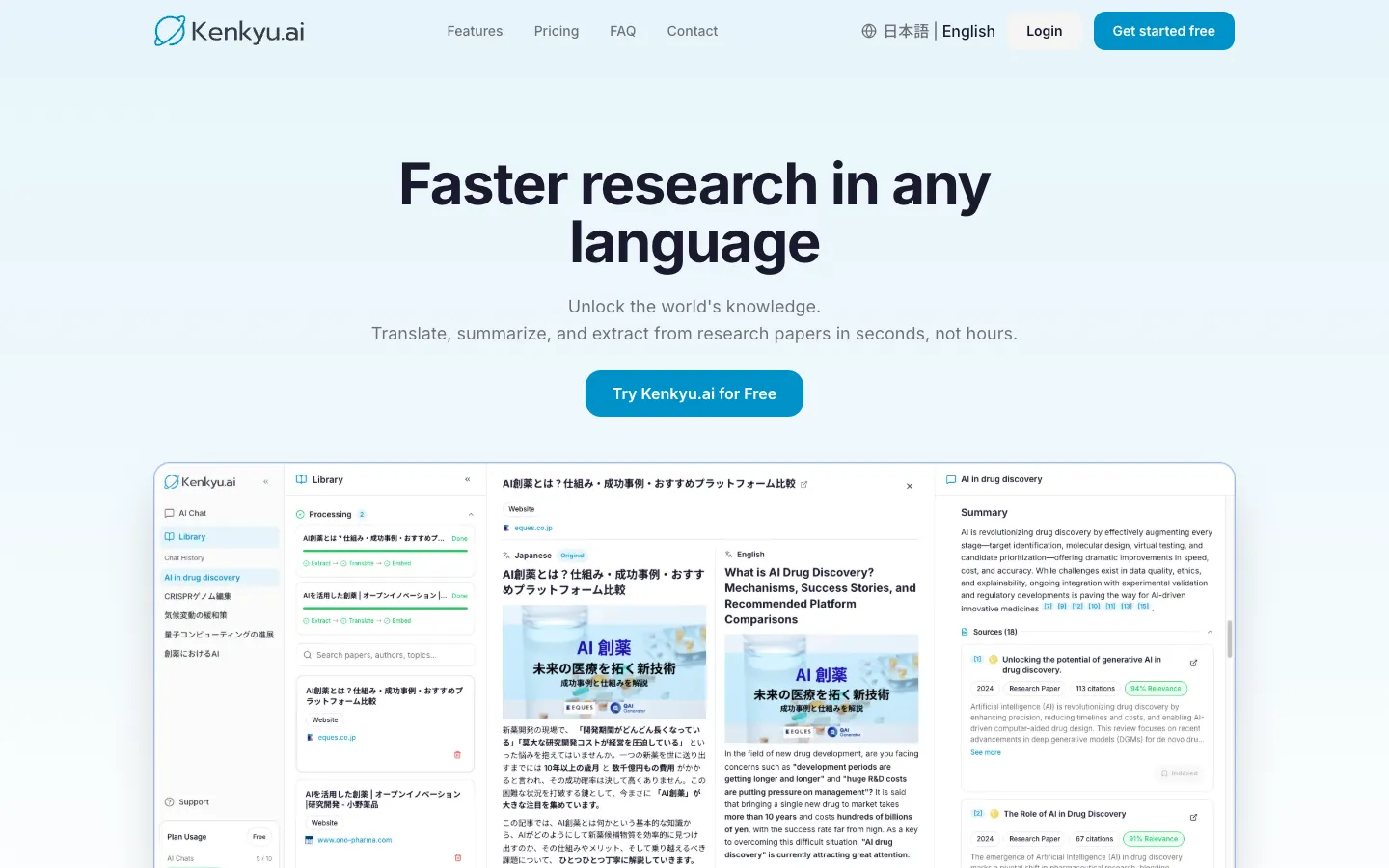
Kenkyu.ai is our top all-around pick because it is the only tool here that does discovery, translation, and cited question-answering in a single workflow. It searches the same 200M+ paper index that backs Semantic Scholar, translates any paper into your native language, and answers your questions with citations that link back to the exact source paragraph. For the large and growing number of researchers who read or cite work in more than one language, that combination is hard to assemble from any other single tool on this list.
We are clear-eyed about why Kenkyu.ai is an editorial pick rather than the highest raw score. On individual jobs, specialists edge it: SciSpace and Anara score higher on single-PDF reading, Elicit is in a class of its own for data extraction, and Undermind digs deeper on exhaustive searches. What none of them match is the cross-language workflow plus source-traceable citations at this price. If your work is entirely in English and you only need one of those jobs, skip ahead to the specialist that fits. If you move between languages, or you want one trustworthy tool that covers most of the workflow, Kenkyu.ai is the one to start with.
Key features
- Search across 200M+ papers (Semantic Scholar corpus) plus the web
- Native-language translation of full papers, with a bilingual reading view
- Cited answers that trace back to the specific source paragraph, not just a paper title
- Chat with uploaded PDFs
- Clean console available in English and Japanese
Strengths
Kenkyu.ai's standout is putting search, translation, and grounded answers in one place, which removes the usual copy-paste shuffle between a search engine, a translator, and a chatbot. Citations resolve to the source passage, so verification is fast, and that grounding is the reason it scores a 4 on citation trust where general chatbots score a 1. The free plan is built for trying the tool stress free: search across the full index is unlimited, with 10 AI chats and 10 uploads per month and no credit card to start. Like most tools here it nudges you toward upgrading, but at roughly $8 per month (¥1,260), Plus is among the most reasonably priced paid tiers in this comparison.
Weaknesses
Kenkyu.ai is deliberately a research and reading tool, not a writing suite, so it scores a 0 on drafting; if you want AI to write your manuscript, pair it with a dedicated writing tool. Reference management is light (you can save papers, but it is not a full Zotero replacement), and there is no browser extension or Word integration yet. It is also a newer name with less brand recognition than Google-backed or venture-backed rivals, though the underlying corpus is the same one many of them use.
Price
Free (unlimited search of 200M+ papers, plus 10 AI chats and 10 uploads per month, no credit card). Plus is about $8 per month (¥1,260), with unlimited chat and uploads and larger file limits. Enterprise pricing is custom.
Best for
Multilingual researchers, graduate students, clinicians, and journalists who work across languages, especially Japanese and English, and want trustworthy cited answers without paying for a heavy suite.
2. SciSpace: the best reading copilot for single papers
Scores (0 to 5):
Search 3 · Coverage 5 · Synthesis 3 · Q&A 4 · PDF 5 · Data extraction 4 · Translation 2 · Citation trust 3 · Ease 3 · Value 3
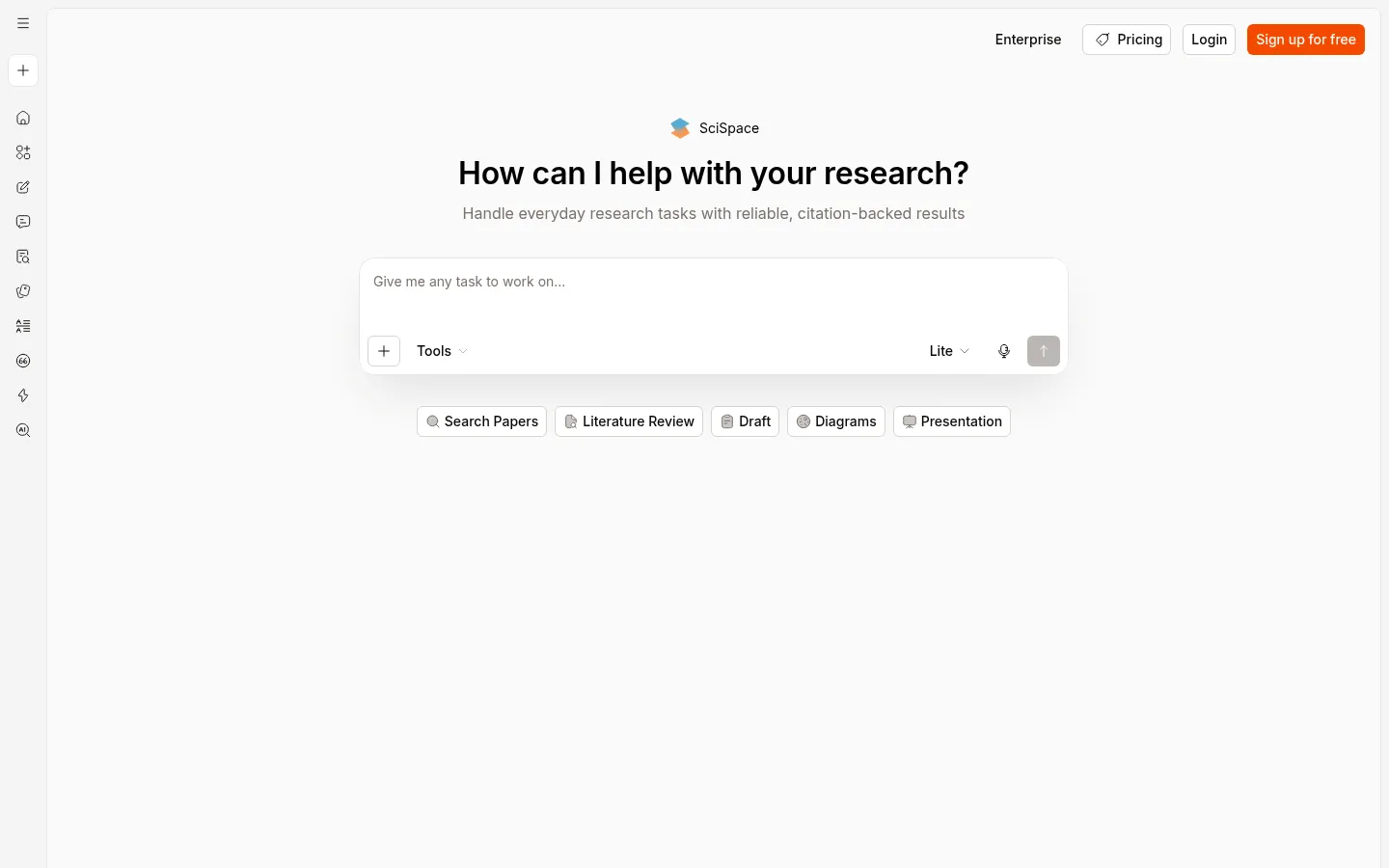
SciSpace is an end-to-end research workspace, but its signature strength is reading. Its Chat with PDF copilot lets you highlight any passage and get a plain-language explanation, with deep links back into the source, and on that specific job it is one of the best tools available. It also claims the largest corpus in this group at 280M+ papers and bundles a writer, paraphraser, and AI detector alongside the reader.
Key features
- Highlight-to-explain Chat with PDF with deep links into the source
- Large literature search index (280M+ claimed) with links to real articles
- Data extraction tables across papers
- Writing, paraphrasing, and AI-detection tools
- Chrome extension, mobile app, and a ChatGPT plugin
Strengths
Reviewers consistently single out the reading experience. One associate professor noted that SciSpace "provides access or links to actual articles that you can then search, to ensure that it's not hallucinating false, nonexistent papers, like some other AI engines," and a Capterra reviewer summed up the appeal as understanding "large volumes of research without feeling overwhelmed." It holds a 4.3 out of 5 on Capterra across 79 reviews, and its breadth means many users can stay in one tool from discovery through a first draft.
Weaknesses
The most common complaint by far is opaque credit consumption. Users report burning through credits faster than expected and being pushed to upgrade: one professor left a one-star review after a refund was refused over consumed credits, and another noted the option to buy extra credits was removed so "you're forced to upgrade to a subscription even when it isn't actually needed." Discovery returns a partial set rather than exhaustive recall, coverage thins out on hard sciences and non-English work, and the sheer number of features can overwhelm new users. That credit friction is the main reason its value score sits at 3. For readers who keep hitting those credit walls, our SciSpace alternatives guide compares options that bill more predictably.
Price
Free tier available. Premium is $12 per month (annual), Advanced $70 per month, and Max $160 per month, all credit-based, with Enterprise custom.
Best for
Graduate students and postdocs who need to decode individual papers quickly and want a reader-first workspace with light writing and extraction attached.
3. Paperguide: the best value all-in-one
Scores (0 to 5):
Search 3 · Coverage 4 · Synthesis 3 · Q&A 3 · PDF 3 · Data extraction 4 · Translation 0 · Citation trust 3 · Ease 4 · Value 5
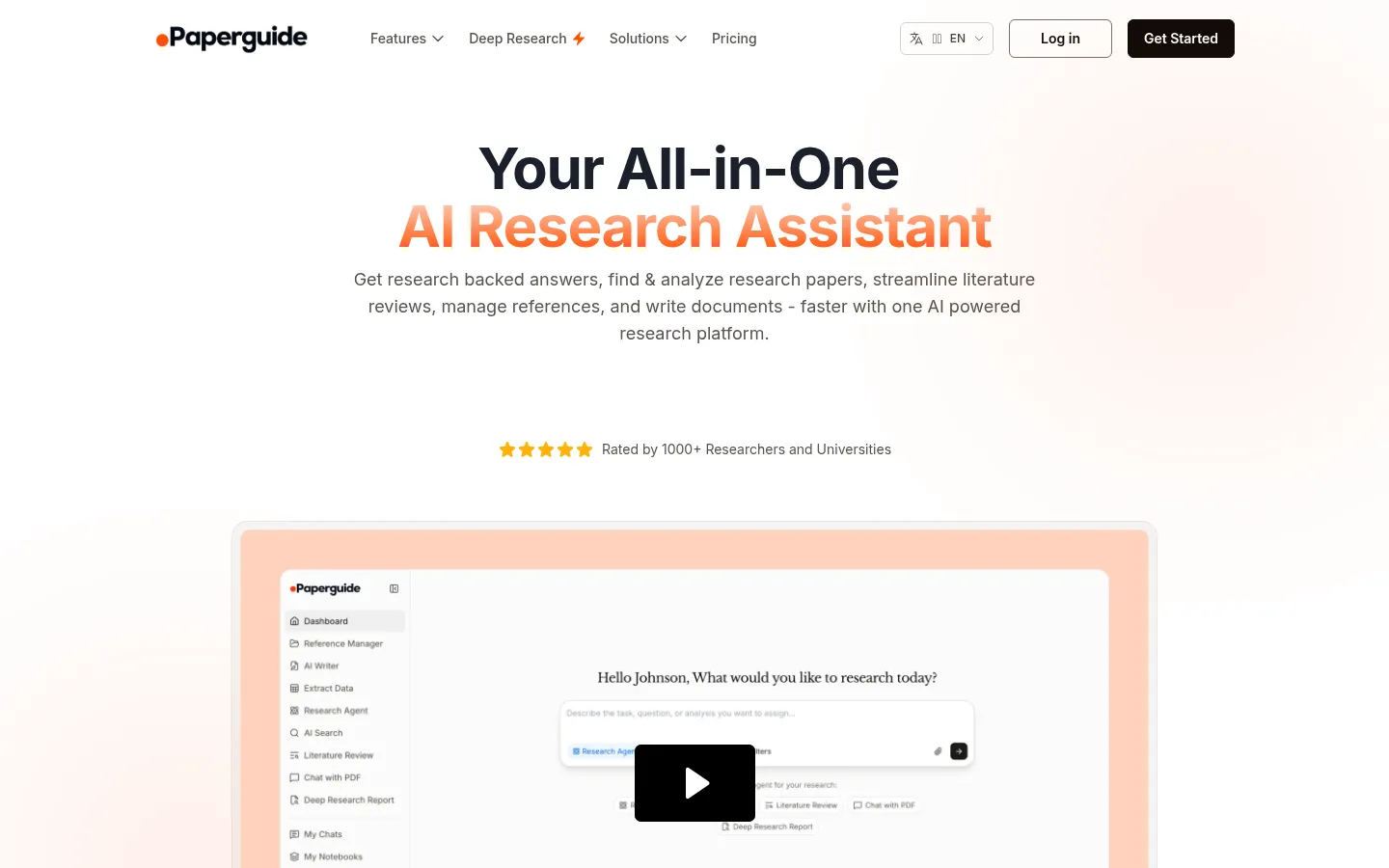
Paperguide tries to be a connected research operating system: discovery, literature review, data extraction, a full reference manager, and cited writing, all in one affordable place. It is the only tool in this comparison to score a 5 on value, because it pairs a real reference manager (1,000+ citation styles, broad import support) with AI research features at a price well below the premium suites.
Key features
- AI search across 200M+ papers with journal-quality signals (SJR, SNIP, quartiles)
- Full reference manager with 1,000+ styles and many import paths
- Structured, multi-step literature review with screening control
- Data extraction and multi-paper Chat with PDF
- "Original Text for Verification" to check AI claims against the source
Strengths
The pitch is consolidation without the premium price, and budget-conscious users respond to it: Paperguide holds 4.3 out of 5 across 85 AppSumo reviews, and G2 reviewers describe getting "quick and customizable comparison of sources, within minutes instead of weeks of work." Surfacing journal-quality metrics throughout, plus a verification view that shows the underlying text, gives it more research-rigor signals than most tools at this price.
Weaknesses
Paperguide sits in the budget, lifetime-deal tier rather than the premium research-rigor tier, and that shows in a few places. Its AI drafts have been flagged by detectors such as GPTZero, its database is smaller than SciSpace's (200M versus 280M), and reviewers note you still need to double-check the papers it surfaces. Brand awareness is low and growth has leaned on deals and affiliates, which skews some reviews toward deal-buyers rather than long-term researchers.
Price
Free (1,000 credits per month, 20 searches per month, plus the reference manager). Plus is $12 per month and Pro $24 per month, with a 40% student discount and Enterprise custom.
Best for
Students and researchers on a budget who want a single consolidated tool from discovery through reference management and writing.
4. Elicit: the systematic-review and data-extraction specialist
Scores (0 to 5):
Search 3 · Coverage 4 · Synthesis 4 · Q&A 3 · PDF 2 · Data extraction 5 · Translation 0 · Citation trust 5 · Ease 3 · Value 3
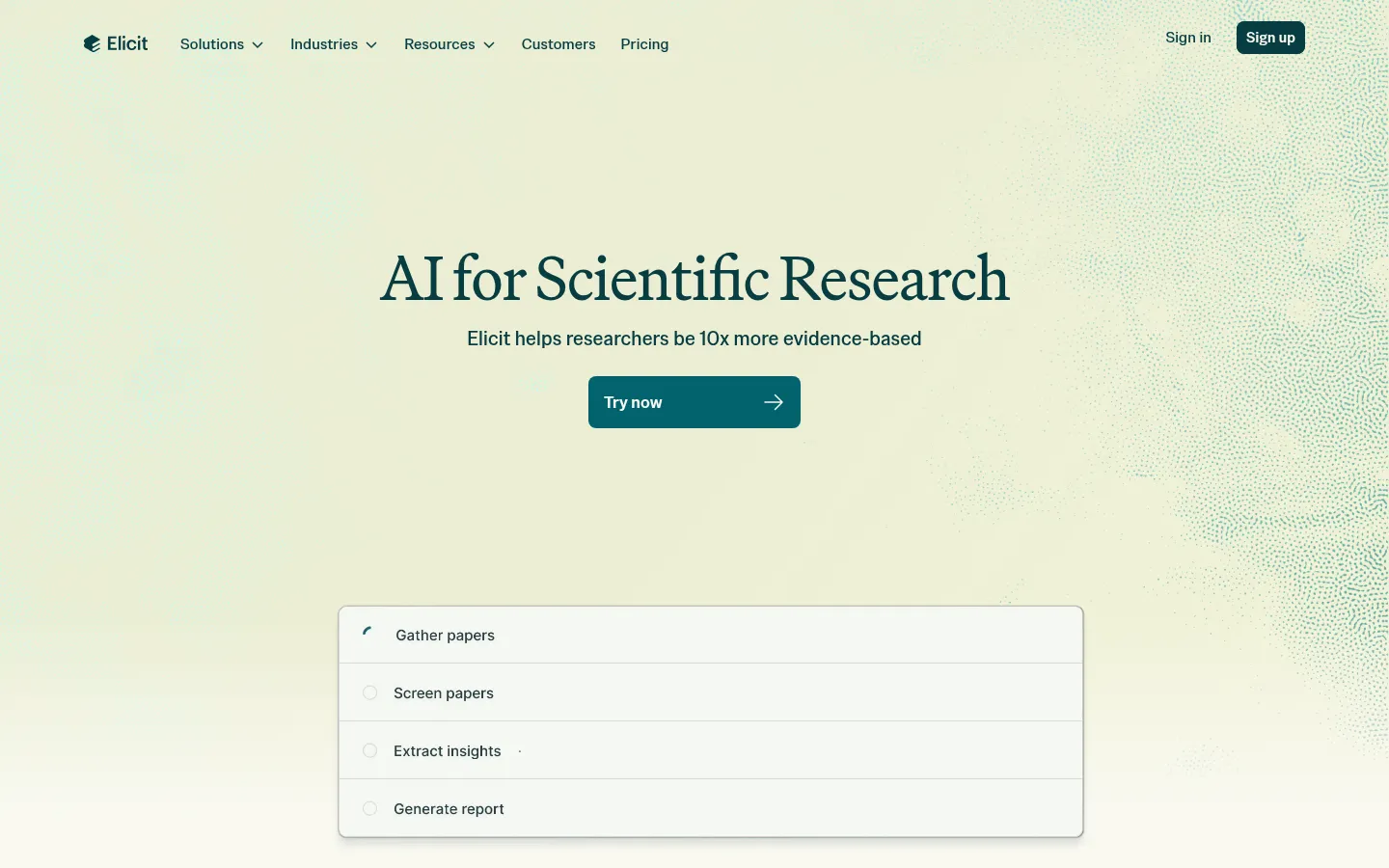
Elicit is built for one demanding job and does it better than anyone: screening and extracting structured data from large bodies of literature with sentence-level citations. It is one of only two tools here to earn a 5 on citation trust, and the only one to earn a 5 on data extraction. If you are running a systematic review or pulling consistent fields across dozens or hundreds of papers, this is the benchmark.
Key features
- Structured data-extraction tables with custom columns across many papers
- PRISMA-style screening across thousands of papers
- Sentence-level citations on extracted claims
- Index of 138M+ papers plus 545k clinical trials
- Generous free tier with unlimited search
Strengths
Elicit's accuracy on its core task is documented. In a case study with VDI/VDE IT, it correctly extracted 1,502 of 1,511 data points, a 99.4% accuracy rate, and enterprise users such as Oxford PharmaGenesis report delivering literature reviews "at an unprecedented scale." Its team is unusually candid about how it controls hallucination, describing process supervision, ensembling, and internal evaluations, and it errs toward saying nothing rather than something wrong, which is exactly the posture you want for a review.
Weaknesses
Elicit is a screening and extraction engine, not a reader or a writer: there is no upload-and-chat PDF workflow (it scores a 2 on PDF analysis) and no drafting support at all. Its own help center cautions that "Elicit summarizes the findings of a bad study just like it summarizes the findings of a good study," and that it can miss nuance or misread what a number refers to. Coverage can have gaps on niche or very recent work, and there is a steep price jump from the free tier to the $29 Pro plan.
Price
Free (limited agent, 2 reports per month, unlimited search). Plus is about $10 per month, Pro $29 per month, and Scale $49 per month, with Enterprise custom.
Best for
Graduate students and researchers doing systematic reviews and structured evidence extraction where accuracy and traceability matter most.
5. NotebookLM: the best source-grounded synthesis and study tool
Scores (0 to 5):
Search 0 · Coverage 0 · Synthesis 4 · Q&A 4 · PDF 5 · Data extraction 3 · Translation 1 · Citation trust 5 · Ease 5 · Value 4
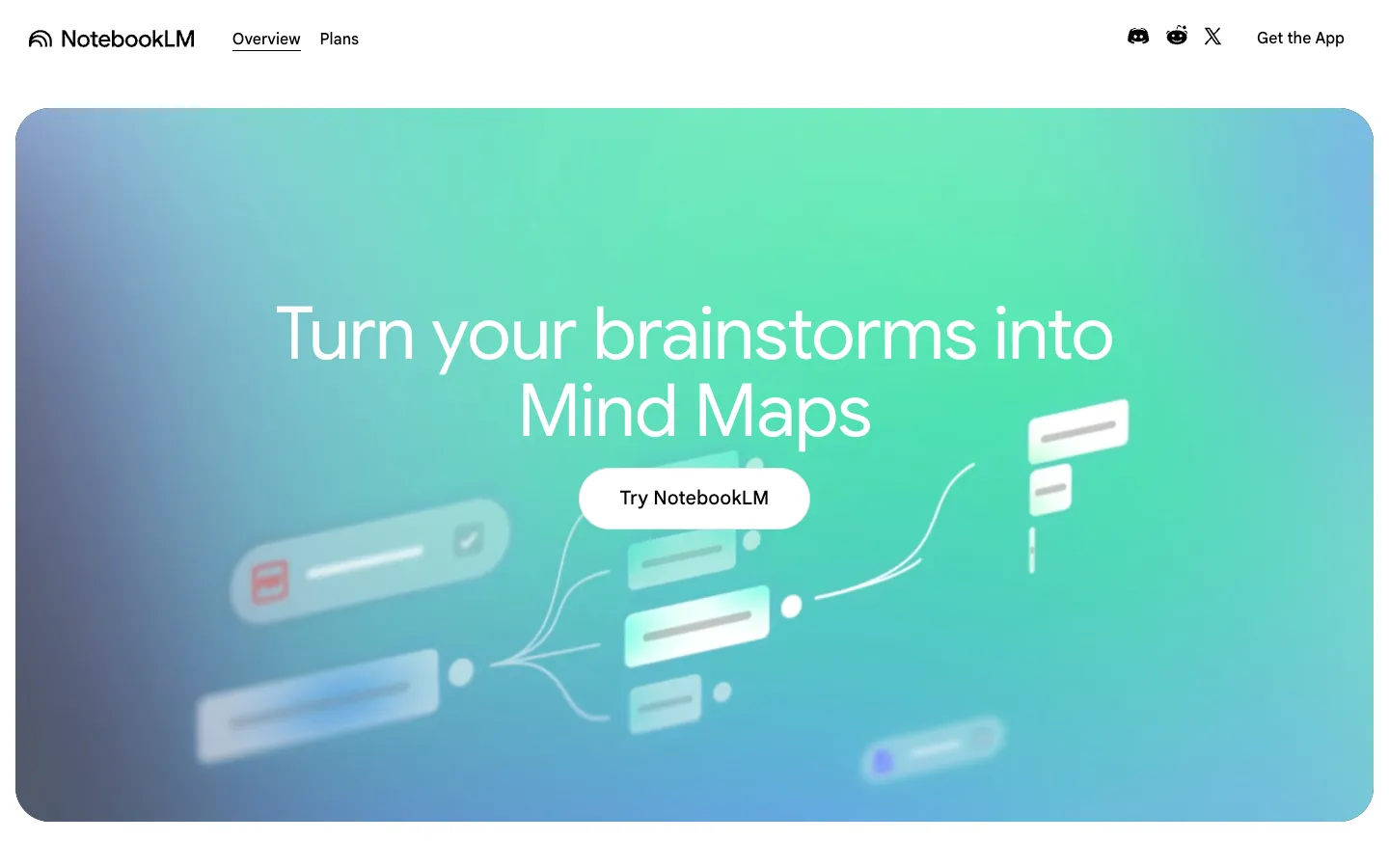
NotebookLM, Google's source-grounded research partner, works only with documents you give it and never strays beyond them. That constraint is its strength: it scores a 5 on citation trust because every answer is grounded in your sources with clickable passages, and an independent measure put its hallucination rate near 13% against roughly 40% for ChatGPT. Its Studio outputs, including the well-known podcast-style Audio Overviews, mind maps, and quizzes, are the best in this group for turning sources into study material.
Key features
- Strict source-grounding with clickable in-line passage citations
- Audio Overviews, mind maps, quizzes, and other Studio outputs
- Strong multi-document Q&A and synthesis
- Clean, near-effortless interface (it scores a 5 on ease of use)
- Free tier with 50 sources per notebook
Strengths
For making sense of material you already have, NotebookLM is excellent and very easy to use. It holds a 4.8 out of 5 on G2, and researchers describe replacing general web search for deep reading: one widely upvoted account reported cutting research time from "2 to 3 hours" down to "30 to 40 minutes with better clarity." The clickable passage citations make verification trivial.
Weaknesses
The defining limitation is that NotebookLM cannot find papers at all. It has no search and no corpus (both score 0), so you must bring your own sources, which is why it pairs naturally with a discovery tool. The free notebook caps at 50 sources, and users report accuracy degrading as you approach that cap. Export is limited, there is no real collaboration or public API, and the Audio Overviews can occasionally skip key points or invent details. Translation is minimal, so it is a weak fit for non-English papers on its own.
Price
Free (50 sources per notebook). Plus is about $7.99 per month and Pro about $19.99 per month, with higher Google tiers above that.
Best for
Synthesizing and studying your own uploaded PDFs and notes. Pair it with a search-capable tool, like those in our NotebookLM alternatives guide, when you also need to discover or translate literature.
6. Liner: a cheap, every-line-cited all-in-one
Scores (0 to 5):
Search 4 · Coverage 4 · Synthesis 3 · Q&A 4 · PDF 3 · Data extraction 3 · Translation 0 · Citation trust 4 · Ease 3 · Value 3
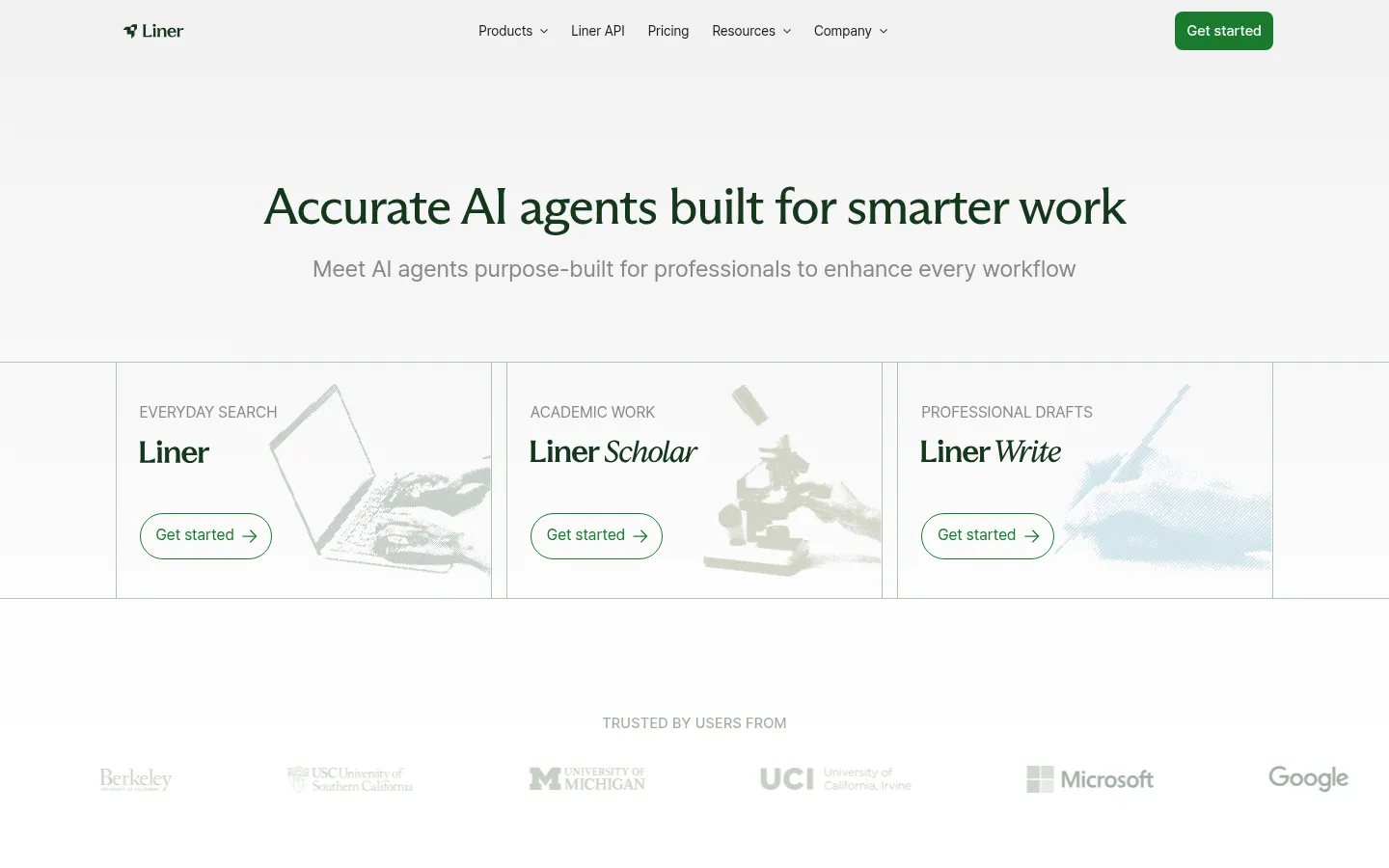
Liner began as a Perplexity-style answer engine and pivoted toward students and researchers, bundling search, a Scholar agent, and a writing tool into one low-priced subscription. Its pitch is accuracy plus consolidation: it cites line by line and leans on a high factual-accuracy benchmark to argue it hallucinates less than generic chatbots.
Key features
- AI search with line-by-line citations on answers
- Large claimed corpus (480M+ papers)
- Scholar agent for academic search and comparison tables
- Built-in writing assistant
- Web, mobile, and browser extension (Scholar and Write are desktop-only)
Strengths
Liner's repeatable selling point is accurate, verifiable, every-line-cited search at a low price. It markets a 95.3% score on OpenAI's SimpleQA factual-accuracy test and reports 13M+ users, with roughly 83% positive reviews praising ease of use and research speed. Folding explore, synthesize, and write into one tool at $14.99 per month makes it a credible budget all-rounder.
Weaknesses
The reputation risk is real: billing and refund complaints are among the most prominent themes in Liner's reviews, and accuracy caveats note it can over-generalize. The free tier is thin (credit-limited and ad-supported), the mobile experience draws bug reports, and its brand is weaker than Perplexity's. Independent reviewers tend to call Perplexity "the stronger default for most general users," positioning Liner in the accuracy-and-academic-citation niche rather than as a category leader.
Price
Free (100 credits per month, ads). Pro is $14.99 per month (annual) and Max $29.99 per month, with Team and Enterprise tiers above.
Best for
Students and researchers who want an accurate, heavily cited search-to-write tool in one cheap subscription and do not mind a less polished experience.
7. Consensus: the fastest way to ask a yes or no research question
Scores (0 to 5):
Search 4 · Coverage 4 · Synthesis 3 · Q&A 4 · PDF 1 · Data extraction 3 · Translation 0 · Citation trust 4 · Ease 4 · Value 4
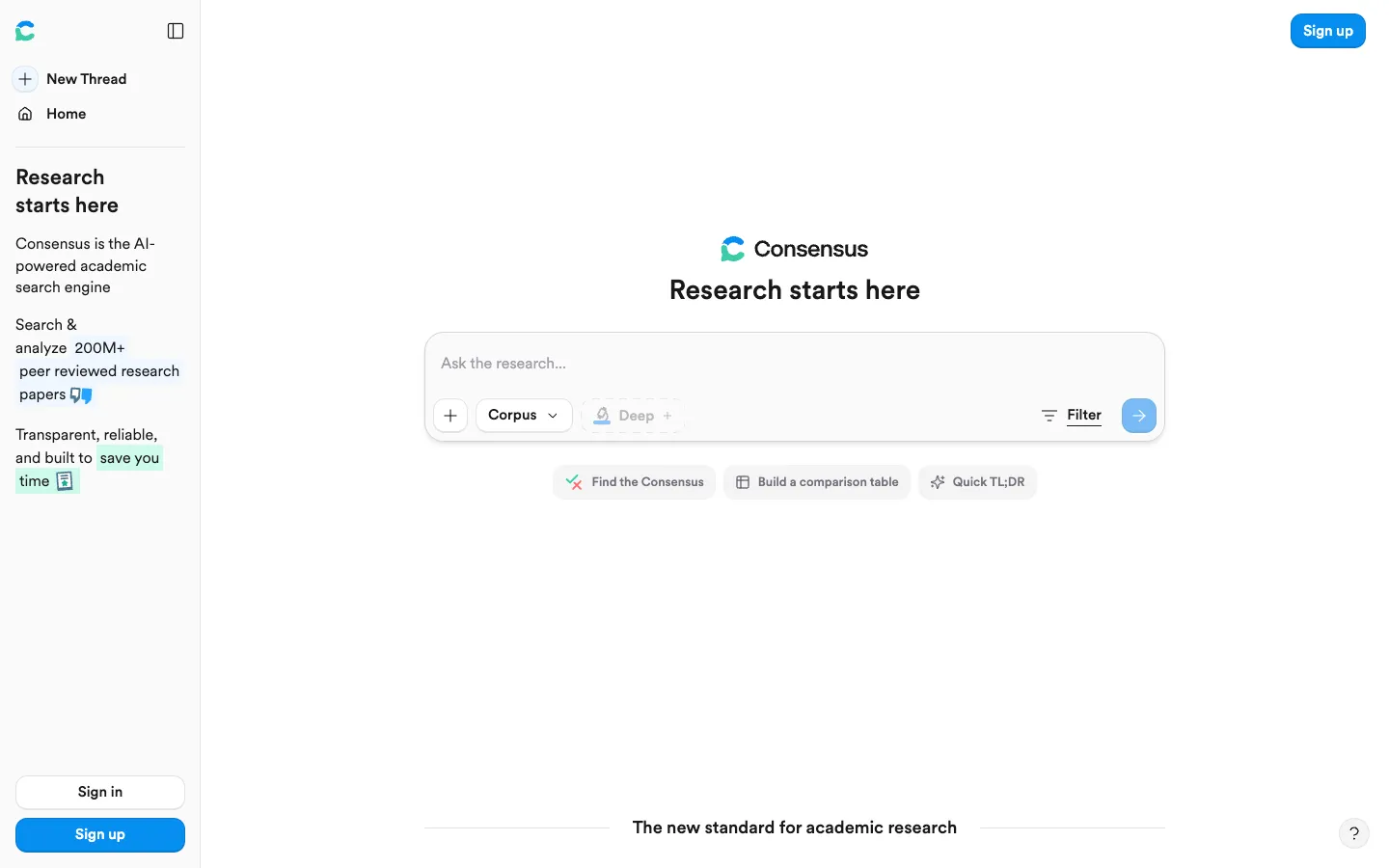
Consensus is a search engine built around a single clever idea: its Consensus Meter reads across the literature and tells you whether studies tend to support, oppose, or are mixed on a yes or no question. Built on the Semantic Scholar 200M+ index, it is purpose-made for evidence questions and pairs that with the best pre-search filters in this comparison.
Key features
- The Consensus Meter: a support, oppose, or mixed verdict across many studies
- Best-in-class filters (year, journal rank, citation count, methodology, field, population)
- Study Snapshot extracting population, methods, outcomes, and results
- Deep Search for automated mini literature reviews
- Built on a 200M+ paper index
Strengths
For "what does the literature say" questions, Consensus is fast and trustworthy. A PhD candidate called it "essential to my dissertation workflow," and reviewers note they "tend to trust this reply over clickbait Google articles." Its filtering is unusually deep, its Study Snapshots are especially useful in medical domains, and Deep Search approximates an entire iterative literature review. It is free to try (15 Pro messages and 3 Deep reviews per month) with a low $10 Pro tier and student and clinician discounts.
Weaknesses
The Consensus Meter is also the boundary of the tool: it shines on yes or no questions and is weaker on open-ended or reasoning-heavy ones. There is no deep-linking into PDFs, so verifying a finding means opening the source yourself (PDF analysis scores a 1). Because results are generated with some randomness, they are not reproducible, which makes Consensus unsuitable for formal systematic reviews, and its interface leans toward medical and social-policy research.
Price
Free (15 Pro messages per month, 3 Deep reviews per month). Pro is $10 per month and Deep $45 per month, with up to a 40% student and clinician discount and Team or Enterprise custom.
Best for
Students, researchers, and clinicians doing fast, evidence-based scoping of yes or no questions.
8. Anara: collaborative, cited chat across your own documents
Scores (0 to 5):
Search 2 · Coverage 1 · Synthesis 3 · Q&A 4 · PDF 5 · Data extraction 2 · Translation 1 · Citation trust 4 · Ease 4 · Value 3
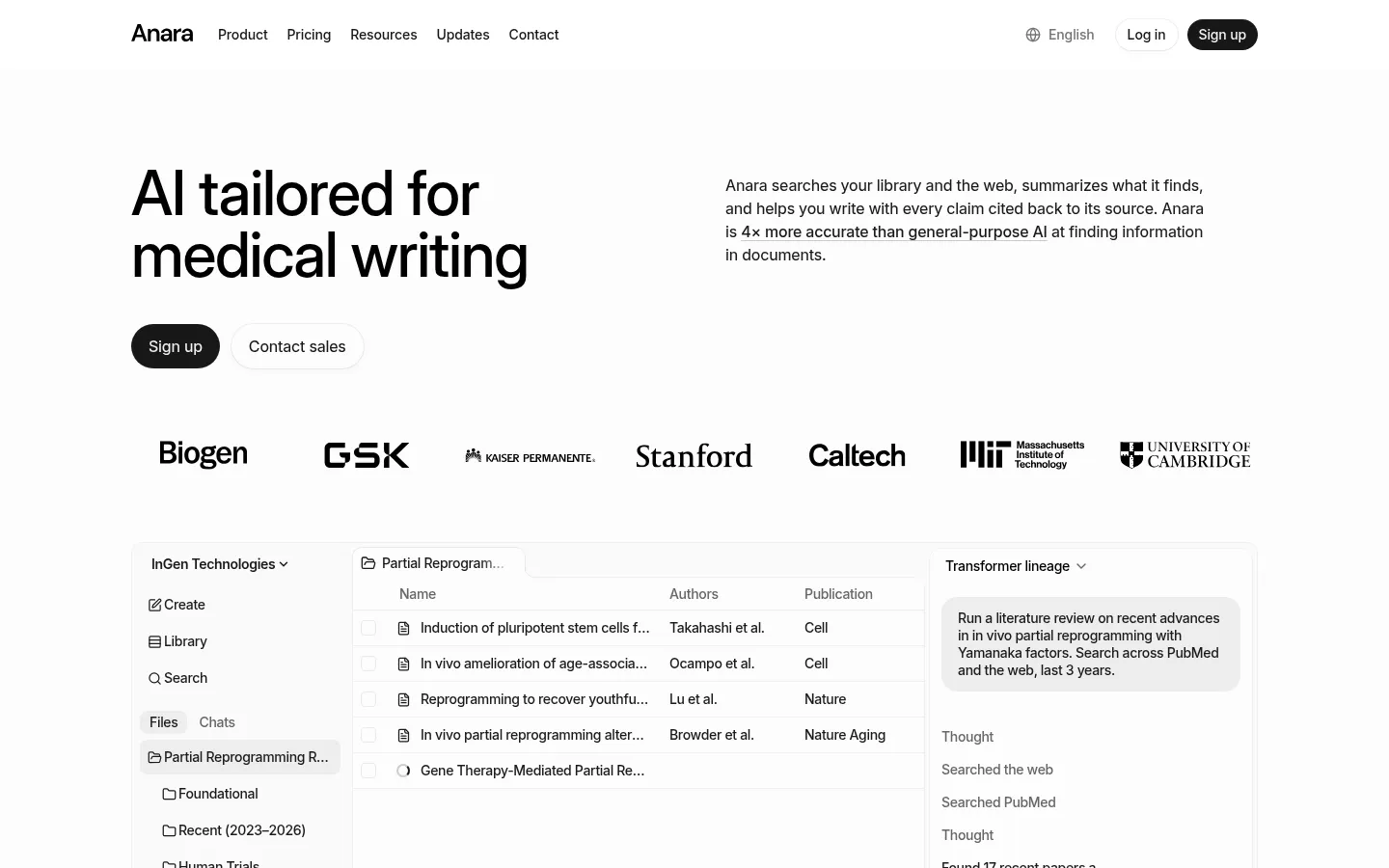
Anara (formerly Unriddle) is a collaborative workspace for reading and chatting with documents you upload. Its signature feature, Chat with Folder, lets a team query an entire library of their own sources at once, with every answer cited back to a passage. On document reading it scores a 5, matching the best in this group.
Key features
- Chat with Folder across an entire uploaded library
- Accurate passage-level citations on every answer
- Handles PDFs, video, audio, and images in one workspace
- Model choice (GPT, Claude, Gemini) and real-time collaboration
- Connectors for Zotero, Mendeley, Drive, Notion, and OneDrive
Strengths
Reviewers praise the precision of its sourcing: citations are "consistently accurate and contextually relevant," and Anara "pulls references from the correct documents and highlights relevant sections." Its multi-format support and model choice make it one of the more versatile reading tools, collaboration is genuinely useful for teams, and privacy is a real strength (no training on your data, with SOC2 and GDPR coverage). The company reports 3M+ users and 78% citing significant time savings, with usage at Stanford, Johns Hopkins, and GSK.
Weaknesses
Like NotebookLM, Anara is not a discovery engine: it has no native corpus, so it reads what you bring it (search and coverage score 2 and 1). Some users find its explanations too general for niche or technical work. It also attracts skepticism over heavy affiliate and influencer marketing, with researchers on Reddit questioning the hype and at least one reporting an unexpected charge, so watch the free-tier limits and billing settings. For teams, it lacks version control and project management.
Price
Free (2,000 words per day, 5 uploads per day). Plus is about $10 per month, Pro about $20 per month, and Max about $167 per month, with Enterprise custom.
Best for
Individuals and teams who need to read, annotate, and collaboratively query their own document libraries with reliable citations.
9. Undermind: the deepest literature search
Scores (0 to 5):
Search 5 · Coverage 4 · Synthesis 3 · Q&A 3 · PDF 2 · Data extraction 2 · Translation 0 · Citation trust 5 · Ease 3 · Value 4
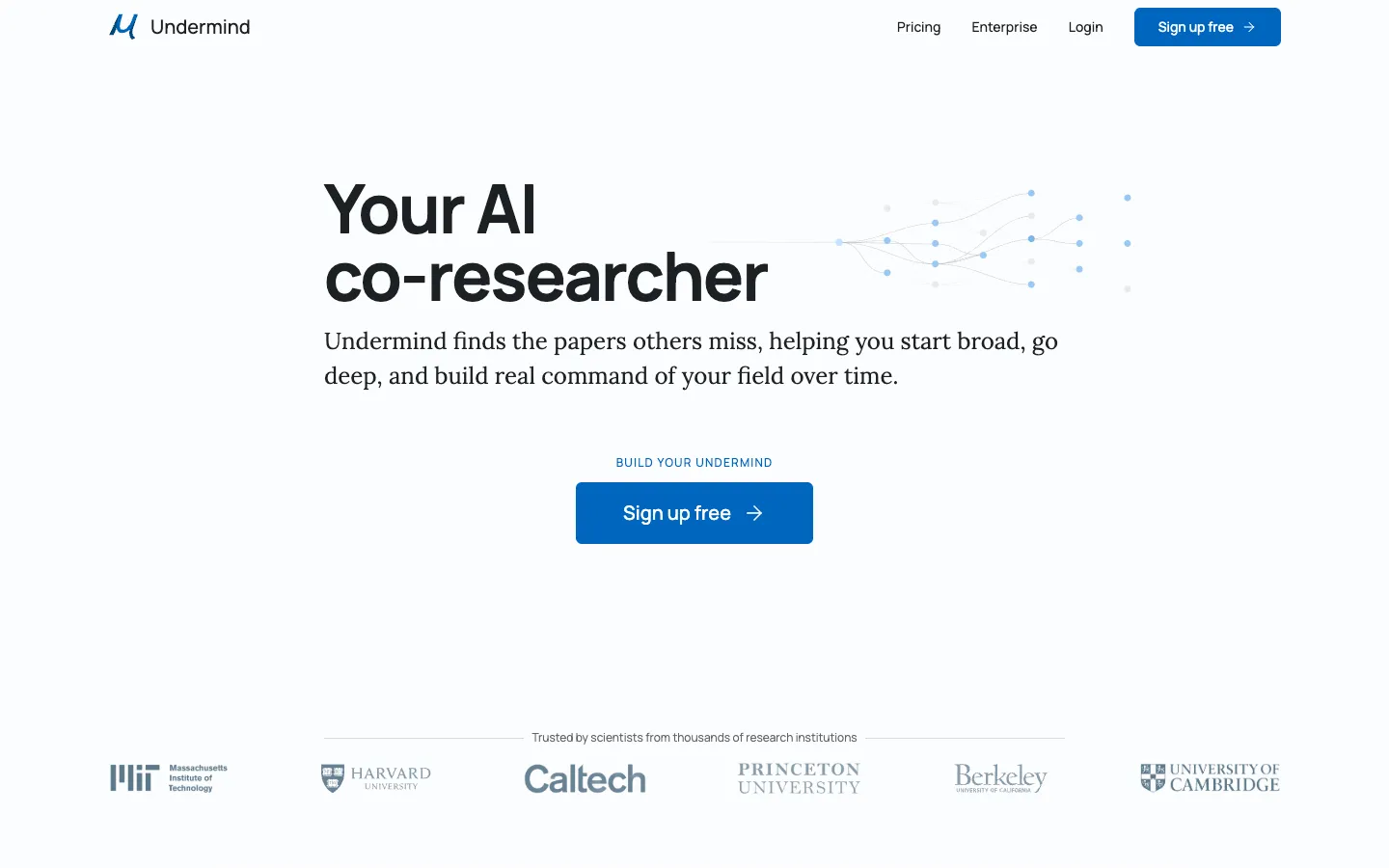
Undermind is a deep, agentic search tool that behaves like a co-researcher: instead of returning a quick list, it reads hundreds of papers and follows citation trails to surface work that keyword tools miss. It is the only tool here to score a 5 on search, and one of two to score a 5 on citation trust.
Key features
- Recursive, agentic search that follows citation trails
- Traceable in-line citations with near-zero fabrication
- Cross-disciplinary discovery tuned for relevance over citation count
- Strong privacy and IP terms (no training, no long-term retention)
- Web app
Strengths
Undermind's whitepaper reports about 98% accuracy and "10x better results than Google Scholar" on hard, specific questions, and independent analysts place it among the deep-research tools that "will almost never fabricate references." If completeness on a niche or cross-disciplinary question is what you need, nothing else in this list digs as thoroughly, and its privacy terms (you keep your IP, no training on your data) are a genuine differentiator.
Weaknesses
Depth costs time: a single search takes roughly 3 to 6 minutes by design. Undermind is also discovery-only, with no PDF chat, writing, extraction, or reference management (PDF and extraction both score 2), so it is one stage of a workflow rather than a whole one. It draws on the same Semantic Scholar and OpenAlex corpus as several rivals, so its edge is the search strategy rather than a proprietary database, and awareness remains low.
Price
Free tier available. Pro is $16 per month (annual), with Team and Enterprise above.
Best for
Power users who need exhaustive, precise literature discovery on niche or cross-disciplinary questions and can wait a few minutes for a thorough result.
10. Perplexity: fast cited answers on current topics
Scores (0 to 5):
Search 4 · Coverage 2 · Synthesis 3 · Q&A 3 · PDF 3 · Data extraction 1 · Translation 0 · Citation trust 3 · Ease 5 · Value 4
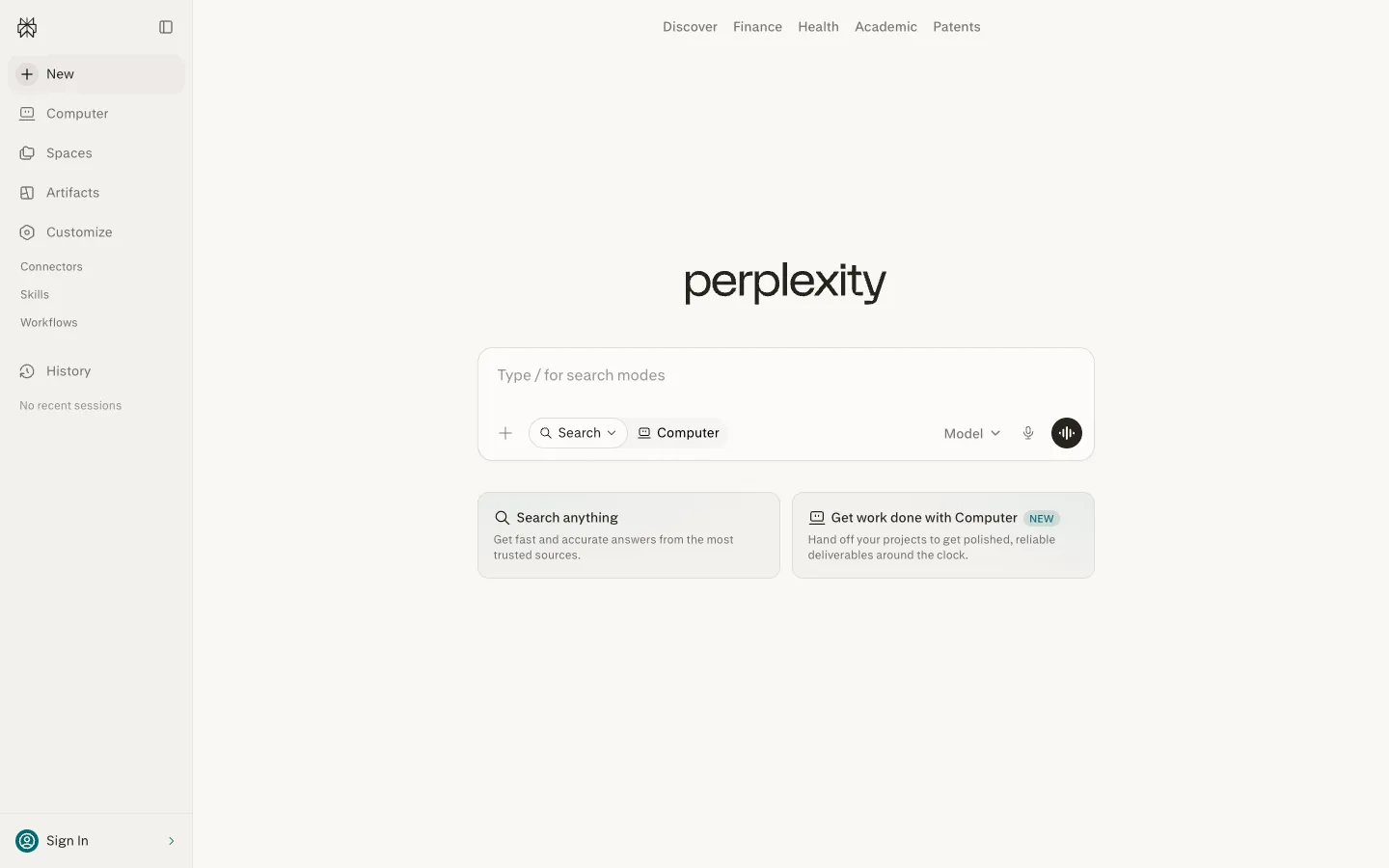
Perplexity is a general answer engine, not an academic database, but researchers use it for fast, cited first-pass scoping through its Academic Focus and Deep Research modes. It is the easiest tool here to use (a 5 on ease) and the best at anything recent, because it searches the live web rather than a fixed corpus.
Key features
- Clickable citations on every answer
- Strongest performance on current and time-sensitive topics
- Model switching and a Deep Research mode
- Useful free tier and broad cross-platform apps
- Academic Focus for scholarly sources
Strengths
Speed, polish, and current coverage are Perplexity's calling cards: it holds a 4.7 out of 5 on G2, and reviewers repeatedly cite the clickable citations as a trust-builder. It performs best when the source material is recent and open-access, such as policy papers, government PDFs, and widely reported findings, and Deep Research is strong on regulatory or technical-policy questions grounded in well-defined documents.
Weaknesses
For formal academic work, reliability is the catch. A Tow Center audit found roughly 37% of Perplexity's answers contained citation errors, citations sometimes link to a homepage or a mirror rather than the article of record, and it can produce speculative syntheses that do not match the linked source. It has no proprietary paper index (coverage scores 2), its long-thread memory is weaker than ChatGPT's, and some longtime users perceive a 2026 quality regression. Treat it as a starting point to verify, not a source of truth, which is why citation trust scores a 3.
Price
Free tier available. Pro is $20 per month, Max $200 per month, and Education Pro $10 per month, with Enterprise from $40 per seat.
Best for
Fast, cited first-pass scoping on current, open-web topics. Pair it with a grounded academic tool when you need verifiable paper sourcing.
How we scored the best AI academic research tools
Every tool here is scored once, on the same 13-point rubric, on a 0 to 5 scale where 0 means the capability is absent or unusable and 5 means best in class. The criteria are: search and discovery, corpus coverage, synthesis and summarization, conversational Q&A, document and PDF analysis, translation, reference management and export, writing and drafting, data extraction, citation integrity, ease of use, value, and integrations. Scores are grounded in documented features, official pricing, and real user sentiment from review sites and research communities, not vendor marketing. Vendor-reported figures such as corpus sizes and accuracy percentages are treated conservatively and labeled as claims.
For this category page, we weight the criteria toward what defines a general AI research tool: synthesis and citation integrity carry the most weight, followed by search, coverage, conversational Q&A, PDF analysis, data extraction, ease of use, and value. Translation is not weighted in the ranking math for this page, but we show it in the tables because it separates tools that can handle non-English work from those that cannot. We then rank the field by that weighted result. Kenkyu.ai is named our Editor's pick for the cross-language research job rather than the highest raw composite; on individual criteria the specialists lead where we say they do, and the full per-criterion scores below let you re-weight for your own priorities.
The full scores for all ten tools:
| Tool | Search | Coverage | Synthesis | Q&A | Translation | Ref mgmt | Writing | Extraction | Citation trust | Ease | Value | Integrations | |
|---|---|---|---|---|---|---|---|---|---|---|---|---|---|
| Kenkyu.ai | 3 | 4 | 3 | 3 | 3 | 4 | 2 | 0 | 2 | 4 | 4 | 4 | 1 |
| SciSpace | 3 | 5 | 3 | 4 | 5 | 2 | 3 | 3 | 4 | 3 | 3 | 3 | 4 |
| Paperguide | 3 | 4 | 3 | 3 | 3 | 0 | 5 | 3 | 4 | 3 | 4 | 5 | 4 |
| Elicit | 3 | 4 | 4 | 3 | 2 | 0 | 2 | 0 | 5 | 5 | 3 | 3 | 3 |
| NotebookLM | 0 | 0 | 4 | 4 | 5 | 1 | 1 | 3 | 3 | 5 | 5 | 4 | 2 |
| Liner | 4 | 4 | 3 | 4 | 3 | 0 | 1 | 3 | 3 | 4 | 3 | 3 | 2 |
| Consensus | 4 | 4 | 3 | 4 | 1 | 0 | 2 | 0 | 3 | 4 | 4 | 4 | 2 |
| Anara | 2 | 1 | 3 | 4 | 5 | 1 | 3 | 3 | 2 | 4 | 4 | 3 | 4 |
| Undermind | 5 | 4 | 3 | 3 | 2 | 0 | 1 | 0 | 2 | 5 | 3 | 4 | 1 |
| Perplexity | 4 | 2 | 3 | 3 | 3 | 0 | 1 | 2 | 1 | 3 | 5 | 4 | 3 |
The takeaway from the table is that the field splits by job. SciSpace, NotebookLM, and Anara own document reading (PDF scores of 5). Undermind and Consensus lead discovery. Elicit is alone at the top for extraction and, with Undermind and NotebookLM, for citation integrity. Kenkyu.ai is the most balanced across discovery, understanding, translation, and trust, which is why it is our pick for researchers who need more than one of those jobs done well, especially across languages.

Written by
Timothy Andersen, Kenkyu.ai Founder