The best academic paper search tools do three things a plain web search cannot: they find the right papers, show you how those papers connect, and return real sources you can verify. Which one is best depends on what kind of search you are running. Sometimes you need the broadest possible net across every discipline. Sometimes you need to trace a single idea backward and forward through its citations. Sometimes you need a tool that not only finds a paper but reads, translates, and answers questions about it. No single engine wins all three jobs, so the right pick comes down to whether you value raw recall, the depth of a citation trail, or what you can do with the results once you have them.
One thing separates a search tool from a chatbot, and it matters here more than anywhere: a real search engine returns papers that actually exist. General AI assistants still invent references, with peer-reviewed studies finding that GPT-4 fabricates citations more than 20% of the time. The tools in this guide are built on genuine paper indexes rather than a model guessing from memory, so the question is not whether the result is real but how complete, how relevant, and how usable it is.
Our top all-around pick is Kenkyu.ai, because it is the only tool here that pairs search across more than 200 million papers with native-language translation and answers you can trace to the exact source paragraph. If your literature lives in more than one language, it finds the paper and then lets you actually read and trust it, which is a step most pure search engines leave to you. If your need is narrower, a specialist may serve you better, and we say exactly where below.
Every tool was scored 0 to 5 on the same 13-point rubric, weighted for this page toward search, coverage, and citation integrity, with the scores grounded in documented features, pricing, and real user sentiment rather than marketing copy. Higher is better.
At a glance: the best academic paper search tools compared
Scores are 0 to 5 (higher is better). Citation trust is our shorthand for citation integrity: whether results trace to real, correctly linked sources. Coverage reflects index breadth.
| Rank | Tool | Search | Coverage | Citation trust | Ease | Value | Price | Best for |
|---|---|---|---|---|---|---|---|---|
| Editor's pick | Kenkyu.ai | 3 | 4 | 4 | 4 | 4 | Free; Plus ~$8/mo | Finding, translating, and citing papers across languages |
| 2 | Paperguide | 3 | 4 | 3 | 4 | 5 | Free; Plus $12/mo | Search with journal-quality signals in one affordable suite |
| 3 | SciSpace | 3 | 5 | 3 | 3 | 3 | Free; Premium $12/mo | A huge index paired with a reading copilot |
| 4 | Undermind | 5 | 4 | 5 | 3 | 4 | Free; Pro $16/mo | The deepest, most exhaustive literature discovery |
| 5 | Elicit | 3 | 4 | 5 | 3 | 3 | Free; Plus ~$10/mo | Screening and searching at systematic-review scale |
| 6 | Consensus | 4 | 4 | 4 | 4 | 4 | Free; Pro $10/mo | Evidence-first search of yes or no questions |
| 7 | Google Scholar | 4 | 5 | 5 | 5 | 5 | Free | Broadest free first-pass discovery and citation chaining |
| 8 | Semantic Scholar | 4 | 4 | 5 | 4 | 5 | Free | Smart free discovery with TLDRs and a citation graph |
| 9 | ResearchRabbit | 4 | 4 | 4 | 4 | 5 | Free; RR+ $10/mo | Visual citation-network mapping from a seed paper |
The one-line verdict on Kenkyu.ai: multilingual search across 200M+ papers, native-language translation, and answers you can trace back to the source paragraph, all in one tool with a free plan that needs no credit card.
What to look for in an academic paper search tool
"Search" is not one job, so the first step is deciding which kind you need. We weigh four things, and different tools lead on each.
The first is recall, the share of relevant papers a tool actually surfaces. A quick keyword search is fine for checking whether a paper exists, but a literature review needs depth, and this is where agentic tools that read hundreds of papers and follow leads pull ahead of a single ranked list. The second is coverage, the size and breadth of the underlying index. Bigger is not automatically better, because a 280-million-paper corpus that thins out on your subfield is worse than a smaller one that does not, but coverage sets the ceiling on what any search can find. Most of the tools here draw on the same open backbone (the Semantic Scholar and OpenAlex graphs), so the differences come from how they rank and filter, not just how many papers they hold.
The third is citation chaining, the ability to move backward to a paper's references and forward to the work that cites it. This is how researchers actually explore a field, and the tools built around it (citation-network maps and agentic searchers) find connections a flat keyword query never will. The fourth is trust. Because these are real search engines rather than text generators, fabrication is rare, but it is not zero once an AI layer sits on top: tools that summarize or answer can still misattribute a finding, so the ones that link every claim to the exact source passage are easier to verify. When we score citation integrity, a 5 means results are real and correctly linked with effectively no fabrication, and a lower score flags an AI layer that can drift from its sources.
Above all four sits a question pure search engines ignore: once you find the paper, can you read it? For a growing number of researchers the most relevant work is in another language, and a search tool that hands you a foreign-language PDF has only done half the job. That gap is the main reason our top pick is built around search plus translation rather than search alone. The rest of this guide ranks all nine tools, explains the score behind each, and is honest about what every one does best, including the ones we did not put first.
1. Kenkyu.ai, Editor's pick: find, translate, and cite papers in any language
Score breakdown (0 to 5)
Search 3 · Coverage 4 · Synthesis 3 · Q&A 3 · PDF 3 · Data extraction 2 · Citation trust 4 · Ease 4 · Value 4
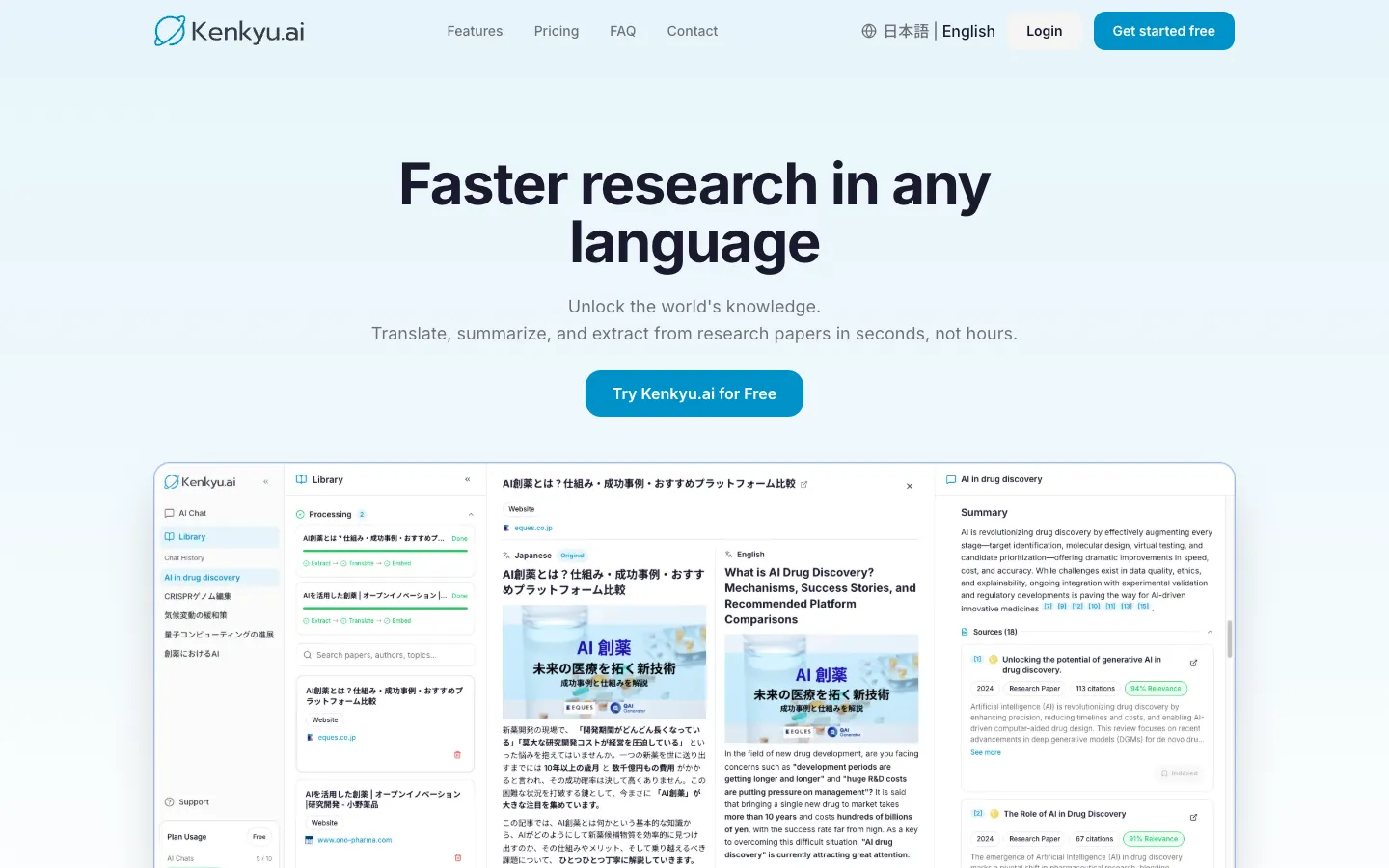
Kenkyu.ai is our top all-around pick for paper search because it does not stop at finding the paper. It searches the same 200M+ index that backs Semantic Scholar, then lets you translate any result into your native language and ask questions answered with citations that link to the exact source paragraph. For the large and growing number of researchers who read or cite work in more than one language, that turns a list of foreign-language hits into papers you can actually use, which is something no pure search engine on this list does.
We are clear-eyed about why Kenkyu.ai is an editorial pick rather than the highest raw search score. On pure discovery depth, Undermind digs deeper, and for sheer free breadth, Google Scholar casts a wider net. Kenkyu.ai scores a solid 3 on search, not a 5. What it owns is the combination: search, native-language translation, and source-traceable answers in one workflow, at a price below the heavy suites. If your work is entirely in English and you only need to find papers, the free incumbents below may be all you need. If you move between languages, or you want to find a paper and immediately read and trust it, start here.
Key features
- Search across 200M+ papers (Semantic Scholar corpus) plus the web
- Native-language translation of full papers, with a bilingual reading view
- Cited answers that trace back to the specific source paragraph, not just a paper title
- Chat with uploaded PDFs
- Clean console available in English and Japanese
Strengths
Kenkyu.ai's standout is closing the gap between finding a paper and understanding it. A search returns real, indexed papers, and from any result you are one step from a full translation and a grounded answer, which removes the copy-paste shuffle between a search engine, a translator, and a chatbot. Citations resolve to the source passage, so verification is fast, and that grounding is why it scores a 4 on citation trust where general chatbots score a 1. The free plan is built for trying the tool: search across the full index is unlimited, with 10 AI chats and 10 uploads per month and no credit card to start.
Weaknesses
Kenkyu.ai is a discovery and reading tool, not a writing suite, so it scores a 0 on drafting. Its raw search depth is good rather than best in class (a 3), so power users running exhaustive systematic searches will want to pair it with a deep-recall tool. Reference management is light (you can save papers, but it is not a full Zotero replacement), and there is no browser extension or citation-network map yet. It is also a newer name than the Google-backed and non-profit incumbents, though it searches the same corpus several of them use.
Price
Free (unlimited search of 200M+ papers, plus 10 AI chats and 10 uploads per month, no credit card). Plus is about $8 per month (¥1,260), with unlimited chat and uploads and larger file limits. Enterprise pricing is custom. Like most tools here it nudges you toward upgrading, but Plus is among the most reasonably priced paid tiers in this comparison.
Best for
Multilingual researchers, graduate students, clinicians, and journalists who search across languages, especially Japanese and English, and want to read and verify what they find without paying for a heavy suite.
2. Paperguide: the best-value search with research-quality signals
Score breakdown (0 to 5)
Search 3 · Coverage 4 · Synthesis 3 · Q&A 3 · PDF 3 · Data extraction 4 · Citation trust 3 · Ease 4 · Value 5
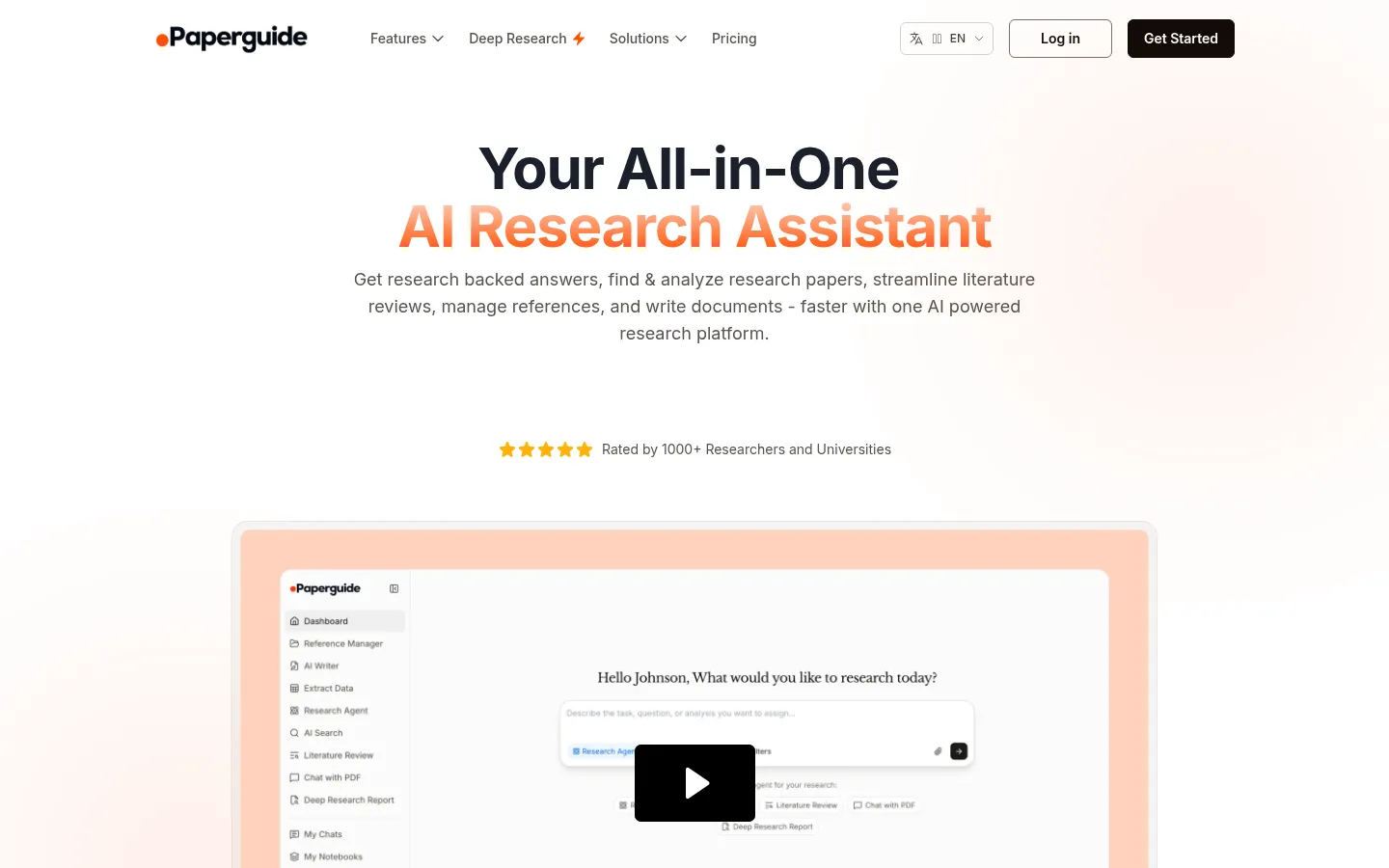
Paperguide tops the weighted ranking for this page because it surrounds a solid 200M+ paper search with the signals researchers use to judge what they find, then bundles a reference manager and writing tools at a price well below the premium suites. Where most search tools hand you a ranked list, Paperguide surfaces journal-quality metrics (SJR, SNIP, and quartiles) alongside results, so you can weigh credibility while you discover. It is the only tool in this comparison to score a 5 on value.
Key features
- AI search across 200M+ papers with journal-quality signals (SJR, SNIP, quartiles)
- Full reference manager with 1,000+ citation styles and broad import support
- Structured, multi-step literature review with screening control
- Data extraction and multi-paper Chat with PDF
- "Original Text for Verification" to check AI claims against the source
Strengths
The pitch is consolidation without the premium price, and budget-conscious users respond to it: Paperguide holds 4.3 out of 5 across 85 AppSumo reviews, and G2 reviewers describe getting "quick and customizable comparison of sources, within minutes instead of weeks of work." Surfacing journal-quality metrics throughout the search, plus a verification view that shows the underlying text, gives it more research-rigor signals than most tools at this price.
Weaknesses
Paperguide sits in the budget tier rather than the premium research-rigor tier, and that shows in discovery. Its database is smaller than SciSpace's (200M versus a claimed 280M), reviewers note you still need to double-check the papers it surfaces, and its AI drafts have been flagged by detectors such as GPTZero. Brand awareness is low and growth has leaned on lifetime deals and affiliates, which skews some reviews toward deal-buyers rather than long-term researchers.
Price
Free (1,000 credits per month, 20 searches per month, plus the reference manager). Plus is $12 per month and Pro $24 per month, with a 40% student discount and Enterprise custom.
Best for
Students and researchers on a budget who want capable search with credibility signals, plus reference management and writing, in one consolidated tool.
3. SciSpace: the largest claimed index, paired with a reading copilot
Score breakdown (0 to 5)
Search 3 · Coverage 5 · Synthesis 3 · Q&A 4 · PDF 5 · Data extraction 4 · Citation trust 3 · Ease 3 · Value 3
SciSpace brings the largest corpus in this group, a claimed 280M+ papers, and the rare ability to read what you find without leaving the tool. Its search returns links to real articles, and from any result its Chat with PDF copilot lets you highlight a passage and get a plain-language explanation with deep links back into the source. On coverage it scores a 5, and for researchers who want discovery and reading in one place, that breadth is the draw.
Key features
- Large literature search index (280M+ claimed) linking to real articles
- Highlight-to-explain Chat with PDF with deep links into the source
- Data extraction tables across papers
- Writing, paraphrasing, and AI-detection tools
- Chrome extension, mobile app, and a ChatGPT plugin
Strengths
Reviewers consistently praise that SciSpace links out to genuine sources: one associate professor noted it "provides access or links to actual articles that you can then search, to ensure that it's not hallucinating false, nonexistent papers, like some other AI engines." It holds a 4.3 out of 5 on Capterra across 79 reviews, and the combination of the biggest index with a strong reader means many users can stay in one tool from discovery through a first read.
Weaknesses
For pure discovery, SciSpace returns a partial set rather than exhaustive recall, which is why its search scores a 3 despite the large index, and coverage thins out on hard sciences and non-English work. The more common complaint, though, is opaque credit consumption: users report burning through credits faster than expected, with one professor noting the option to buy extra credits was removed so "you're forced to upgrade to a subscription even when it isn't actually needed." That credit friction holds its value score at 3. For readers who keep hitting those walls, our SciSpace alternatives guide compares options that bill more predictably.
Price
Free tier available. Premium is $12 per month (annual), Advanced $70 per month, and Max $160 per month, all credit-based, with Enterprise custom.
Best for
Graduate students and postdocs who want the broadest index plus a reader-first workspace so they can find and decode papers in one place.
4. Undermind: the deepest literature search
Score breakdown (0 to 5)
Search 5 · Coverage 4 · Synthesis 3 · Q&A 3 · PDF 2 · Data extraction 2 · Citation trust 5 · Ease 3 · Value 4
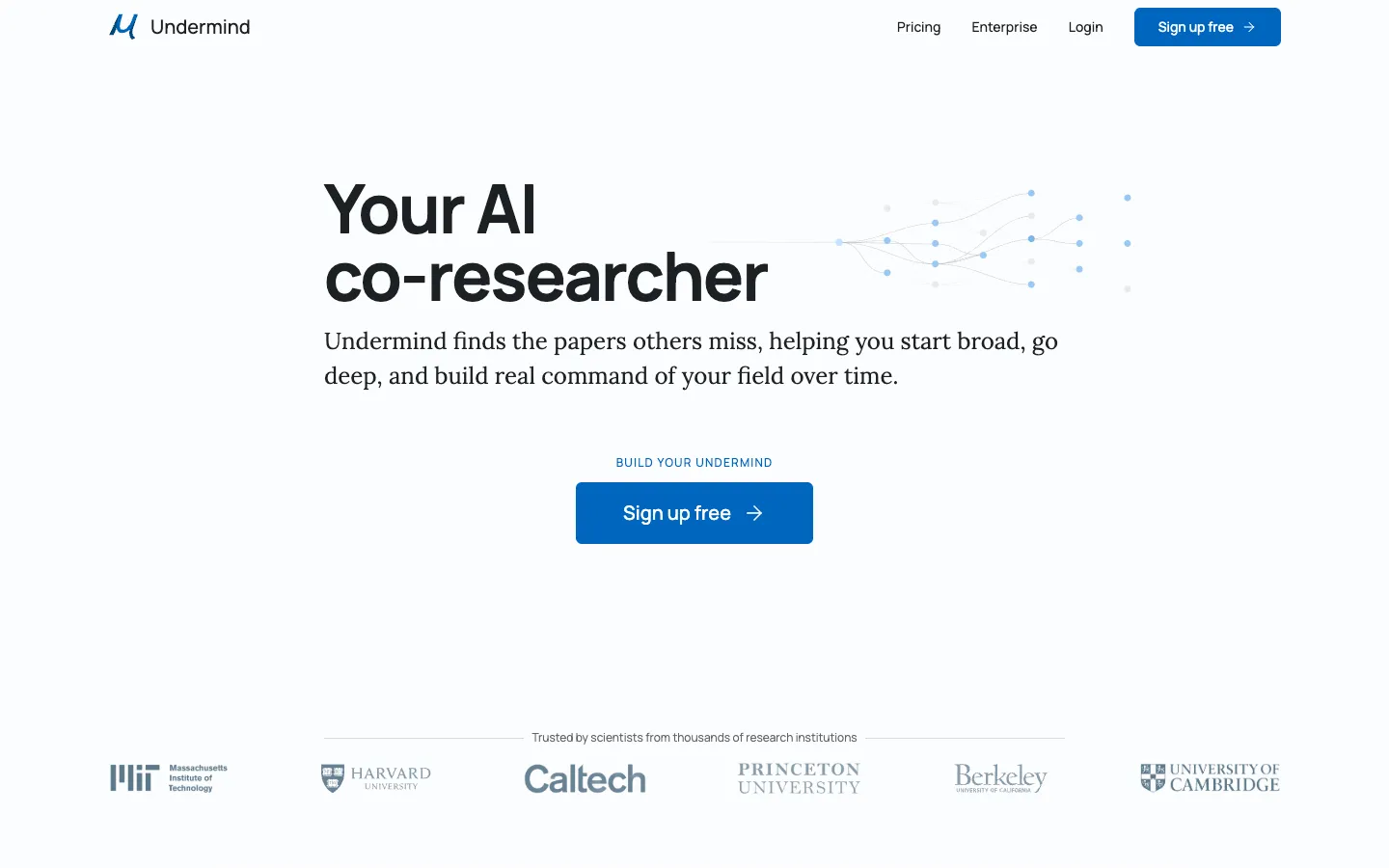
Undermind is the search specialist on this list, and the only tool here to score a 5 on search. Instead of returning a quick ranked list, it behaves like a co-researcher: it reads hundreds of papers and follows citation trails to surface work that keyword tools miss. If your goal is exhaustive recall on a niche or cross-disciplinary question, nothing else here digs as thoroughly, and it does so with traceable in-line citations and near-zero fabrication.
Key features
- Recursive, agentic search that follows citation trails
- Traceable in-line citations with near-zero fabrication
- Cross-disciplinary discovery tuned for relevance over citation count
- Strong privacy and IP terms (no training, no long-term retention)
- Web app
Strengths
Undermind's own whitepaper reports about 98% accuracy and "10x better results than Google Scholar" on hard, specific questions, and independent analysts place it among the deep-research tools that "will almost never fabricate references." It is built for completeness: where a keyword search stops at the obvious hits, Undermind keeps pulling threads until the relevant literature is mapped, and its privacy terms (you keep your IP, no training on your data) are a genuine differentiator.
Weaknesses
Depth costs time. A single search takes roughly 3 to 6 minutes by design, so it is not the tool for a quick lookup. Undermind is also discovery-only, with no reading, translation, extraction, or reference management (PDF analysis scores a 2), so it is one powerful stage of a workflow rather than a whole one. It draws on the same Semantic Scholar and OpenAlex corpus as several rivals, so its edge is the search strategy rather than a proprietary index, and brand awareness remains low.
Price
Free tier available. Pro is $16 per month (annual), with Team at $15 per person per month and Enterprise above.
Best for
Power users who need exhaustive, precise literature discovery on niche or cross-disciplinary questions and can wait a few minutes for a thorough result.
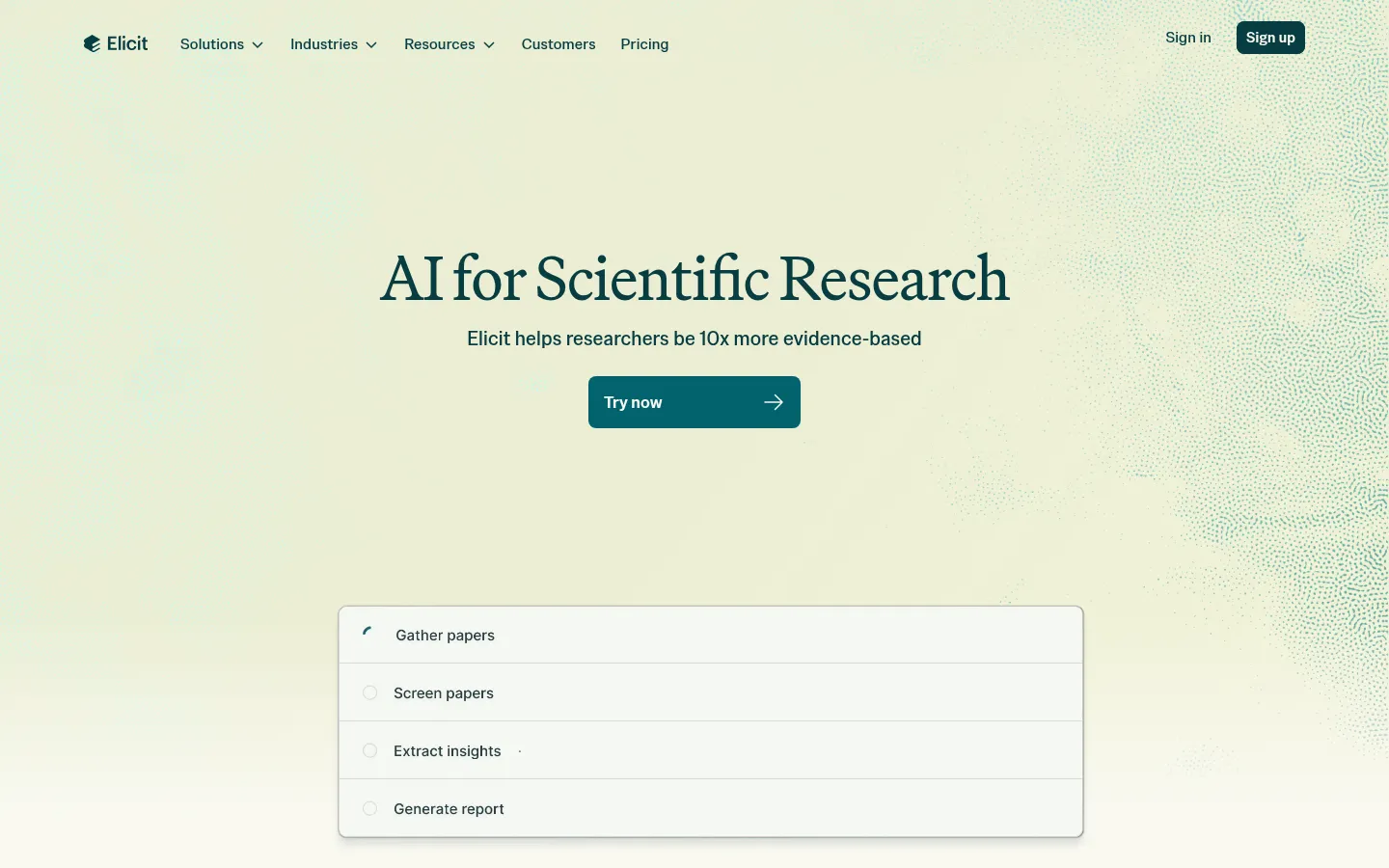
5. Elicit: search and screening at systematic-review scale
Score breakdown (0 to 5)
Search 3 · Coverage 4 · Synthesis 4 · Q&A 3 · PDF 2 · Data extraction 5 · Citation trust 5 · Ease 3 · Value 3
Elicit is the tool to reach for when search is the first step of a systematic review. It searches an index of 138M+ papers and 545k clinical trials, then carries those results into PRISMA-style screening and structured extraction across hundreds or thousands of papers, all with sentence-level citations. It is one of only two tools here to earn a 5 on citation integrity, and the only one to earn a 5 on data extraction, so its search is built for rigor rather than speed.
Key features
- Semantic search across 138M+ papers plus 545k clinical trials
- PRISMA-style screening across thousands of papers
- Structured data-extraction tables with custom columns
- Sentence-level citations on extracted claims
- Generous free tier with unlimited search
Strengths
Elicit's accuracy on its core task is documented: in a case study with VDI/VDE IT it correctly extracted 1,502 of 1,511 data points, and enterprise users such as Oxford PharmaGenesis report delivering literature reviews "at an unprecedented scale." Its team is unusually candid about how it controls hallucination, and it errs toward saying nothing rather than something wrong, which is exactly the posture you want when a search feeds a formal review.
Weaknesses
Elicit is a screening and extraction engine, not a reader: there is no upload-and-chat PDF workflow (it scores a 2 on PDF analysis) and no drafting support. Its own help center cautions that "Elicit summarizes the findings of a bad study just like it summarizes the findings of a good study," so it does not judge quality for you. Recall can have gaps on niche or very recent work, and there is a steep price jump from the free tier to the $29 Pro plan.
Price
Free (limited agent, 2 reports per month, unlimited search). Plus is about $10 per month, Pro $29 per month, and Scale $49 per month, with Enterprise custom.
Best for
Graduate students and researchers whose search is the front end of a systematic review or structured evidence extraction, where traceability matters most.
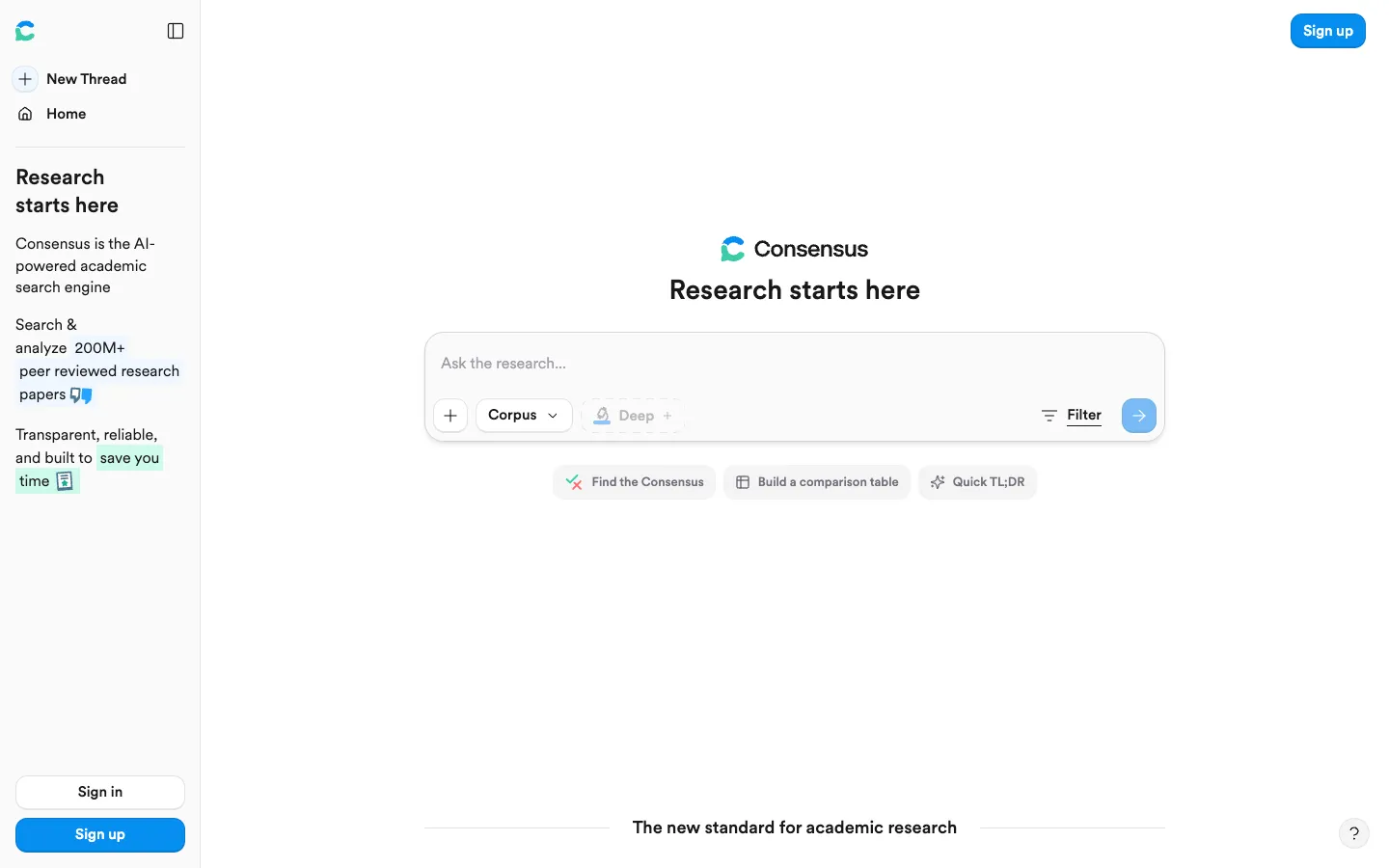
6. Consensus: evidence-first search of yes or no questions
Score breakdown (0 to 5)
Search 4 · Coverage 4 · Synthesis 3 · Q&A 4 · PDF 1 · Data extraction 3 · Citation trust 4 · Ease 4 · Value 4
Consensus reshapes search around a question rather than a keyword. Built on the same Semantic Scholar 200M+ index as several tools here, it reads across the literature and its Consensus Meter tells you whether studies tend to support, oppose, or are mixed on a yes or no question. It also has the best pre-search filters in this comparison, so you can scope by year, journal rank, methodology, and population before you even read a result.
Key features
- The Consensus Meter: a support, oppose, or mixed verdict across many studies
- Best-in-class filters (year, journal rank, citation count, methodology, field, population)
- Study Snapshot extracting population, methods, outcomes, and results
- Deep Search for automated mini literature reviews
- Built on a 200M+ paper index
Strengths
For "what does the literature say" searches, Consensus is fast and trustworthy. A PhD candidate called it "essential to my dissertation workflow," and reviewers note they "tend to trust this reply over clickbait Google articles." Its filtering is unusually deep, its Study Snapshots are especially useful in medical domains, and Deep Search approximates an entire iterative literature review from a single question.
Weaknesses
The Consensus Meter is also the boundary of the tool: it shines on yes or no questions and is weaker on open-ended or exploratory ones. There is no deep-linking into PDFs, so verifying a finding means opening the source yourself (PDF analysis scores a 1). Because results are generated with some randomness, they are not reproducible, which makes Consensus unsuitable as the primary search for a formal systematic review, and its index leans toward medical and social-policy research.
Price
Free (15 Pro messages per month, 3 Deep reviews per month). Pro is $10 per month and Deep $45 per month, with up to a 40% student and clinician discount and Team or Enterprise custom.
Best for
Students, researchers, and clinicians doing fast, evidence-based scoping of yes or no questions.
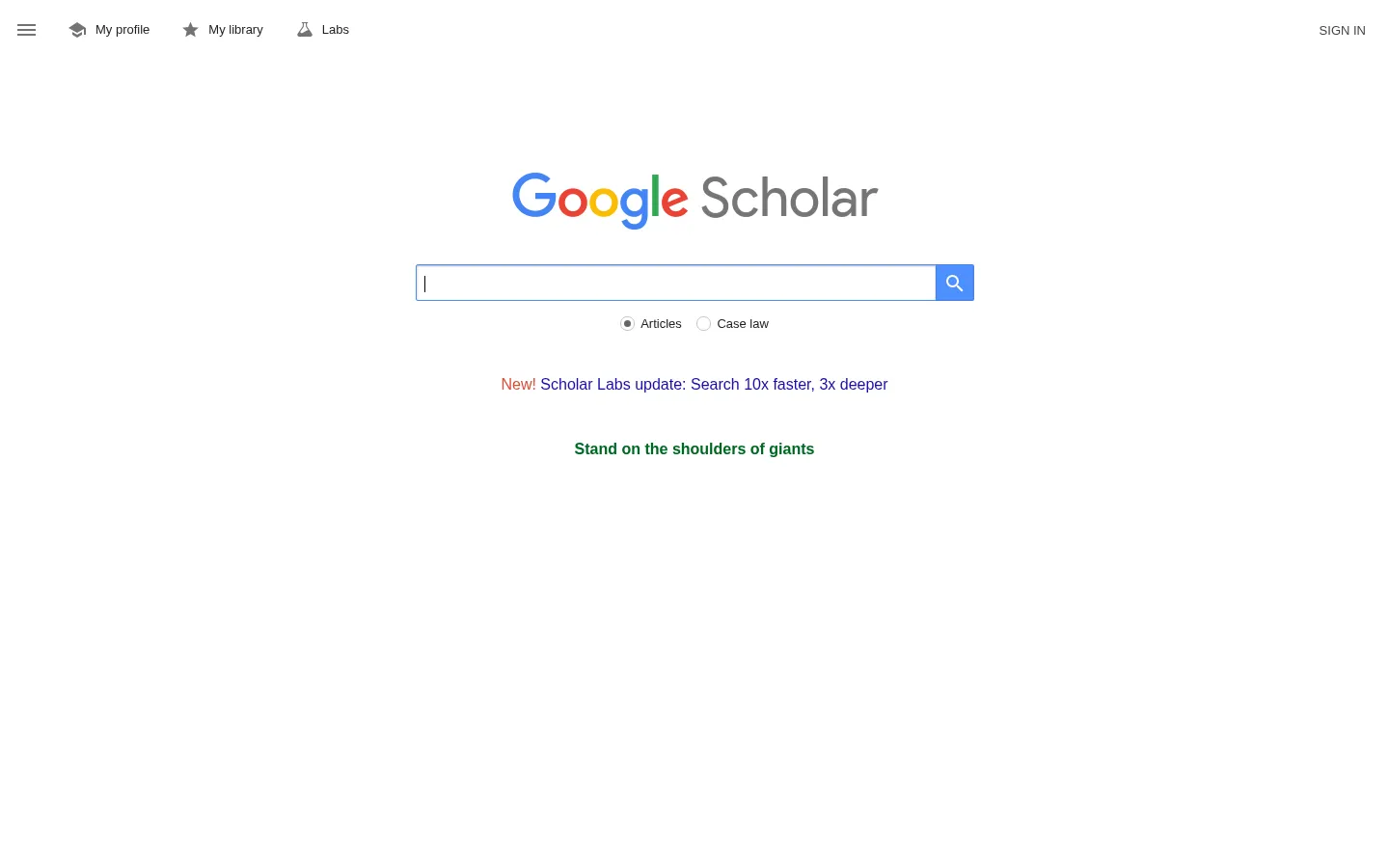
7. Google Scholar: the broadest free first-pass search
Score breakdown (0 to 5)
Search 4 · Coverage 5 · Synthesis 0 · Q&A 0 · PDF 0 · Data extraction 0 · Citation trust 5 · Ease 5 · Value 5
Google Scholar is the baseline every other tool on this list positions against, and for good reason: it is free, needs no login, and casts the widest net in academic search. It indexes an estimated 390M+ documents across journals, theses, books, conference proceedings, patents, and court opinions, and its "Cited by," "Related articles," and "All versions" links make citation chaining effortless. It returns only real papers, so it scores a 5 on citation trust, ease, and value alike.
Key features
- The broadest free cross-disciplinary index, strong on gray literature
- "Cited by," "Related articles," and "All versions" for citation chaining
- Free author profiles, h-index, and citation metrics
- Email alerts for new matching papers and new citations
- Citation export to BibTeX, EndNote, RefMan, and RefWorks
Strengths
University library guides consistently name accessibility and breadth as Google Scholar's defining strengths: it is "very user friendly and similar in searching to Google," and its reach into gray literature like conference proceedings is something curated databases under-index. One peer-reviewed comparison found that against PubMed, the average Google Scholar search retrieved twice as many relevant articles with similar precision, and provided greater access to free full text. It remains the fastest path to "is there a paper on X," and the tool researchers return to when an AI assistant gives them a citation that does not exist.
Weaknesses
Google Scholar is a search index, not an assistant, which is the whole opening its challengers exploit: no synthesis, no summaries, and no Q&A (all score 0). Its filtering is weak (you cannot reliably limit to peer-reviewed or full-text), and it is opaque and unreproducible, with no published source list, location-dependent results, and a hard cap of 1,000 results per query. Those gaps make it unsuitable as the primary search for a formal systematic review, and there is no API for bulk or programmatic access. If those limits are your sticking point, our Google Scholar alternatives guide weighs the tools that add synthesis and translation on top.
Price
Completely free. There is no paid tier and no API.
Best for
Every researcher's first-pass discovery, verification, and citation chaining, especially when breadth and free access matter most.
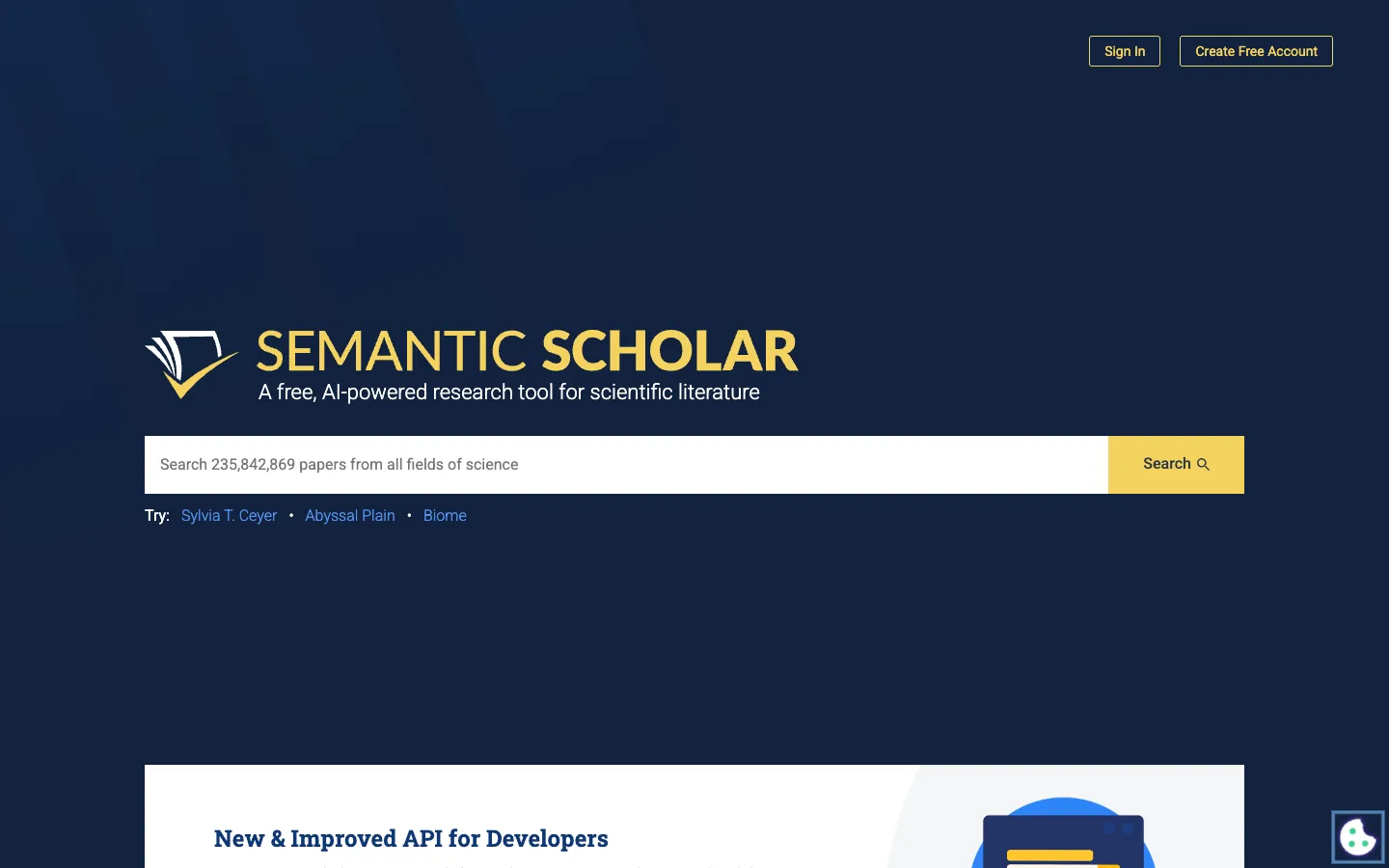
8. Semantic Scholar: smart free search and the category's backbone
Score breakdown (0 to 5)
Search 4 · Coverage 4 · Synthesis 1 · Q&A 0 · PDF 1 · Data extraction 0 · Citation trust 5 · Ease 4 · Value 5
Semantic Scholar is the free, non-profit search engine from the Allen Institute that quietly powers much of this category: Elicit, Consensus, SciSpace, and Kenkyu.ai all draw on its corpus or open data. As a tool in its own right it searches 200M+ papers with strong relevance ranking, adds one to two sentence TLDR summaries so you can judge a result at a glance, and offers a genuinely useful citation graph and personalized Research Feeds. It returns real papers, so it scores a 5 on citation trust, and like Google Scholar it is free.
Key features
- Semantic search across 200M+ papers with relevance ranking
- TLDR one to two sentence summaries on results
- Citation graph and "Influential Citations" for chaining
- Research Feeds and email alerts personalized to your library
- Free public API and open datasets (the S2 backbone many tools build on)
Strengths
Reviewers single out its search quality and time savings: it is "excellent for technical domains with robust synonym and concept matching," and its TLDR summaries are repeatedly called the standout feature. Its citation graph makes related-paper discovery strong, and on Reddit researchers praise the Research Feed, with one noting it "finds and sends you papers related to an existing folder library that have been recently published." Being free, open, and the data backbone for so many paid tools makes it both a useful destination and the foundation of the field.
Weaknesses
Coverage is uneven by discipline: Semantic Scholar is strong in computer science and biomedicine but thinner in the humanities and social sciences, where Google Scholar still wins on breadth. Its built-in library is primitive (many users pair it with Zotero or Mendeley for organizing), the Semantic Reader is largely limited to arXiv papers, and it is English-centric, so non-English work is a weak spot. Developers also note the free API is strictly rate-limited. For tools that add answers and translation on top of the same corpus, see our Semantic Scholar alternatives guide.
Price
Free. Semantic Scholar is a non-profit service, with a free public API and open datasets and no paid consumer tier.
Best for
Researchers who want smarter free discovery, especially in computer science and biomedicine, and developers who need open scholarly data.
9. ResearchRabbit: visual citation-network discovery
Score breakdown (0 to 5)
Search 4 · Coverage 4 · Synthesis 0 · Q&A 0 · PDF 0 · Data extraction 0 · Citation trust 4 · Ease 4 · Value 5
ResearchRabbit approaches search from a different direction: instead of a query box, you start from a seed paper and explore outward. Often called "Spotify for papers," it maps "Earlier Work," "Later Work," and "Similar Work" as interactive citation networks, drawing on a large index (a claimed 280M+ papers from OpenAlex, Semantic Scholar, and PubMed). For building a literature review from scratch, its visual approach to citation chaining is genuinely faster than manual database searching, and the core workflow is free.
Key features
- Visual citation-network maps from any seed paper
- "Earlier Work," "Later Work," and "Similar Work" exploration
- Collections, notes, and alerts for new related papers
- Signature two-way Zotero sync
- Free core workflow (up to 50 seed articles)
Strengths
For exploratory discovery, the visual network is the draw: reviewers note that "when building a literature review from scratch or trying to understand how ideas in a field connect over time, the visual network is genuinely faster than manual database searching," and that it "can save dozens of hours on literature review." Its two-way Zotero sync is a headline feature that fits naturally into an existing workflow, and the database is large enough to rival or exceed Connected Papers, Scite, Consensus, and Elicit on raw coverage.
Weaknesses
ResearchRabbit is discovery-only, with no reading, summaries, or AI Q&A (synthesis and Q&A both score 0), so "it doesn't help much with actually reading or analyzing those papers." Export beyond Zotero is poor, coverage is uneven on niche, non-English, and older work, and there is no mobile app. A 2025 freemium pivot that added paid seed-article limits also drew some user backlash. It is best paired with a reading or analysis tool rather than used alone.
Price
Free forever (up to 50 seed articles). ResearchRabbit+ is $10 per month (annual) for up to 300 seeds and advanced controls, with Institution pricing custom.
Best for
Graduate students and early-career academics building a literature review from scratch who want to map how a field connects.
How we scored the best academic paper search tools
Every tool here is scored once, on the same 13-point rubric, on a 0 to 5 scale where 0 means the capability is absent or unusable and 5 means best in class. The criteria are: search and discovery, corpus coverage, synthesis and summarization, conversational Q&A, document and PDF analysis, translation, reference management and export, writing and drafting, data extraction, citation integrity, ease of use, value, and integrations. Scores are grounded in documented features, official pricing, and real user sentiment from review sites and research communities, not vendor marketing. Vendor-reported figures such as corpus sizes and accuracy percentages are treated conservatively and labeled as claims.
For this page, we weight the criteria toward what defines a search tool: search and discovery, corpus coverage, and citation integrity carry the most weight, followed by value and ease of use, then the remaining criteria at standard weight. Translation and writing are not weighted into the ranking math here, though we still report them because they separate tools that only find papers from those that also help you use them. We then rank the field by that weighted result. Kenkyu.ai is named our Editor's pick for the cross-language discovery job rather than the highest raw composite; on individual criteria the specialists lead where we say they do, and the full per-criterion scores below let you re-weight for your own priorities.
The full scores for all nine tools:
| Tool | Search | Coverage | Synthesis | Q&A | Translation | Ref mgmt | Writing | Extraction | Citation trust | Ease | Value | Integrations | |
|---|---|---|---|---|---|---|---|---|---|---|---|---|---|
| Kenkyu.ai | 3 | 4 | 3 | 3 | 3 | 4 | 2 | 0 | 2 | 4 | 4 | 4 | 1 |
| Paperguide | 3 | 4 | 3 | 3 | 3 | 0 | 5 | 3 | 4 | 3 | 4 | 5 | 4 |
| SciSpace | 3 | 5 | 3 | 4 | 5 | 2 | 3 | 3 | 4 | 3 | 3 | 3 | 4 |
| Undermind | 5 | 4 | 3 | 3 | 2 | 0 | 1 | 0 | 2 | 5 | 3 | 4 | 1 |
| Elicit | 3 | 4 | 4 | 3 | 2 | 0 | 2 | 0 | 5 | 5 | 3 | 3 | 3 |
| Consensus | 4 | 4 | 3 | 4 | 1 | 0 | 2 | 0 | 3 | 4 | 4 | 4 | 2 |
| Google Scholar | 4 | 5 | 0 | 0 | 0 | 0 | 3 | 0 | 0 | 5 | 5 | 5 | 1 |
| Semantic Scholar | 4 | 4 | 1 | 0 | 1 | 0 | 2 | 0 | 0 | 5 | 4 | 5 | 4 |
| ResearchRabbit | 4 | 4 | 0 | 0 | 0 | 0 | 2 | 0 | 0 | 4 | 4 | 5 | 3 |
The takeaway from the table is that "search" splits by job. Undermind owns deep recall, Google Scholar and SciSpace own raw coverage, Consensus and Semantic Scholar lead on smart relevance, and ResearchRabbit owns visual citation chaining. The free incumbents, Google Scholar and Semantic Scholar, score high precisely because they do one thing (find real papers) very well and cheaply. Kenkyu.ai is our pick for researchers who need to find papers and then read, translate, and trust them, especially across languages, which is the job none of the pure search engines finish.

Written by
Timothy Andersen, Kenkyu.ai Founder