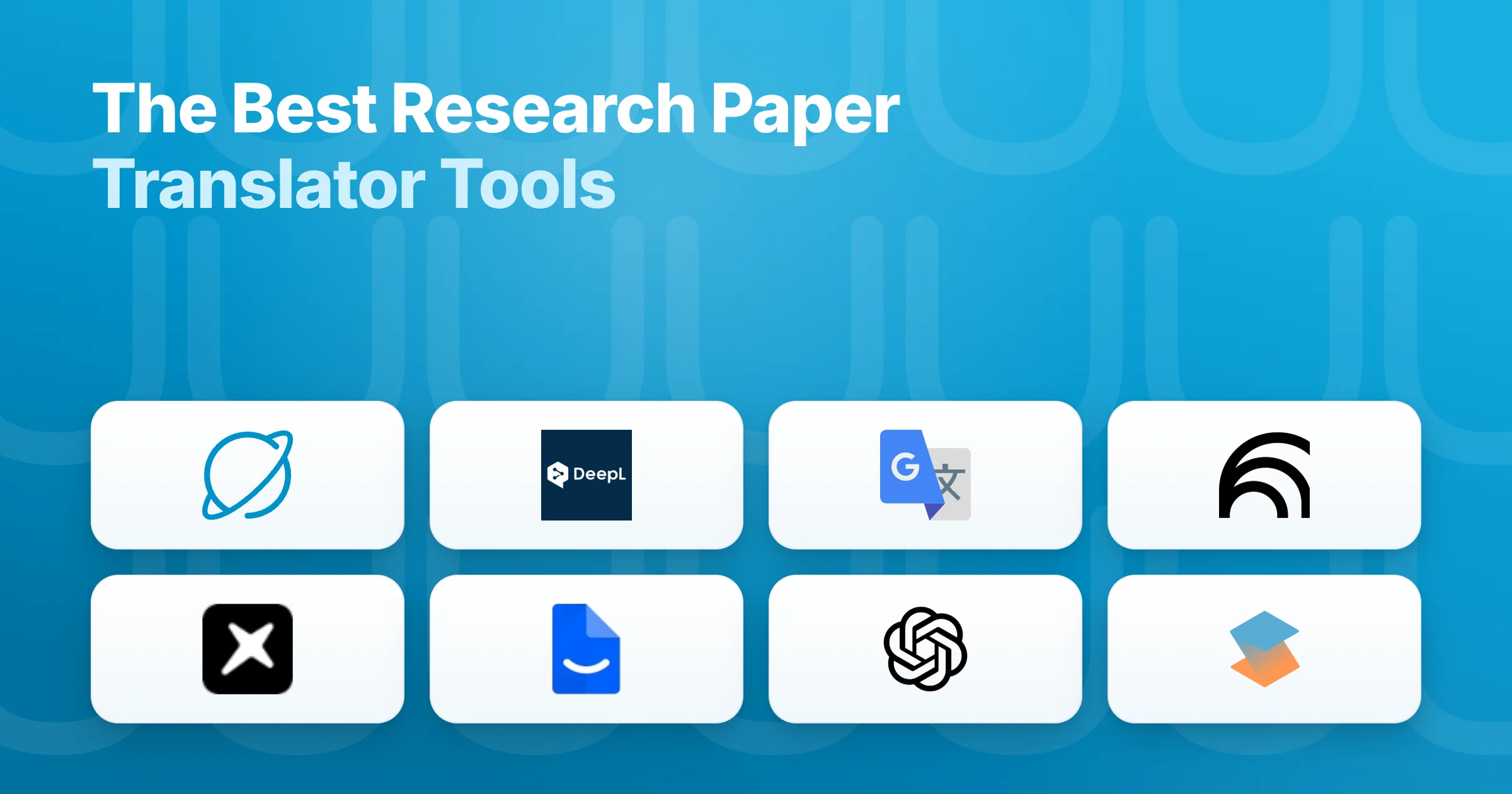
The best research paper translator depends on what you are actually trying to do. If you just need to turn a PDF you already have into readable English, a general machine translator like DeepL or Google Translate is fast and does the job well. If you need to find foreign-language research, read it in your own language, and then cite it reliably, a research-native tool that combines search, translation, and source-linked answers will serve you better. The split that matters is raw translation quality versus translation inside a research workflow.
That distinction is easy to miss, because most "best translator" lists treat a research paper like any other document. It is not. A paper is a chain of claims, methods, and references, and a translation is only useful if it preserves them and lets you trace each point back to the source. Generic machine translation can mistranslate technical terminology or lose the thread across long sentences, and general chatbots go a step further: ask one to summarize or translate a paper and it can invent the paper itself. Peer-reviewed work has measured this, with GPT-4 producing false references more than 20% of the time and one GPT-4o study finding 56% of citations were fake or contained errors. For reading research, fidelity and traceable sources matter as much as fluency.
Our top all-around pick is Kenkyu.ai, because it treats translation as part of the research job rather than a standalone task: it searches more than 200 million papers, translates any of them into your native language, and answers questions with citations that link back to the exact source paragraph. On raw translation quality alone DeepL is stronger, and we say so plainly below. But for the full job of finding, reading, and citing work across languages, no other single tool here covers as much ground.
Every tool below was scored 0 to 5 on the same rubric, grounded in documented features, official pricing, and real user sentiment rather than marketing copy. Higher is better. For the wider field beyond translation, our best AI academic research tools guide ranks the broader category.
At a glance: the best research paper translators compared
Scores are 0 to 5 (higher is better). Fidelity/cite reflects how faithful the output is to the source: translation fidelity for the machine translators, citation integrity for the research tools.
| Rank | Tool | Translation | Fidelity/cite | Ease | Value | Price | Best for | |
|---|---|---|---|---|---|---|---|---|
| Editor's pick | Kenkyu.ai | 4 | 3 | 4 | 4 | 4 | Free; Plus ~$8/mo | Search, translate, and cite papers in any language |
| 2 | DeepL | 5 | 2 | 5 | 5 | 3 | Free; Individual ~$8.74/mo | Highest-quality document translation, formatting intact |
| 3 | Google Translate | 4 | 2 | 3 | 5 | 5 | Free; API usage-based | Widest language coverage and fast gist reading |
| 4 | NotebookLM | 1 | 5 | 5 | 5 | 4 | Free; Plus ~$7.99/mo | Explaining your own uploaded papers (minimal translation) |
| 5 | Anara | 1 | 5 | 4 | 4 | 3 | Free; Plus ~$10/mo | Cited chat across your own document library |
| 6 | Paperpal | 2 | 3 | 4 | 3 | 3 | Free; Prime ~$11.58/mo | Writing and polishing papers in English |
| 7 | ChatGPT | 2 | 3 | 1 | 5 | 3 | Free; Plus $20/mo | Flexible drafting and rough translation (verify sources) |
| 8 | SciSpace | 2 | 5 | 3 | 3 | 3 | Free; Premium $12/mo | A copilot for reading and decoding single papers |
The one-line verdict on Kenkyu.ai: search across 200M+ papers, translate any of them into your native language, and get answers you can trace back to the source paragraph, all in one tool with a free plan that needs no credit card.
What to look for in a research paper translator
The first fork is whether you need to translate a document you already have or start by finding the research itself. DeepL and Google Translate are built for the first job and do it quickly and cleanly, but they cannot search for papers or tie a translation back to a citation, so discovery and verification become separate steps. Research-native tools like Kenkyu.ai and SciSpace connect search, translation, and source-checking in one place, which is what most reading-and-citing workflows actually need.
Accuracy and terminology are the next test. General machine translation is fluent on everyday prose but stumbles on academic nuance and field-specific terms, so the output is safest treated as a draft you review. A peer-reviewed comparison of machine-translated medical abstracts found the tools performed well on accuracy and fluency yet still recommended human post-editing for sensitive content. The same study noted that academic translators tend to over-translate technical terms, rendering words researchers would rather keep in English.
The third lens is trust in the output. For a pure translator that means faithfulness to the source; for a tool you can ask about a paper, it means whether the citations are real and correctly linked. Conversational AI is the trap here: the prose reads convincingly even when the underlying source is wrong or invented, so the deciding factor is whether you can jump straight back to the original passage. Cost is the last lens. Most of these tools are free to start, but "free" ranges from genuinely unlimited (Google Translate) to a capped trial that trains on your text (DeepL's free tier), which matters if you handle unpublished work.
1. Kenkyu.ai, Editor's pick: translation built into a real research workflow
Score breakdown (0 to 5)
Translation 4 · PDF 3 · Fidelity/cite 4 · Writing 0 · Ease 4 · Value 4 · Integrations 1
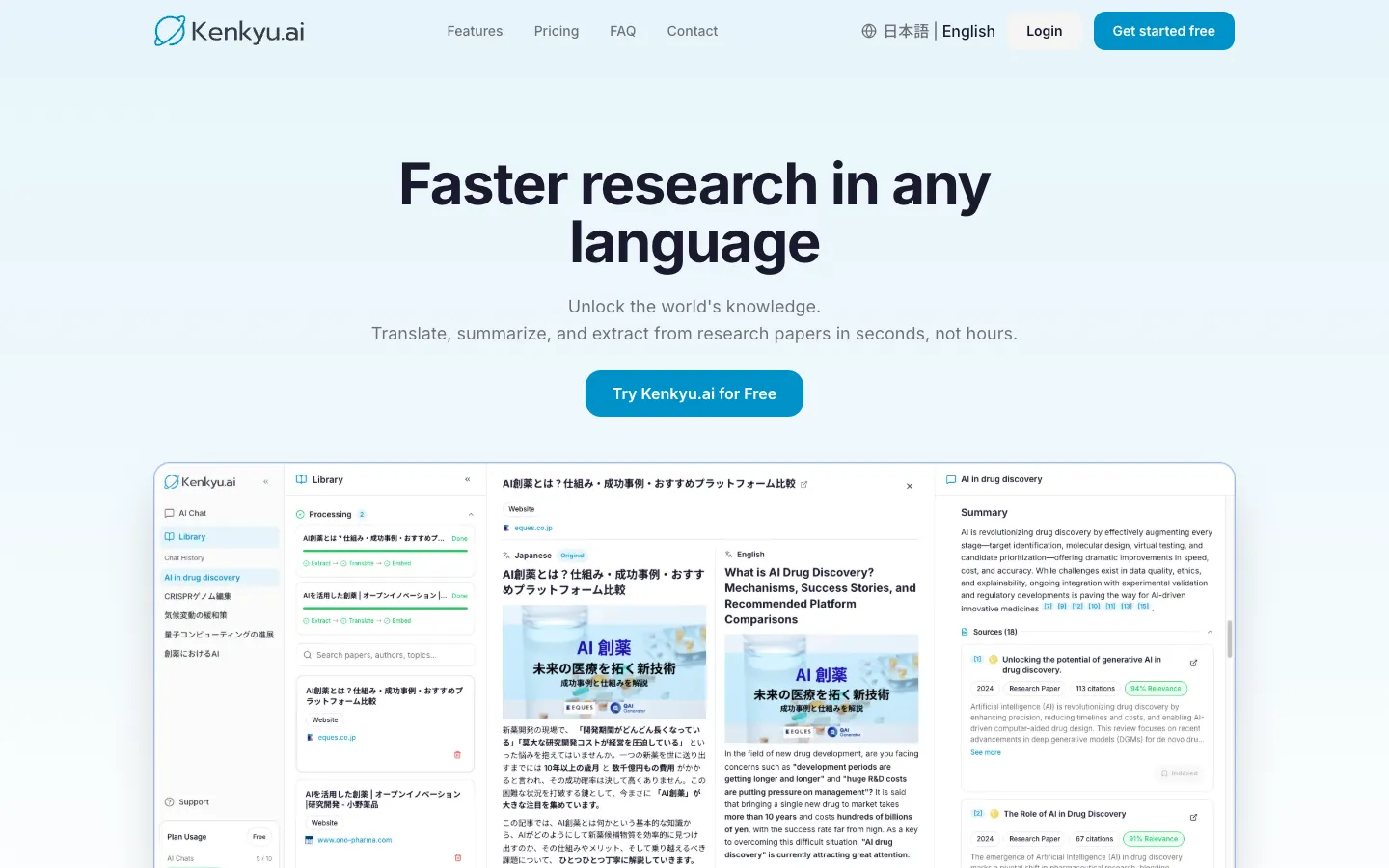
Kenkyu.ai is our Editor's pick because it treats translating a paper as one step in research, not a chore you do in a separate tab. It searches the same 200M+ paper index that backs Semantic Scholar, translates any result into your native language with a side-by-side reading view, and answers your questions with citations that resolve to the exact source paragraph. For anyone who reads English-language work in a second language, or reads non-English papers in English, that means you stop bouncing between a search tab, a translation tab, and a chatbot to piece a single paper together.
We are clear about why this is an editorial pick rather than the highest translation score. On raw translation quality, DeepL is better, and if all you need is to convert a PDF you already have, DeepL may be the smarter choice. Kenkyu.ai's advantage is that its translation is wired into discovery and verification: you can find the paper, read it in your language, and trace every claim back to where it actually appears. That is the part generic translators leave to you.
Key features
- Search across 200M+ papers (Semantic Scholar corpus) plus the web
- Native-language translation of full papers with a bilingual reading view
- Cited answers that link to the specific source paragraph, not just a title
- Chat with uploaded PDFs
- Clean console available in English and Japanese
Strengths
Putting search, translation, and grounded answers in one place is the standout, and it means reading a foreign paper and checking its sources happens on a single screen. Because citations resolve to the source passage, verification takes seconds, which is why it earns a 4 on fidelity where general chatbots score a 1. The free plan is built for trying the tool without pressure: search across the full index is unlimited, with 10 AI chats and 10 uploads per month and no credit card to start. Like most tools here it nudges you toward upgrading, but at about $8 per month, Plus is among the most reasonably priced tiers in this comparison.
Weaknesses
Kenkyu.ai is a research and reading tool, not a writing suite, so it scores a 0 on drafting. If you need to write or polish a manuscript in English, pair it with a dedicated writing tool such as Paperpal below. Reference management is light, and there is no Word integration or browser extension yet. As a pure machine-translation engine its output quality trails DeepL, though it draws on the same corpus many rivals use and leads the field on the combined research job.
Price
Free (unlimited search of 200M+ papers, plus 10 AI chats and 10 uploads per month, no credit card). Plus is about $8 per month (roughly $96 per year) with unlimited chat and uploads. Enterprise pricing is custom.
Best for
Multilingual researchers, graduate students, clinicians, and journalists who read across languages and want trustworthy cited answers, not just a translated document.
2. DeepL: the highest-quality document translation
Score breakdown (0 to 5)
Translation 5 · PDF 2 · Fidelity/cite 5 · Writing 3 · Ease 5 · Value 3 · Integrations 4
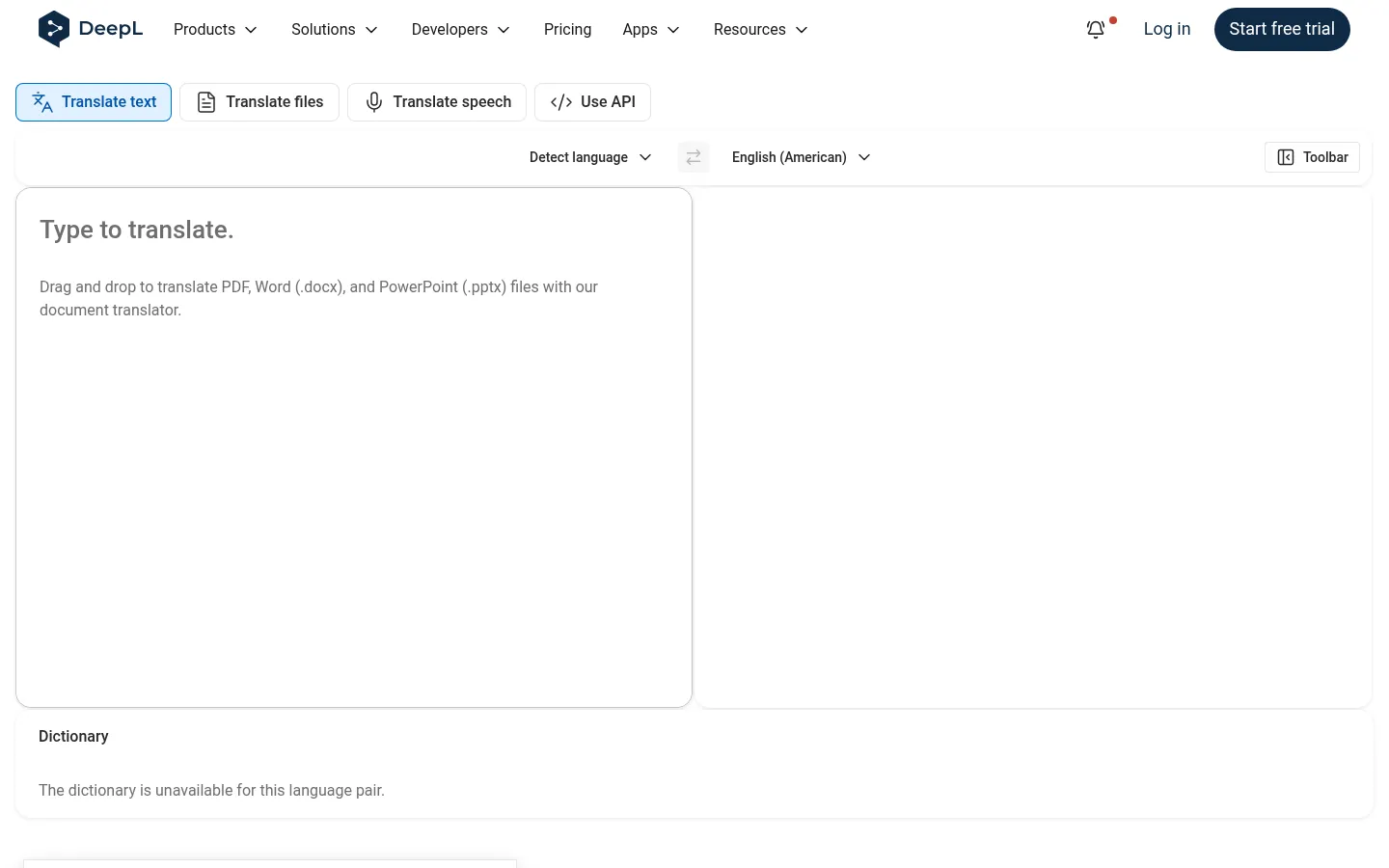
DeepL is a translation platform rather than a research tool, but on translation quality it is the only tool here to score a 5, and it is the benchmark for raw machine translation. Its document translation, which renders whole PDF, Word, PowerPoint, and Excel files while preserving formatting, is what makes it so useful for reading papers. Add DeepL Write and you also get a polishing layer for academic English.
Key features
- High-accuracy text translation, strongest on European language pairs
- Document translation that preserves formatting (PDF, Word, PowerPoint, Excel)
- Glossaries for consistent terminology
- DeepL Write for tone and clarity (paid add-on)
- Desktop, mobile, browser extensions, Word and Google integrations, and an API
Strengths
Reviewers consistently single out how natural the output reads, with translations described as written by a person rather than generated by a machine, and DeepL holds a 4.8 out of 5 across 130+ reviews on Capterra. A peer-reviewed comparison of medical abstracts found it performed well on accuracy, fluency, and naturalness, and the formatting-preserving document translation is a real time-saver for messy academic PDFs. For reading European-language papers in particular, it is hard to beat.
Weaknesses
Three caveats matter for researchers. First, the free tier trains on your input, so unpublished drafts and sensitive data should only go through a paid plan, where text is not used for training. Second, its language coverage is far narrower than Google Translate's, and it can lose context in long sentences. Third, for academic work it tends to over-translate technical terms you would rather leave in English, which glossaries only partly fix. DeepL's reputation also rests largely on European pairs, so its edge narrows for some Asian languages. If you want search and source-checking alongside translation, our DeepL alternatives guide compares the options.
Price
Free (about 50,000 characters per month, one document per month, input used for training). Individual is about $8.74 per month (annual) with unlimited text translation and no training on your data, and Team, Business, and Enterprise sit above it. DeepL Write is a separate add-on.
Best for
Researchers translating European-language papers and documents who want the cleanest output with formatting intact. Use a paid plan for unpublished work.
3. Google Translate: the widest coverage, free and instant
Score breakdown (0 to 5)
Translation 4 · PDF 2 · Fidelity/cite 3 · Writing 0 · Ease 5 · Value 5 · Integrations 4
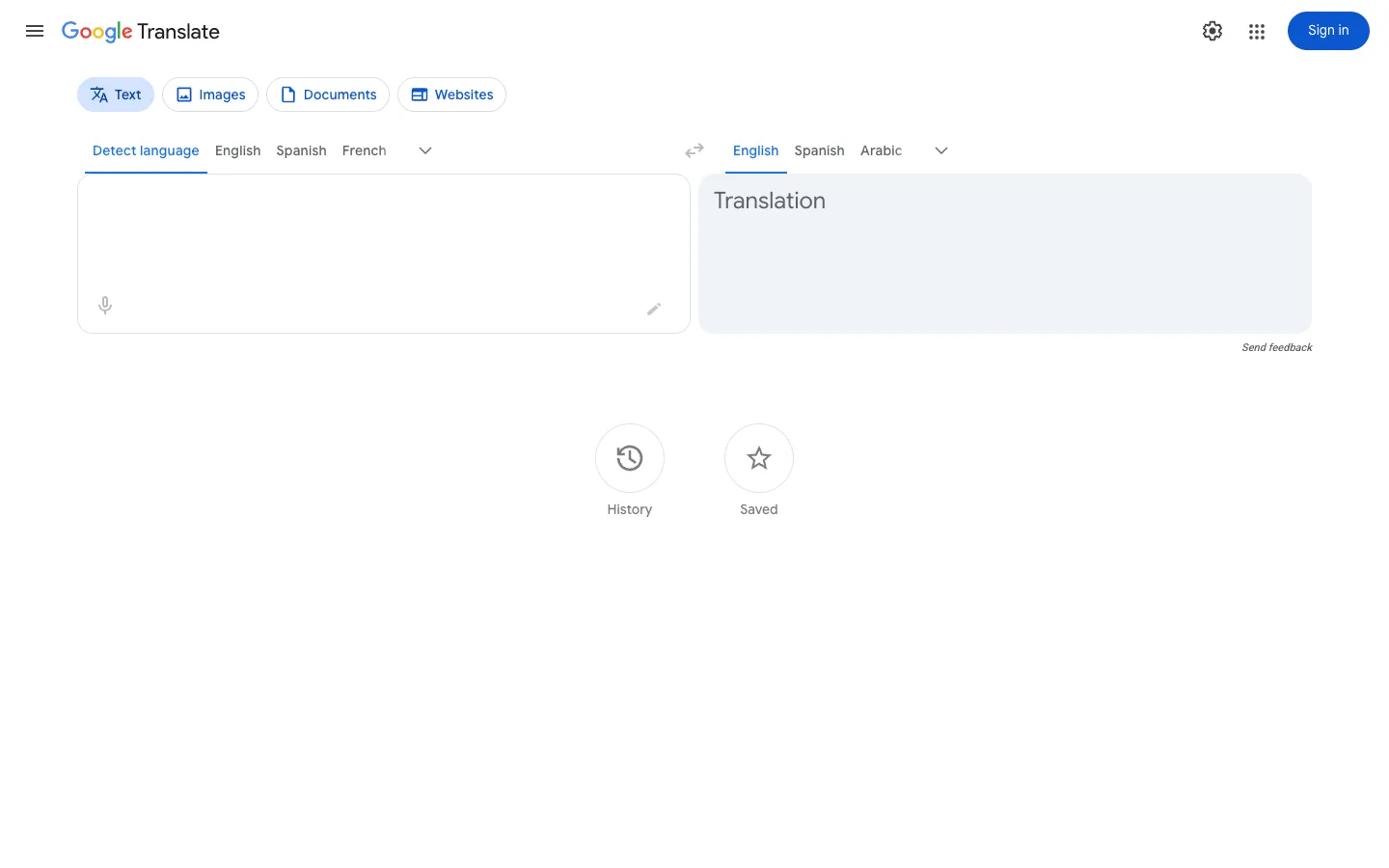
Google Translate is the free, ubiquitous machine translator, and its reach is unmatched: it covers roughly 130 to 249 languages, including low-resource ones DeepL does not support. With camera, voice, document, website, and offline modes, plus genuinely unlimited free use, it earns the only value score of 5 here. For getting the gist of a foreign paper on the spot, it is still the fastest option.
Key features
- Free, unlimited translation across roughly 130 to 249 languages
- Camera, voice, handwriting, document, and website translation
- Offline translation with downloadable language packs
- In-place document upload translation that keeps formatting
- Chrome, Android, iOS, and the Cloud Translation API
Strengths
Breadth and convenience are the headline. For grasping the central claims of a paper, abstract, or source in almost any language, free and instantly, nothing matches it. It has academic credibility for low-stakes extraction too: an AHRQ study found Google Translate usable for pulling data from non-English trials in systematic reviews when professional translation is not feasible, a modest but meaningful endorsement for evidence synthesis.
Weaknesses
Accuracy swings widely by language pair and genre, and it struggles with academic nuance and specialized terminology. Because it translates largely sentence by sentence, it can miss cross-sentence context, mishandling pronouns or register. The upshot is that it is excellent for comprehension but not for producing publishable translation, and privacy is a recurring concern since the free service carries no no-training guarantee. If you want a more academic layer on top, our Google Translate alternatives guide compares research-focused options.
Price
Consumer product is free and unlimited. The Cloud Translation API for developers is $20 per million characters, with the first 500,000 characters per month free.
Best for
Quickly and freely reading the gist of papers across many languages. Verify anything important in DeepL or a research-native tool.
4. NotebookLM: explain your own papers, with minimal translation
Score breakdown (0 to 5)
Translation 1 · PDF 5 · Fidelity/cite 5 · Writing 3 · Ease 5 · Value 4 · Integrations 2
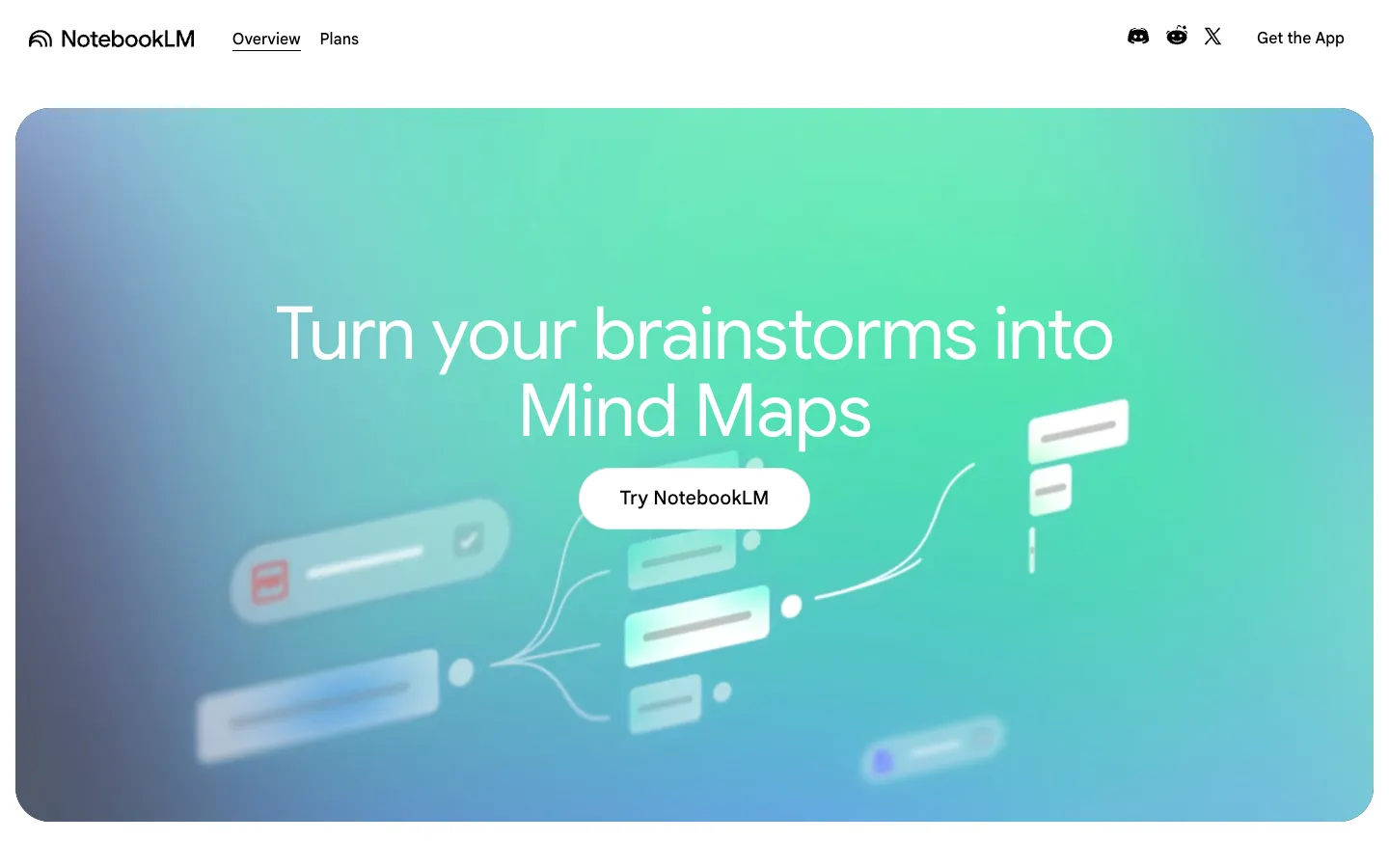
Google's NotebookLM is not strictly a translator, but it earns a place because you can upload an English or foreign-language PDF and have it summarized and explained in your own language, with every answer grounded in clickable source passages. That grounding is why it scores a 5 on fidelity and a 5 on PDF analysis. What it does not do is translate faithfully end to end, so translation scores a 1.
Key features
- Strict source-grounding with clickable in-line passage citations
- Strong multi-document Q&A and summarization
- Studio outputs including audio overviews, mind maps, and quizzes
- Near-effortless interface (a 5 on ease of use)
- Free tier with 50 sources per notebook
Strengths
Ask it to explain a dense English paper in plain terms and it returns a grounded, cited answer, so there is little risk of the fabricated sources that plague general chatbots. For studying and review, its audio overviews and quizzes are genuinely useful, and researchers report cutting reading time substantially. As a way to understand material you already have, it is excellent and very easy to use.
Weaknesses
It cannot find papers, since it has no search or corpus, so you must bring your own sources. And its translation is minimal: it is built to explain a paper in your language, not to render the full text faithfully in a side-by-side view. The free notebook caps at 50 sources, and accuracy can slip as you approach that limit. If you also need discovery or real translation, our NotebookLM alternatives guide covers tools that add both.
Price
Free (50 sources per notebook). Plus is about $7.99 per month and Pro about $19.99 per month, with higher Google tiers above.
Best for
Summarizing and studying your own uploaded PDFs. Pair it with a search and translation tool when you need to find or fully translate papers.
5. Anara: cited chat across your own document library
Score breakdown (0 to 5)
Translation 1 · PDF 5 · Fidelity/cite 4 · Writing 3 · Ease 4 · Value 3 · Integrations 4
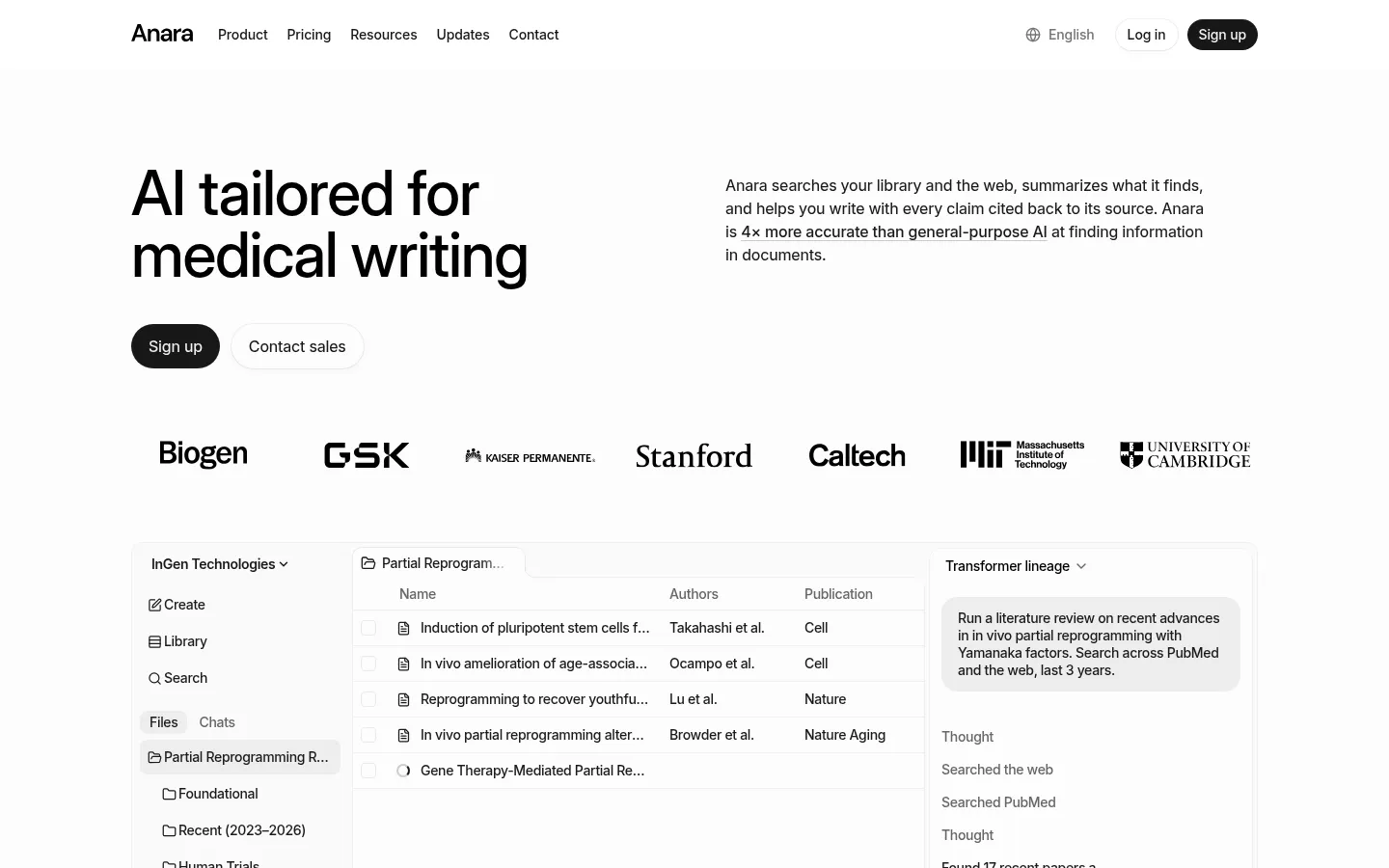
Anara, the tool previously known as Unriddle, is a team workspace for reading and questioning the documents you load into it. Its signature Chat with Folder lets you query a batch of PDFs at once, with every answer tied to a passage. You can upload an English paper and ask questions in another language, which is why some people use it in place of a translator, but it does not render full text faithfully, so translation scores a 1. It is a comprehension layer, not a translation engine.
Key features
- Chat with Folder across an entire uploaded library
- Passage-level citations on every answer
- Handles PDFs, video, audio, and images in one workspace
- Connectors for Zotero, Mendeley, Drive, Notion, and OneDrive
- Model choice (GPT, Claude, Gemini) and real-time collaboration
Strengths
Anara leans hard on trust, branding itself "AI you can trust" with every answer cited to its source, and reviewers back the precision: it pulls references from the correct documents and highlights the relevant sections, so checking a foreign paper's claims is straightforward. Reference-manager connectors and team collaboration make it versatile for reading, and its privacy posture is strong, with no training on your data plus GDPR and SOC2 coverage, which matters for sensitive work.
Weaknesses
Like NotebookLM, Anara is not a discovery engine: it has no native corpus and reads only what you bring it. Translation is minimal, so it is poorly suited to reading a paper side by side in another language. Some users find its explanations too general for niche or technical work, and it attracts skepticism over heavy affiliate marketing, with at least one report of an unexpected charge and a 250-word response cap on the free tier, so watch the limits.
Price
Free (2,000 words per day, 5 uploads per day). Plus is about $10 per month, Pro about $20 per month, and Max about $167 per month, with Enterprise custom.
Best for
Reading, annotating, and querying your own document library with reliable citations. Use a separate tool for discovery and full translation.
6. Paperpal: write and polish papers in English
Score breakdown (0 to 5)
Translation 2 · PDF 3 · Fidelity/cite 4 · Writing 4 · Ease 3 · Value 3 · Integrations 5
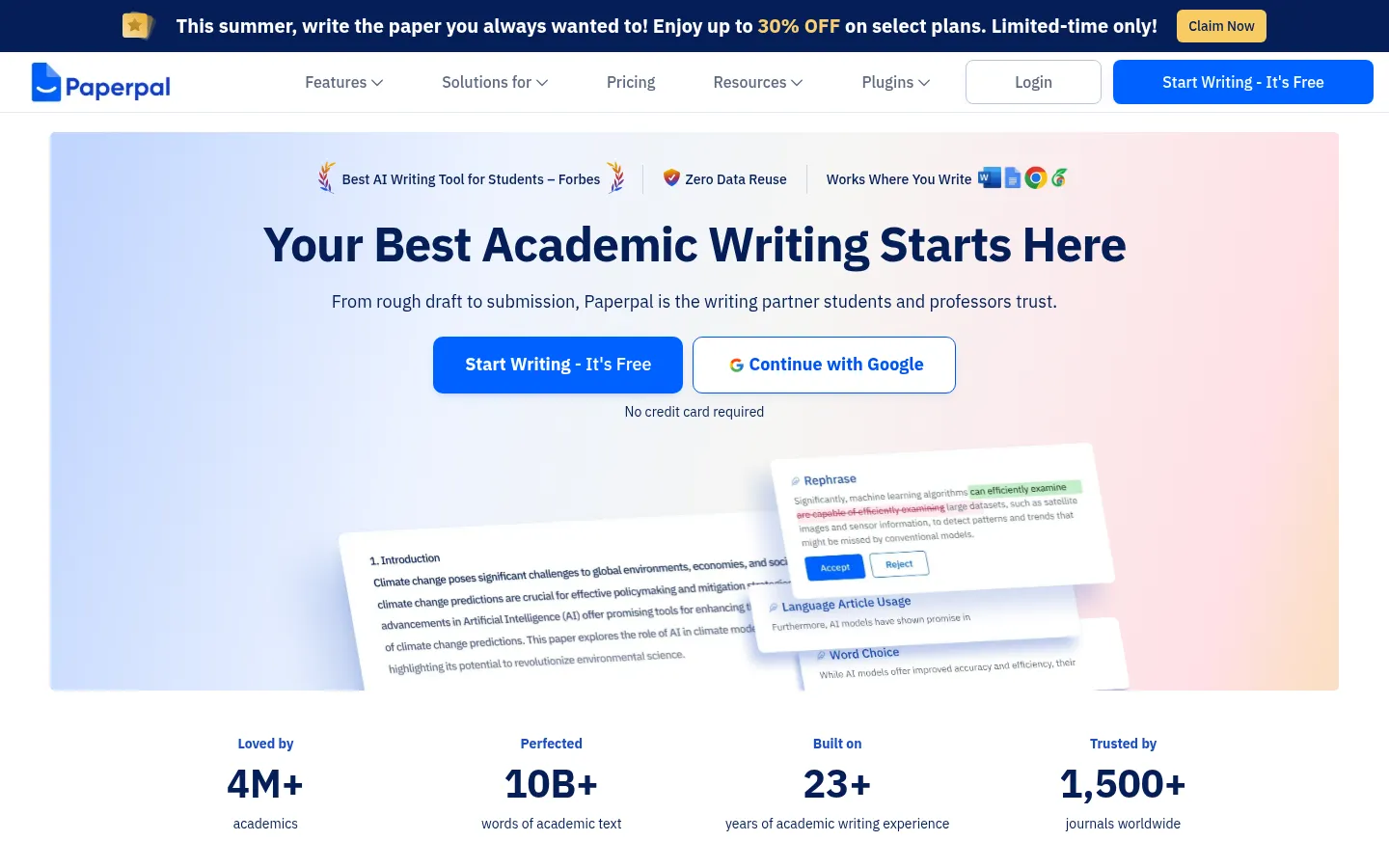
Paperpal, from the team behind Editage (Cactus Communications), is an academic writing and editing assistant aimed at non-native English researchers getting manuscripts to submission standard. It includes an AI translator and PDF chat in 50+ languages, but its center of gravity is writing rather than reading, so translation scores a 2. Its integration footprint, spanning Word, Google Docs, Chrome, Web, and Overleaf, is the best here at a 5.
Key features
- Academic-trained grammar and language editing
- AI writing, paraphrasing, summarizing, and translation
- Research and Cite across 250M+ articles with citation generation
- Chat with up to 10 PDFs in 50+ languages
- Plagiarism and AI detection plus 30+ pre-submission checks
Strengths
Paperpal's edge is academic-specific editing that outperforms general checkers, preserving an author's voice and technical terms where tools like QuillBot tend to simplify them. It is especially valued by non-native English researchers for making text read as natural and academic, and the all-in-one suite, with plagiarism and AI detection plus journal submission checks, is practical for anyone publishing in English. Privacy is a strength too, with a no-training policy and FERPA, ISO 27001, GDPR, HIPAA, and SOC certifications.
Weaknesses
Paperpal is a writing and editing tool, not an engine for reading foreign papers. Its translation and PDF chat are secondary, and not built for faithful side-by-side reading of full papers. It can misread highly specialized jargon, it is English-first, and its aggregate ratings sit around an average 3.5 to 3.7. New users also face a short learning curve across the suite.
Price
Free (200 language suggestions per month, 5 AI uses per day, 7,000-word plagiarism checker). Prime is $25 per month or $139 per year (about $11.58 per month) for the full suite. Institutional pricing is custom.
Best for
Non-native English researchers writing and polishing their own papers to submission standard. For reading foreign papers, a research-native or general translator fits better.
7. ChatGPT: flexible rough translation, but verify the sources
Score breakdown (0 to 5)
Translation 2 · PDF 3 · Fidelity/cite 1 · Writing 4 · Ease 5 · Value 3 · Integrations 4
ChatGPT is not a translation tool, but researchers lean on it for rough translation and rephrasing. Its strength is flexibility: you can specify tone, audience, and purpose, and it handles context and idiom better than rule-based engines. On Asian languages in particular it can be competitive, with one peer-reviewed study finding ChatGPT outperformed dedicated tools across all metrics when given culturally tailored prompts.
Key features
- Prompt-based translation you can steer by tone and audience
- Comparatively strong on context, idiom, and Asian languages
- PDF upload and chat, summarizing and rephrasing
- Deep Research for multi-source synthesis (paid)
- Web, mobile, and desktop apps with 60+ connectors (Business)
Strengths
For translating text you paste in, ChatGPT is unusually adaptable: ask it to keep terminology in English or to match a target reading level and it adjusts in conversation. On languages where European-optimized engines are weaker, including several Asian languages, its output can read more naturally. Its explaining and rephrasing are first-rate, which lowers the language barrier for non-native English writers drafting around a translated passage.
Weaknesses
The deal-breaker for research is source reliability. ChatGPT has no native paper database and does not ground answers in retrieved sources by default, so asking it about a paper invites fabricated or wrong citations: peer-reviewed studies put GPT-4's false-reference rate above 20% and one GPT-4o study at 56%, which is why fidelity scores a 1. The safe line is to use it to translate text you already have, not to find, translate, and cite a paper. It also loses context in long threads, and the free tier is limited.
Price
Free (limited). Go is about $8 per month, Plus is $20 per month, and Pro runs $100 to $200 per month. Business and Enterprise are custom.
Best for
Flexibly translating or rephrasing text you already have. Pair it with a grounded research tool whenever sources are involved.
8. SciSpace: a copilot for decoding single papers
Score breakdown (0 to 5)
Translation 2 · PDF 5 · Fidelity/cite 3 · Writing 3 · Ease 3 · Value 3 · Integrations 4
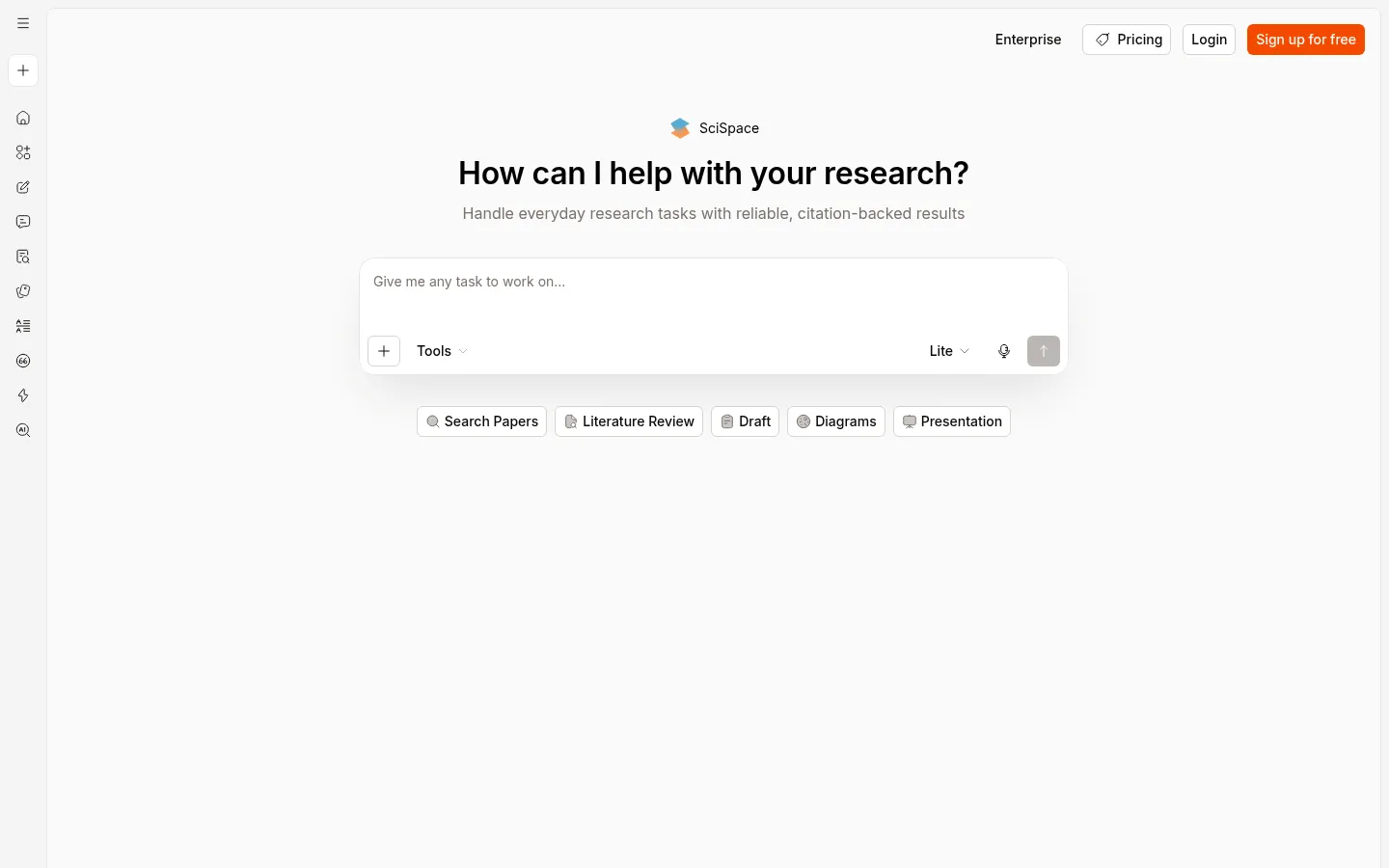
For this list, SciSpace matters as a reading aid: its Chat with PDF copilot turns a dense English paper into plain-language explanations, each linked back to the exact spot in the source. Translation lives inside its AI Writer, but it is a side feature rather than the core, so it scores a 2. On PDF analysis it scores a 5, making it one of the strongest tools here for decoding a hard English paper.
Key features
- Highlight-to-explain Chat with PDF with deep links into the source
- Large literature search index (280M+ claimed)
- AI Writer with paraphrase, summarize, translate, and grammar fixes
- Data extraction tables across papers
- Chrome extension and mobile app
Strengths
Reviewers single out the reading experience: upload a PDF, highlight what you do not understand, and it simplifies the complex parts quickly, which pairs well with reading a tough English paper closely. Because it links to real articles, you can check it is not hallucinating nonexistent sources, a trust signal several reviewers call out. For understanding individual papers, the toolkit is deep.
Weaknesses
Translation is a secondary feature, not a faithful side-by-side reader, so dedicated translators win there. Credit consumption is opaque, with users reporting they burn through credits faster than expected and get pushed to upgrade. Localization is uneven too, with complaints that citation formats do not match non-English journals, and the feature-dense interface can overwhelm newcomers. For more predictable pricing, our SciSpace alternatives guide compares the field.
Price
Free tier available. Premium is $12 per month (annual), Advanced $70 per month, and Max $160 per month, all credit-based, with Enterprise custom.
Best for
Graduate students and researchers who need to decode individual English papers quickly in a reader-first workspace.
How we scored the best research paper translators
Every tool here is scored once on the same 13-point rubric, on a 0 to 5 scale where 0 means the capability is absent or unusable and 5 means best in class. Scores are grounded in documented features, official pricing, and real user sentiment from review sites and research communities, not vendor marketing. Vendor-reported figures such as corpus sizes and accuracy percentages are treated conservatively and labeled as claims.
For this page we weight the criteria toward the translation job: translation quality and ease of use carry the most weight, followed by fidelity and value, then PDF analysis, writing, and integrations. Criteria that do not bear directly on translation, such as search, synthesis, and data extraction, are shown in the table but not counted in the ranking. For translator tools we read fidelity as faithfulness to the source for the machine translators and as citation integrity for the tools you can question about a paper.
One honest note. On pure translation quality, and on this page's weighting, the top score belongs to DeepL. We still name Kenkyu.ai our Editor's pick because the job here is translating research papers, which for most people means finding, reading, and citing them across languages, and that is where Kenkyu.ai fits best. DeepL's higher translation score is shown openly in the table, and if all you need is to translate a document you already have, DeepL is the better tool. The full per-criterion scores below let you re-weight for your own priorities.
The full scores for all eight tools:
| Tool | Search | Coverage | Synthesis | Q&A | Translation | Ref mgmt | Writing | Extraction | Fidelity/cite | Ease | Value | Integrations | |
|---|---|---|---|---|---|---|---|---|---|---|---|---|---|
| Kenkyu.ai | 3 | 4 | 3 | 3 | 3 | 4 | 2 | 0 | 2 | 4 | 4 | 4 | 1 |
| DeepL | 0 | 0 | 0 | 0 | 2 | 5 | 0 | 3 | 0 | 5 | 5 | 3 | 4 |
| Google Translate | 0 | 0 | 0 | 0 | 2 | 4 | 0 | 0 | 0 | 3 | 5 | 5 | 4 |
| NotebookLM | 0 | 0 | 4 | 4 | 5 | 1 | 1 | 3 | 3 | 5 | 5 | 4 | 2 |
| Anara | 2 | 1 | 3 | 4 | 5 | 1 | 3 | 3 | 2 | 4 | 4 | 3 | 4 |
| Paperpal | 2 | 3 | 2 | 2 | 3 | 2 | 3 | 4 | 0 | 4 | 3 | 3 | 5 |
| ChatGPT | 2 | 0 | 4 | 4 | 3 | 2 | 0 | 4 | 2 | 1 | 5 | 3 | 4 |
| SciSpace | 3 | 5 | 3 | 4 | 5 | 2 | 3 | 3 | 4 | 3 | 3 | 3 | 4 |
The takeaway is that translation splits into two kinds of tool. DeepL and Google Translate are specialists that translate beautifully but cannot search or cite. NotebookLM, Anara, and SciSpace are strong PDF readers that explain a paper more than they translate it. Kenkyu.ai is the most balanced across translation, fidelity, reading, and search, which is why it is our pick for anyone who needs to read and cite work across languages rather than translate a single file.

Written by
Timothy Andersen, Kenkyu.ai Founder