Before you pick a reference manager, it helps to separate two jobs that searches like this one tend to blur together. One job is organizing, storing, and citing a library of papers you already have. The other is finding and understanding papers in the first place. A reference manager (a citation manager, in other words) does the first: it keeps your sources in one library, sorts them with folders and tags, and pushes correctly formatted citations into Word or Google Docs. On that pure library-and-citation job, the tools built for it lead, and three names dominate: Zotero (free, open-source, and the gold standard), Paperpile (purpose-built for Google Docs), and Mendeley (a polished Word workflow). Our scoring reflects that. Weight the math toward reference management and a dedicated manager comes out on top.
We still place Kenkyu.ai first, and we want to be straight about why. Kenkyu.ai is not a reference manager. It scores 2 out of 5 on reference management here, it saves papers but it will not replace Zotero, and if a citation library is all you want, skip ahead to the dedicated managers below. It earns the top spot for the other job this page covers: the research and reading layer that happens before a paper ever reaches your library. Kenkyu.ai searches across more than 200 million papers, translates any of them into your native language, and answers questions with citations you can trace back to the exact source paragraph. Think of it as the multilingual research front-end you pair with a reference manager, not a substitute for one. Find and read a foreign-language paper in Kenkyu.ai, confirm it is worth keeping, then file it in Zotero or Paperpile. For anyone reading across languages, running those two tools side by side is the practical setup, and Kenkyu.ai's free plan lets you test the research half without a credit card.
So this guide does two things at once. It ranks Kenkyu.ai first for the find-and-read layer, then covers the dedicated managers (Zotero, Paperpile, Mendeley) and the all-in-one research platforms (Paperguide, SciSpace, Anara, Logically) honestly, each with the strength it genuinely owns. If managing a library is the whole point, start with Zotero and you will not go wrong.
Every tool below was scored 0 to 5 on the same 13-point rubric, with scores grounded in documented features, official pricing, and real user sentiment rather than marketing copy. Higher is better.
At a glance: the best reference manager tools compared
Scores are 0 to 5 (higher is better). Reference management is library and citation-export depth; citation trust is whether claims trace to real, correctly linked sources. Prices are USD as of June 2026. Kenkyu.ai's reference-management score of 2 is shown as is: it is a research and reading front-end, not a library manager, and it sits first for that distinct job.
| Rank | Tool | Reference mgmt | Integrations | Citation trust | Translation | Value | Price (USD) | Best for |
|---|---|---|---|---|---|---|---|---|
| Editor's pick | Kenkyu.ai | 2 | 1 | 4 | 4 | 4 | Free; Plus ~$8/mo | The find-and-read front-end you pair with a manager |
| 2 | Paperguide | 5 | 4 | 3 | 0 | 5 | Free; Plus $12/mo | One affordable tool from references to AI research |
| 3 | Zotero | 5 | 5 | 5 | 0 | 5 | Free; storage from $20/yr | The free, open-source library standard |
| 4 | SciSpace | 3 | 4 | 3 | 2 | 3 | Free; Premium $12/mo | Reading a single PDF with a connected library |
| 5 | Anara | 3 | 4 | 4 | 1 | 3 | Free; Plus ~$10/mo | Collaborative cited chat across your own files |
| 6 | Logically | 4 | 3 | 3 | 1 | 4 | Free; Unlimited $12/mo | A cheap all-in-one manage, annotate, and write tool |
| 7 | Paperpile | 5 | 5 | 4 | 0 | 3 | From ~$4.15/mo (academic) | Google Docs and Google Drive users |
| 8 | Mendeley | 4 | 4 | 3 | 0 | 3 | Free; Premium from $4.99/mo | Word-centric free reference management plus AI |
The one-line verdict on Kenkyu.ai: multilingual search across 200M+ papers, native-language translation of any paper, and answers you can trace back to the source paragraph, all in one tool with a free plan that needs no credit card. Pair it with your reference manager; it is not a replacement for one.
How to choose a reference manager
Start by deciding which of the two jobs you actually need. If your papers are already gathered and you want to organize them, annotate them, and drop hundreds of correctly formatted citations into a manuscript or a bibliography, you need a true reference manager, and the specialists (Zotero, Paperpile, Mendeley) are built for exactly that. If you are still hunting for what to read, and especially if those papers are in another language, you do not need a library manager yet; you need something that finds and explains them. Most researchers end up running one of each.
When you are comparing the managers themselves, four things matter most. The first is which writing environment they plug into: Word only, or Google Docs and the browser too. Zotero has the widest reach, with more than 9,000 citation styles and connectors for Word, LibreOffice, OnlyOffice, and Google Docs; Paperpile is purpose-built for Google Docs; Mendeley centers on a Word add-in. The second is data ownership, meaning whether you can export your whole library and walk away rather than getting locked into one company's format. The third is integrations and ecosystem (the browser capture extension, import paths, an API, plugins), which we weight heavily on this page because a manager lives or dies by how cleanly papers get in and citations get out. The fourth is value, including whether the free tier is genuinely enough.
There is also one axis the dedicated managers leave untouched, and it matters if your sources are not in your first language. None of Zotero, Paperpile, or Mendeley translates anything (they all score 0 on translation), so an English PDF lands in your library in English. In fields where most of the literature is in another language, the read-and-understand step has to happen somewhere else first, which is the practical reason to pair a manager with a multilingual front-end like Kenkyu.ai or one of the research paper translator tools we compare separately. The scores below are sortable by your own priorities: weight reference management and integrations if organizing is the goal, or translation and citation trust if finding and reading is.
1. Kenkyu.ai, Editor's pick: the research front-end you pair with your manager
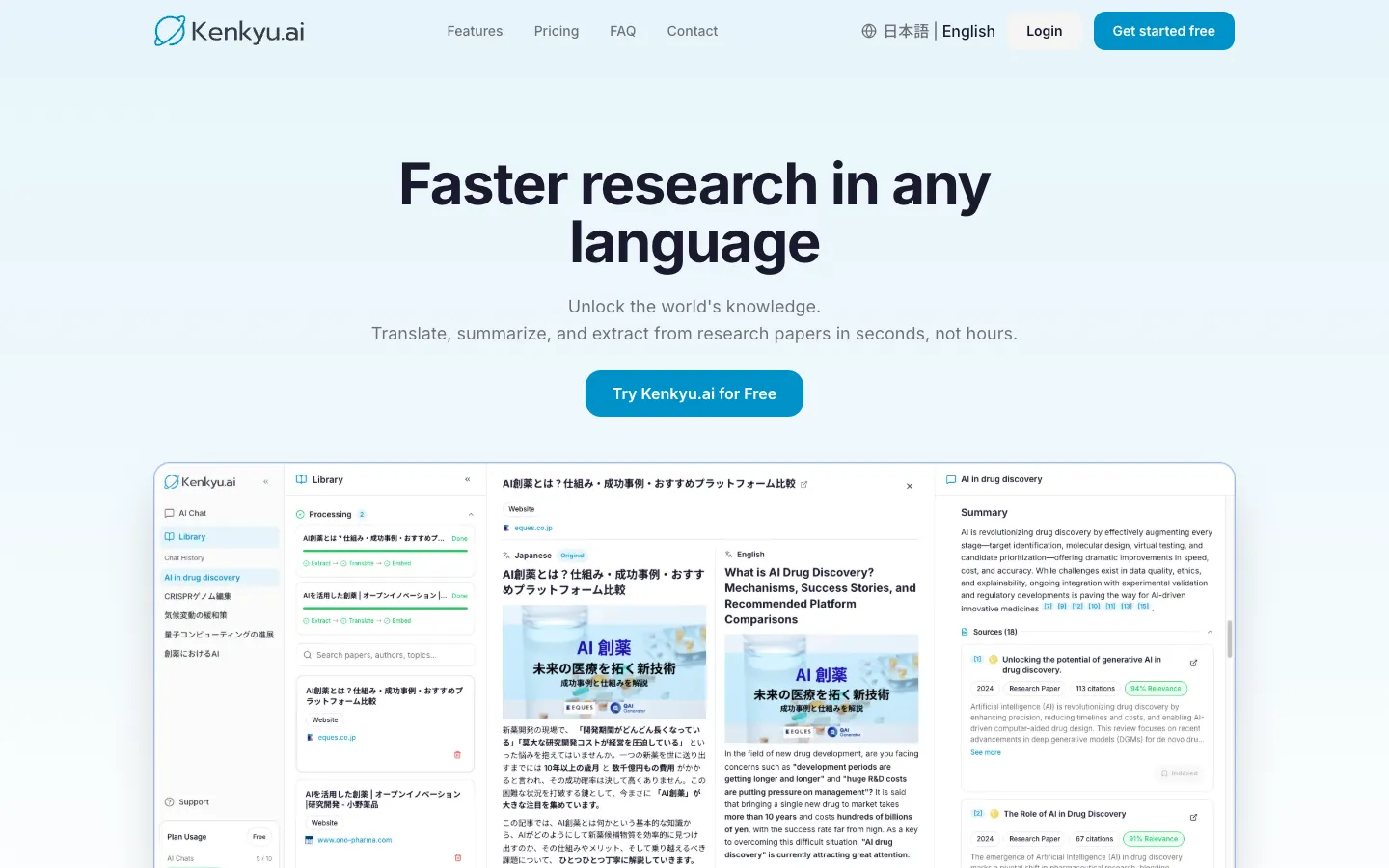
Score breakdown (0 to 5)
Search 3 · Coverage 4 · Synthesis 3 · Q&A 3 · PDF 3 · Translation 4 · Reference management 2 · Writing 0 · Data extraction 2 · Citation trust 4 · Ease 4 · Value 4 · Integrations 1
To say it plainly: Kenkyu.ai is not a reference manager. It scores a 2 on reference management, which means you can save papers but not run a full citation library the way Zotero or Paperpile lets you, with 9,000-plus styles and tight Word or Google Docs integration. It also has no browser capture extension and no Word plugin yet. If exporting formatted citations and organizing a large library is the entire job, the dedicated managers later in this list are the right tools, and we would point you to them.
We rank it first anyway because it owns the step that comes before the library: finding a paper, reading it in your own language, and understanding it well enough to know it belongs in your collection. On the discovery half of that, it stands alongside the dedicated academic paper search tools we rank elsewhere, but with translation and cited reading added on top. Kenkyu.ai searches the same 200M+ paper index that backs Semantic Scholar, translates any paper into your native language in a side-by-side reading view, and answers your questions with citations that resolve to the specific source paragraph rather than just a title. The natural workflow is to discover and read a foreign-language paper here, verify it is worth keeping, then save it into Zotero, Paperpile, or Mendeley for citation. It adds a layer the managers do not have rather than competing with them head-on.
Key features
- Search across 200M+ papers (Semantic Scholar corpus) plus the web
- Native-language translation of full papers, with a bilingual reading view
- Cited answers that trace back to the specific source paragraph, not just a title
- Chat with uploaded PDFs
- Clean console available in English and Japanese
Strengths
Kenkyu.ai's strength is collapsing search, translation, and grounded answers into one place, so the find-and-understand stage stops being a copy-paste relay between a search engine, a translator, and a chatbot. Because every answer links to the source passage, verification takes seconds, and that grounding is why it scores a 4 on citation trust where general chatbots sit at a 1. The free plan is built for trying the tool without friction: search across the full index is unlimited, with 10 AI chats and 10 uploads per month and no credit card to begin. Like most tools here it nudges you toward upgrading, but at roughly $8 per month (¥1,260), Plus is among the most affordable paid tiers in this comparison.
Weaknesses
The honest gap on this particular page is reference management itself. Kenkyu.ai is a research and reading tool, so it does not maintain a styled citation library, and there is no browser extension or word-processor plugin to capture and insert references. It also has no writing or drafting features (it scores a 0 there), so it pairs with, rather than replaces, both your reference manager and any writing tool. And it is a newer name with less brand recognition than Google-backed or venture-backed rivals, though the underlying corpus is the same one many of them use.
Price
Free (unlimited search of 200M+ papers, plus 10 AI chats and 10 uploads per month, no credit card). Plus is about $8 per month (¥1,260), with unlimited chat and uploads and larger file limits. Enterprise pricing is custom.
Best for
Multilingual researchers, graduate students, clinicians, and journalists who work across languages, especially Japanese and English, and who want a trustworthy way to find and read papers before filing them in a dedicated reference manager.
2. Paperguide: the most capable all-in-one with a real reference manager
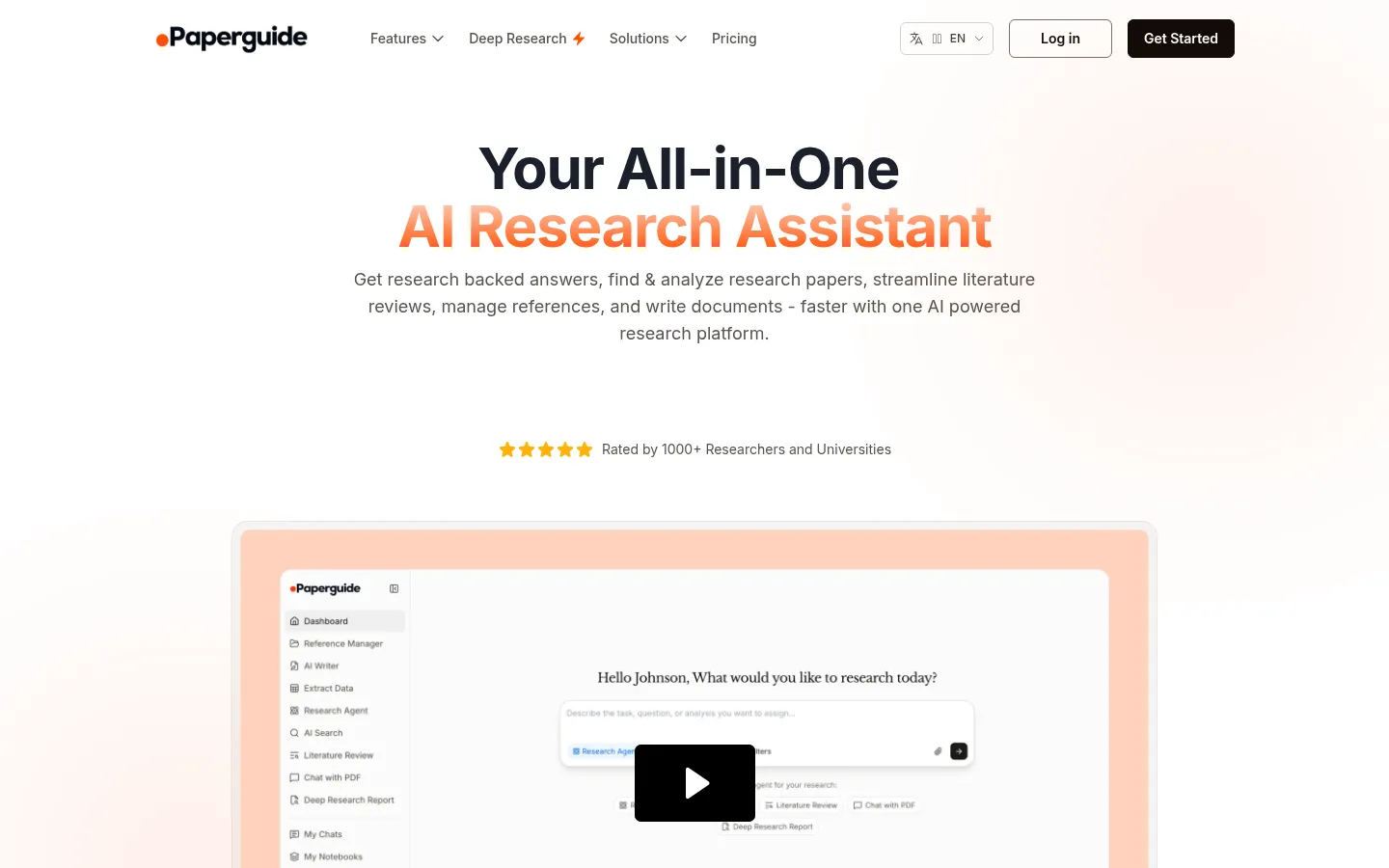
Score breakdown (0 to 5)
Search 3 · Coverage 4 · Synthesis 3 · Q&A 3 · PDF 3 · Data extraction 4 · Translation 0 · Reference management 5 · Citation trust 3 · Ease 4 · Value 5 · Integrations 4
Paperguide is the rare tool that bundles a genuine reference manager into a wider AI research platform, and on this page's weighting it tops the field. It pairs a full library (1,000-plus citation styles, plus imports from Zotero, BibTeX, RIS, DOI, and direct URLs) with discovery, literature review, data extraction, and cited writing, all at a price well under the premium suites. It is the only tool here to score a 5 on both reference management and value.
Key features
- Full reference manager: 1,000+ citation styles, folders, tags, and shared libraries
- Imports from Zotero, BibTeX, RIS, DOI, and direct URLs
- AI search across a 200M+ paper database with journal-quality signals (SJR, citation metrics)
- Multi-paper Chat with PDF and structured literature review
- "Original Text for Verification" to check AI claims against the source
Strengths
The pitch is consolidation without a premium price, and budget-conscious researchers respond. Paperguide holds 4.3 out of 5 across 85 AppSumo reviews, where the reference manager and systematic literature review tools draw the most praise, and reviewers value being able to keep references, reading, and writing in one connected workspace instead of stitching several subscriptions together. Surfacing journal-quality metrics throughout, plus a verification view that exposes the underlying text, gives it more research-rigor signals than most tools at this price.
Weaknesses
Paperguide sits in the budget, lifetime-deal tier rather than the premium-rigor tier, and it shows. Its AI-generated drafts have been flagged by detectors such as GPTZero, its paper database is smaller than SciSpace's, and reviewers note you still need to double-check the papers it surfaces. Brand awareness is low and growth has leaned on deals and affiliates, which skews some reviews toward deal-buyers. As a pure library tool, it is also younger and less battle-tested than Zotero, which still has the deeper plugin ecosystem and the longer track record.
Price
Free (1,000 credits per month, 20 searches per month, plus the reference manager). Plus is $12 per month and Pro $24 per month, both billed annually, with a 40% student discount and Enterprise custom.
Best for
Students and researchers on a budget who want one consolidated tool that includes real reference management alongside AI discovery, review, and writing.
3. Zotero: the free, open-source reference-management gold standard
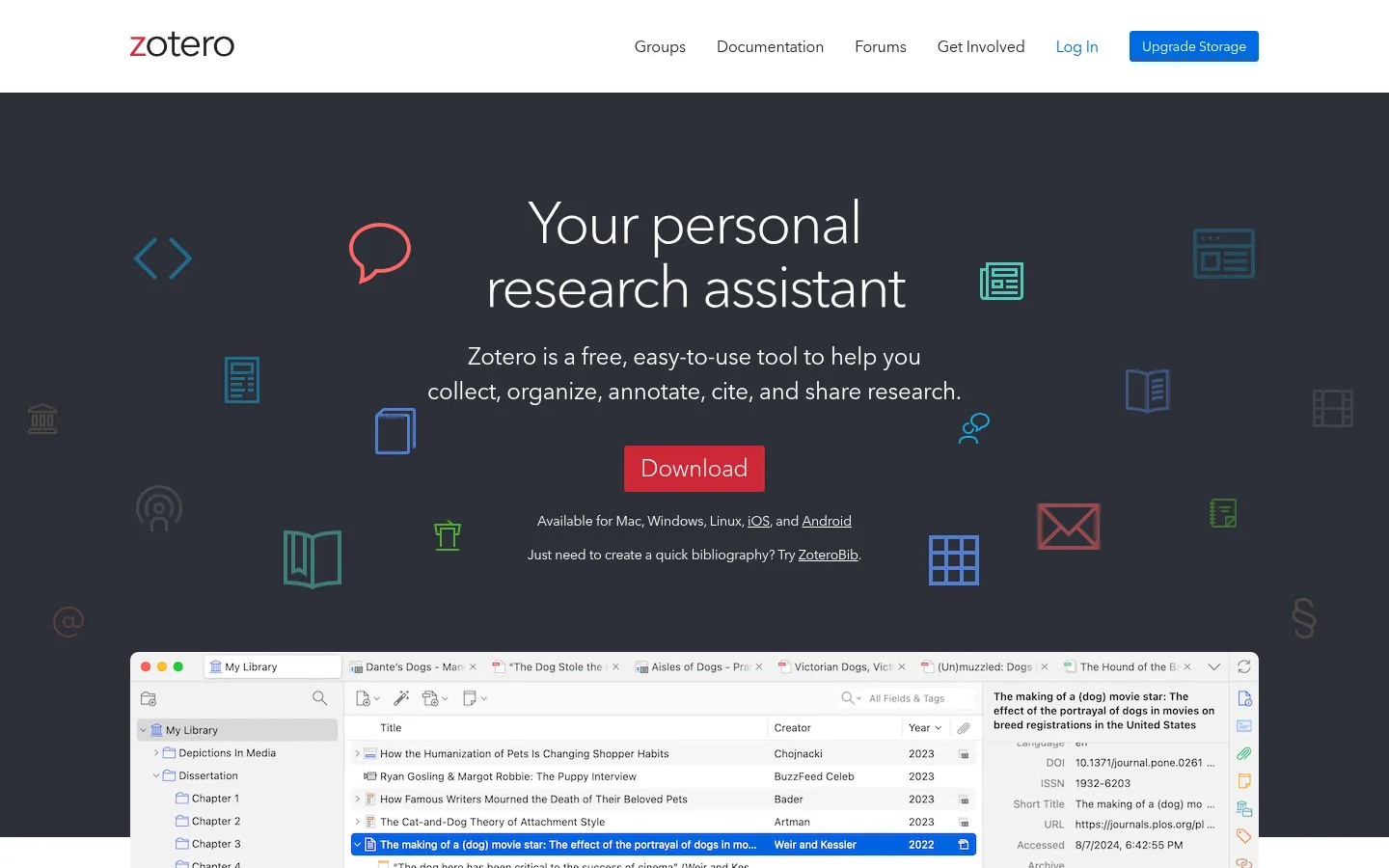
Score breakdown (0 to 5)
Search 1 · Coverage 0 · Synthesis 0 · Q&A 0 · PDF 2 · Data extraction 0 · Translation 0 · Reference management 5 · Citation trust 5 · Ease 3 · Value 5 · Integrations 5
If you specifically need a citation library, Zotero is the one to start with, and for most researchers it is the right answer outright. It is free, open-source, and run by a non-profit, and it scores a 5 on reference management, citation trust, value, and integrations. It does not try to find papers or chat with them (search and the AI columns score low by design), which is exactly why it pairs so well with a discovery-and-reading tool on top.
Key features
- More than 9,000 citation styles
- Connectors for Word, LibreOffice, OnlyOffice, and Google Docs
- The Zotero Connector browser extension for one-click saving
- Built-in PDF reader and annotation since version 6
- Free group libraries and an open plugin ecosystem (Better BibTeX and more)
Strengths
Zotero's signature strengths are being free, open, and genuinely yours. Its browser Connector is the single most-praised feature in reviews, automatically pulling PDFs and metadata as you save, and its word-processor reach, including Google Docs, is the widest in the category. Because it is open-source and non-profit, there is no data mining and no vendor lock-in: you can export your whole library in open formats whenever you like, which is the most-cited reason researchers migrate to it from Mendeley or EndNote. It holds a 4.4 out of 5 on G2 and is the default recommendation in countless university library guides.
Weaknesses
The free storage is only 300MB, so a large PDF library means either paying for Zotero storage or routing files through your own cloud (a popular plugin workaround). It has no native AI features by default, which some users see as a privacy virtue and others as a gap next to Mendeley's new library chat. Reviewers also note a learning curve for non-technical users, a slightly dated interface, and weak recall when you are trying to remember which note said what. Many pair it with a notes app or an AI reading tool to cover that last point.
Price
The application is free and open-source with no paid tiers and no ads. Optional online storage is 2GB for $20 per year, 6GB for $60 per year, or unlimited for $120 per year; group libraries draw on the owner's storage.
Best for
Solo researchers, graduate students, and departments who want a free, ownable, privacy-first citation library with the broadest word-processor support, including Google Docs.
4. SciSpace: a reading copilot with a connected library
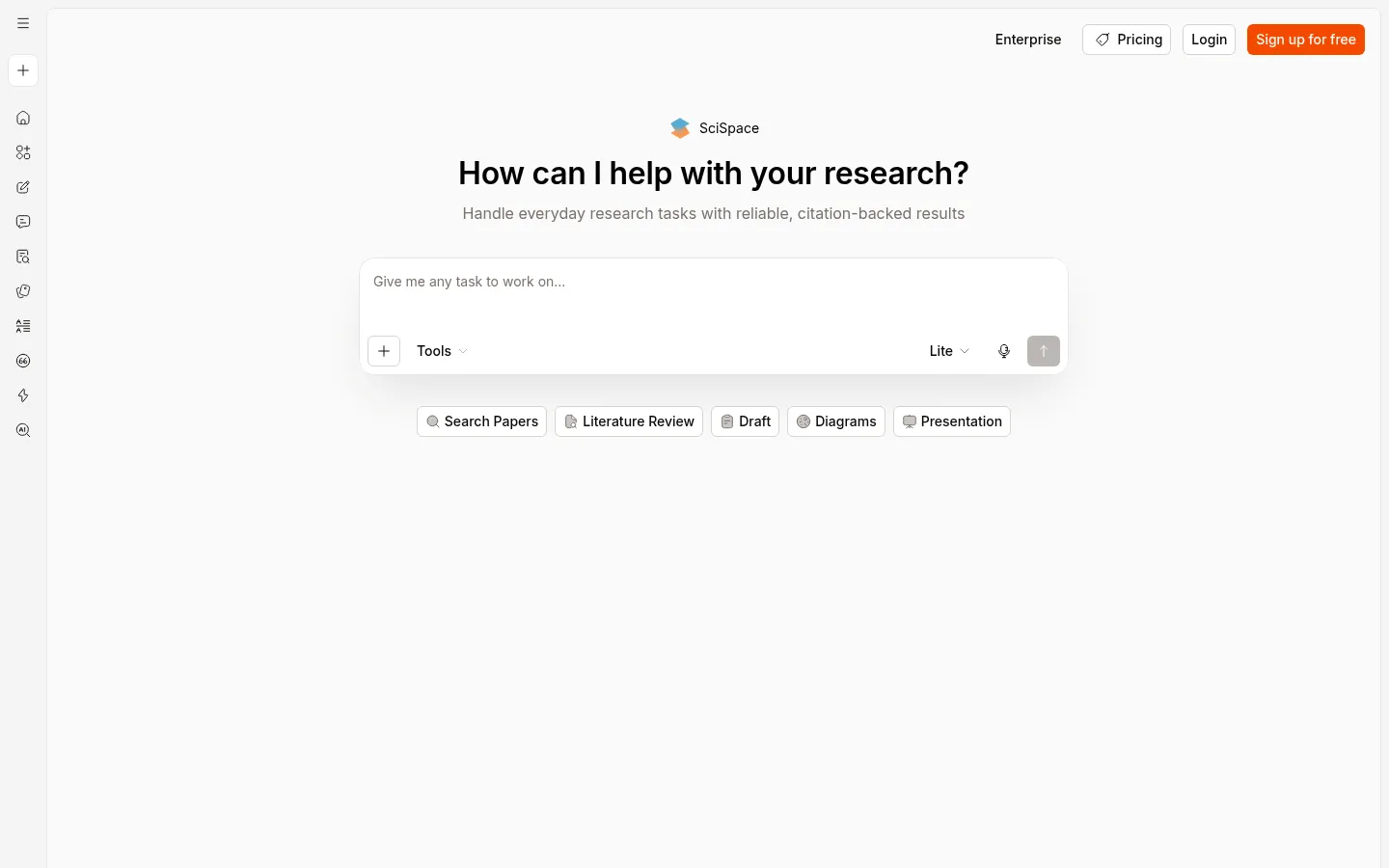
Score breakdown (0 to 5)
Search 3 · Coverage 5 · Synthesis 3 · Q&A 4 · PDF 5 · Data extraction 4 · Translation 2 · Reference management 3 · Citation trust 3 · Ease 3 · Value 3 · Integrations 4
SciSpace is best known as a reading copilot, but it earns a spot on a management list because it bolts a reference library and Zotero sync onto that reading workflow. Its Chat with PDF lets you highlight any passage and get a plain-language explanation with deep links into the source, and it claims the largest corpus in this group at 280M+ papers. For management specifically, it scores a middling 3: the library is there, but organizing and exporting is not its main event.
Key features
- Highlight-to-explain Chat with PDF with deep links into the source
- Built-in reference library with Zotero import and table exports
- Large literature search index (280M+ claimed)
- Data extraction tables across papers, plus an AI writer
- Chrome extension, mobile app, and a ChatGPT plugin
Strengths
The reading experience is what reviewers single out. One associate professor noted SciSpace "provides access or links to actual articles that you can then search, to ensure that it's not hallucinating false, nonexistent papers," and a researcher praised exporting tables and integrating with Zotero as making the whole workflow more efficient. It holds a 4.3 out of 5 on Capterra across 79 reviews, and keeping discovery, reading, extraction, and a library in one place suits people who would rather not juggle separate apps.
Weaknesses
The loudest complaint is opaque credit consumption. Users report burning through credits faster than expected and being pushed to upgrade, with one professor leaving a one-star review after a refund was refused over consumed credits. As a reference manager it is shallower than the dedicated tools, and there is no 9,000-style export library to rival Zotero. Coverage also thins on hard sciences and non-English work, and the dense feature set can overwhelm. Readers hitting those credit walls can compare steadier options in our SciSpace alternatives guide.
Price
Free tier available in-product. Premium is $12 per month (annual), Advanced $70 per month, and Max $160 per month, all credit-based, with Enterprise custom.
Best for
Graduate students and postdocs who want a reader-first workspace with a connected library and Zotero sync, rather than a dedicated citation manager.
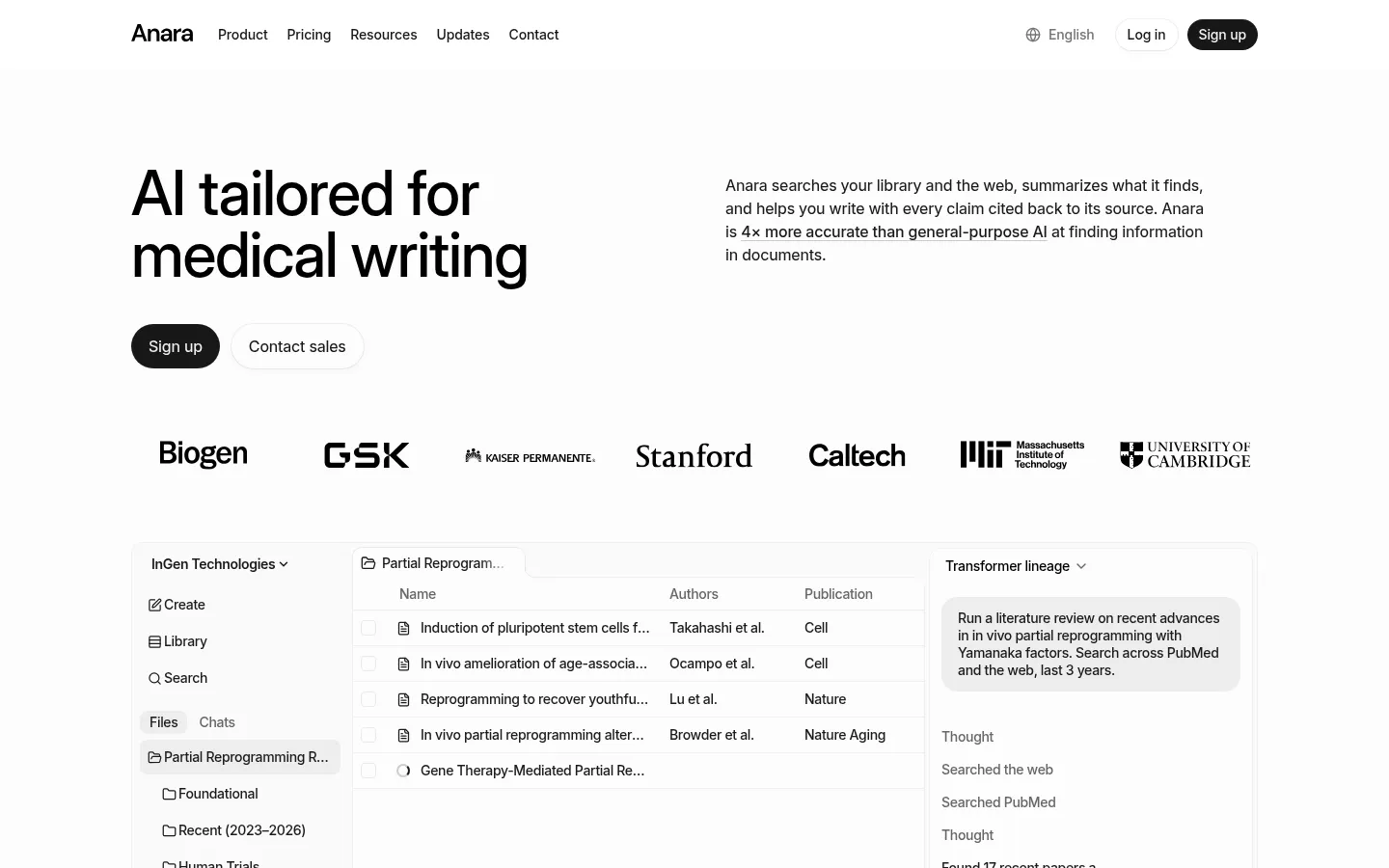
5. Anara: collaborative, cited chat across your own library
Score breakdown (0 to 5)
Search 2 · Coverage 1 · Synthesis 3 · Q&A 4 · PDF 5 · Data extraction 2 · Translation 1 · Reference management 3 · Citation trust 4 · Ease 4 · Value 3 · Integrations 4
Anara (formerly Unriddle) is a reading and collaboration workspace rather than a citation manager, but it connects to the managers and queries your library, which is why it appears here. Its signature feature, Chat with Folder, lets a team ask questions across an entire batch of uploaded sources at once, with every answer cited to a passage. On management it scores a 3: it organizes and chats with your files and syncs from Zotero or Mendeley, but it does not output formatted citations the way the dedicated tools do.
Key features
- Chat with Folder across an entire uploaded library
- Connectors for Zotero, Mendeley, Google Drive, Notion, and OneDrive
- Accurate passage-level citations on every answer
- Handles PDFs, video, audio, and images, with a choice of model (GPT, Claude, Gemini)
- Real-time collaboration on shared folders
Strengths
Reviewers praise the precision of its sourcing: citations are "consistently accurate and contextually relevant," and Anara "pulls references from the correct documents and highlights relevant sections." Its Zotero and Mendeley connectors mean it slots on top of an existing library rather than asking you to rebuild one, multi-format support and model choice make it versatile, and collaboration is genuinely useful for teams. Privacy is a real strength too, with no training on your data and GDPR coverage across tiers. The company reports 3M+ users and 78% citing significant time savings.
Weaknesses
Anara is not a discovery engine and not a true reference manager: it reads what you bring it (search and coverage score 2 and 1) and leans on its connectors for library duties. Some users find its explanations too general for niche or technical work, and it attracts skepticism over heavy affiliate and influencer marketing, with at least one researcher reporting an unexpected charge, so watch the free-tier limits and billing. For teams, it also lacks version control and project management. If passage-level reading is your priority, our Anara alternatives guide weighs the trade-offs.
Price
Free (2,000 words per day, 5 uploads per day). Plus is about $10 per month, Pro about $20 per month, and Max about $167 per month, with Enterprise custom.
Best for
Individuals and teams who keep their library in Zotero or Mendeley and want to read, annotate, and collaboratively query it with reliable citations.
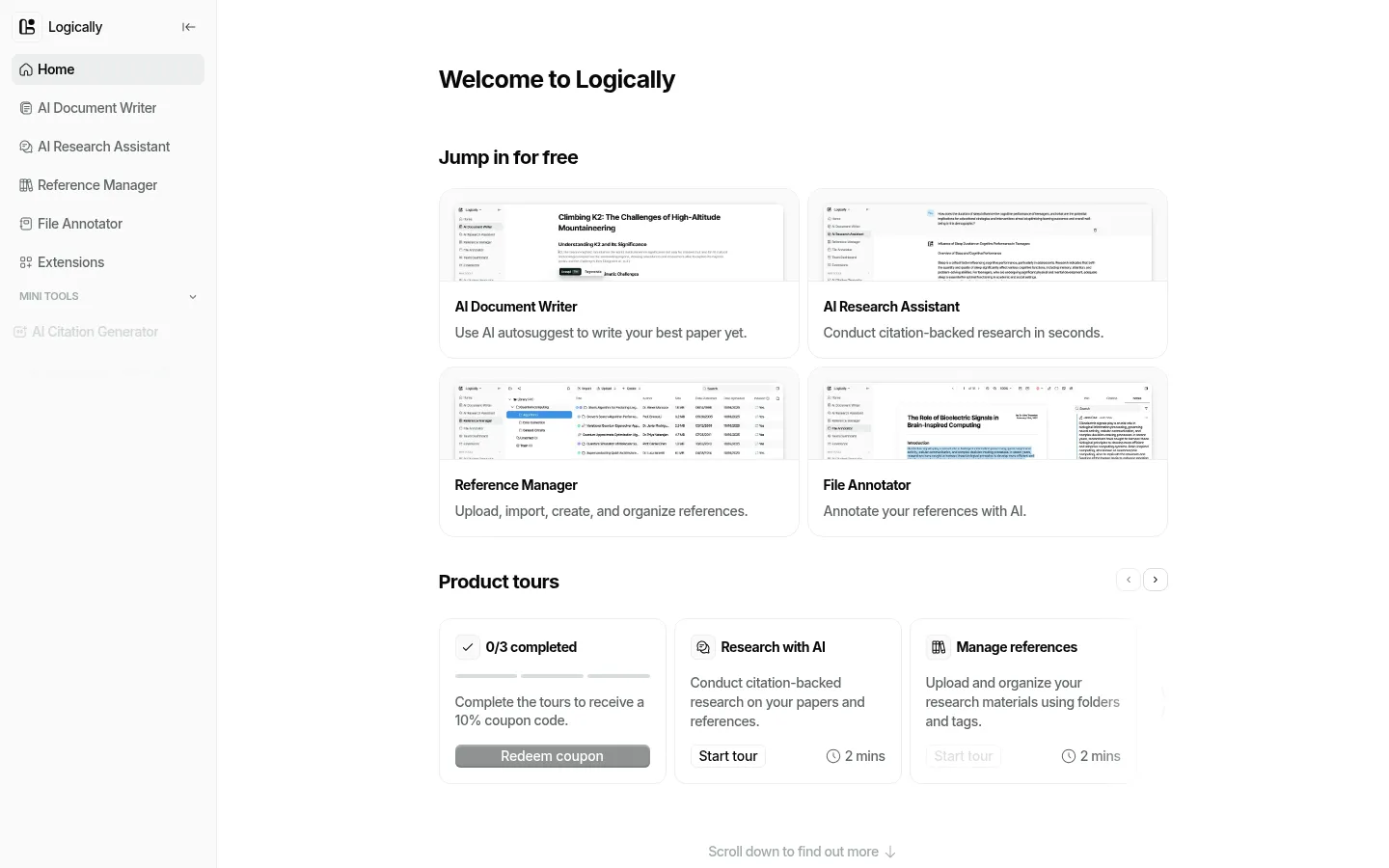
6. Logically: a cheap all-in-one manage, annotate, and write workspace
Score breakdown (0 to 5)
Search 3 · Coverage 3 · Synthesis 3 · Q&A 3 · PDF 4 · Data extraction 3 · Translation 1 · Reference management 4 · Citation trust 3 · Ease 3 · Value 4 · Integrations 3
Logically (the rebrand of Afforai, and not to be confused with the fact-checking company at a similar name) bundles four products under one login: a reference manager, a file annotator, an AI document writer, and an assistant with three research modes. For management specifically it scores a solid 4, with metadata auto-extraction, 10,000-plus citation styles, broad imports, and shared libraries, all at a low price.
Key features
- Reference manager with 10,000+ citation styles and auto-extracted metadata
- Imports PDF, EPUB, URL, DOI, DOCX, and more
- File annotator with text and area highlights that read graphs and images
- Three AI modes: Semantic Scholar (200M+ papers), Google search, and your own documents
- Document writer with cite-from-library and automatic bibliographies
Strengths
The selling point is consolidation value: Logically argues it replaces a separate reference manager, annotator, writer, and set of AI models for one $12 subscription. It holds a 4.2 out of 5 across 454 AppSumo reviews, with praise for ease of use, the Google search mode, and strong handling of large or multilingual documents. One PhD power user rated its multi-paper chat and its annotation-to-writing linking above several specialist rivals, and the annotation tools in particular are a genuine strength.
Weaknesses
The trust history is the catch. After the Afforai-to-Logically rebrand, multiple lifetime-deal buyers report their accounts and promised "unlimited" privileges were revoked, which is the central reputational issue to weigh before committing. Accuracy and hallucination complaints persist despite the citation framing, with one review reporting consistently fabricated content across tests, and others flag slow file uploads. Its paper-discovery depth also trails Paperguide and the specialist search tools.
Price
Free (5 AI actions per day, 100MB storage, watermarked exports). Unlimited is $12 per user per month, billed annually, with an extra 50% student discount and tiered team pricing.
Best for
Students and researchers who want one cheap tool that combines reference management, strong annotation, and AI writing, and who are comfortable with a younger platform's track record.
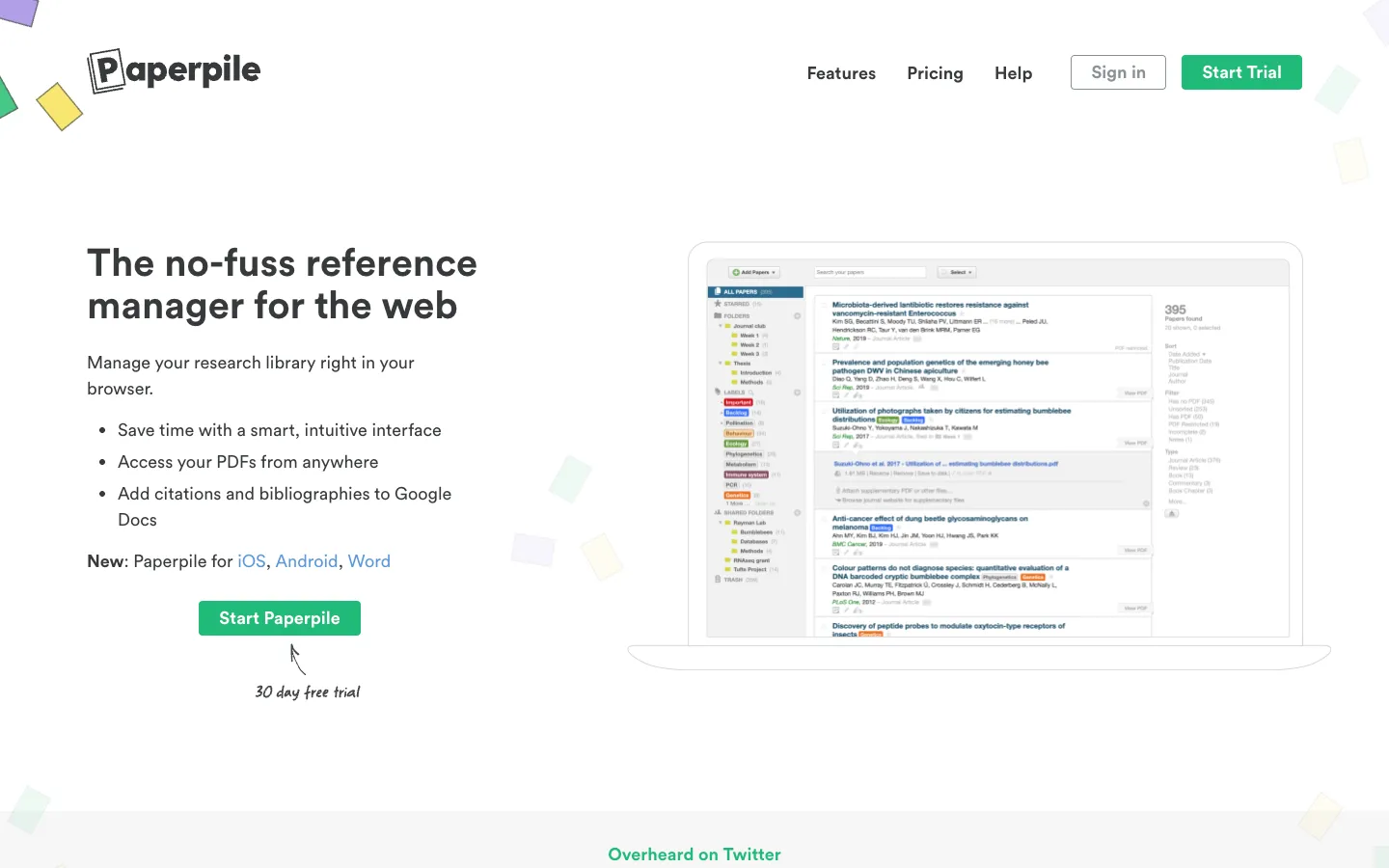
7. Paperpile: the best reference manager for Google Docs and Drive
Score breakdown (0 to 5)
Search 1 · Coverage 0 · Synthesis 0 · Q&A 0 · PDF 2 · Data extraction 0 · Translation 0 · Reference management 5 · Citation trust 4 · Ease 3 · Value 3 · Integrations 5
Paperpile is a dedicated reference manager whose signature strength is deep Google integration. If you write in Google Docs and keep your PDFs in your own Google Drive, it is purpose-built for you, with inline citation insertion in Docs and one-click capture from the browser. It scores a 5 on reference management and integrations; the main trade-off is that it is paid in a category with a strong free incumbent.
Key features
- Inline citation insertion in Google Docs, plus a Microsoft Word plugin
- PDFs stored and synced in your own Google Drive (no arbitrary storage cap)
- Chrome-extension capture from Google Scholar, PubMed, arXiv, and publisher sites
- 10,000+ citation styles, duplicate detection, and auto-fixed metadata
- iOS and Android apps with PDF reading and annotation
Strengths
Google-ecosystem integration is the most-praised feature: reviewers call the Chrome and Drive integration outstanding and the on-the-fly capture of citations and PDFs from any webpage a real time-saver. Citation accuracy and automation draw consistent praise (it can find a paper "by title, DOI, link, or whatever you throw at it"), the mobile apps are genuinely strong, and support is responsive. Loyal users describe a polished cross-device workflow that, once set up, is hard to leave.
Weaknesses
The core vulnerability is being paid while Zotero is free, which makes it a harder sell when a university already provides a manager. Reviewers report the app can be slow and resource-heavy, annotation is glitchy and limited, and library search is shallow. It was historically Chrome-first (Safari and Firefox support is still maturing), it cannot auto-import some IEEE PDFs, and its AI features lag the new wave. The recurring decision thread is Paperpile versus Zotero, and for budget or open-source priorities, Zotero usually wins.
Price
Billed annually only, with a 30-day free trial. With the 50% academic discount, Regular is $4.15 per month and Expert (full-text search, notes, sharing) is $5.75 per month; full prices are $8.30 and $11.50. Enterprise is custom.
Best for
Academics and teams who live in Google Docs and Google Drive and want seamless inline citations and Drive-based PDF storage.
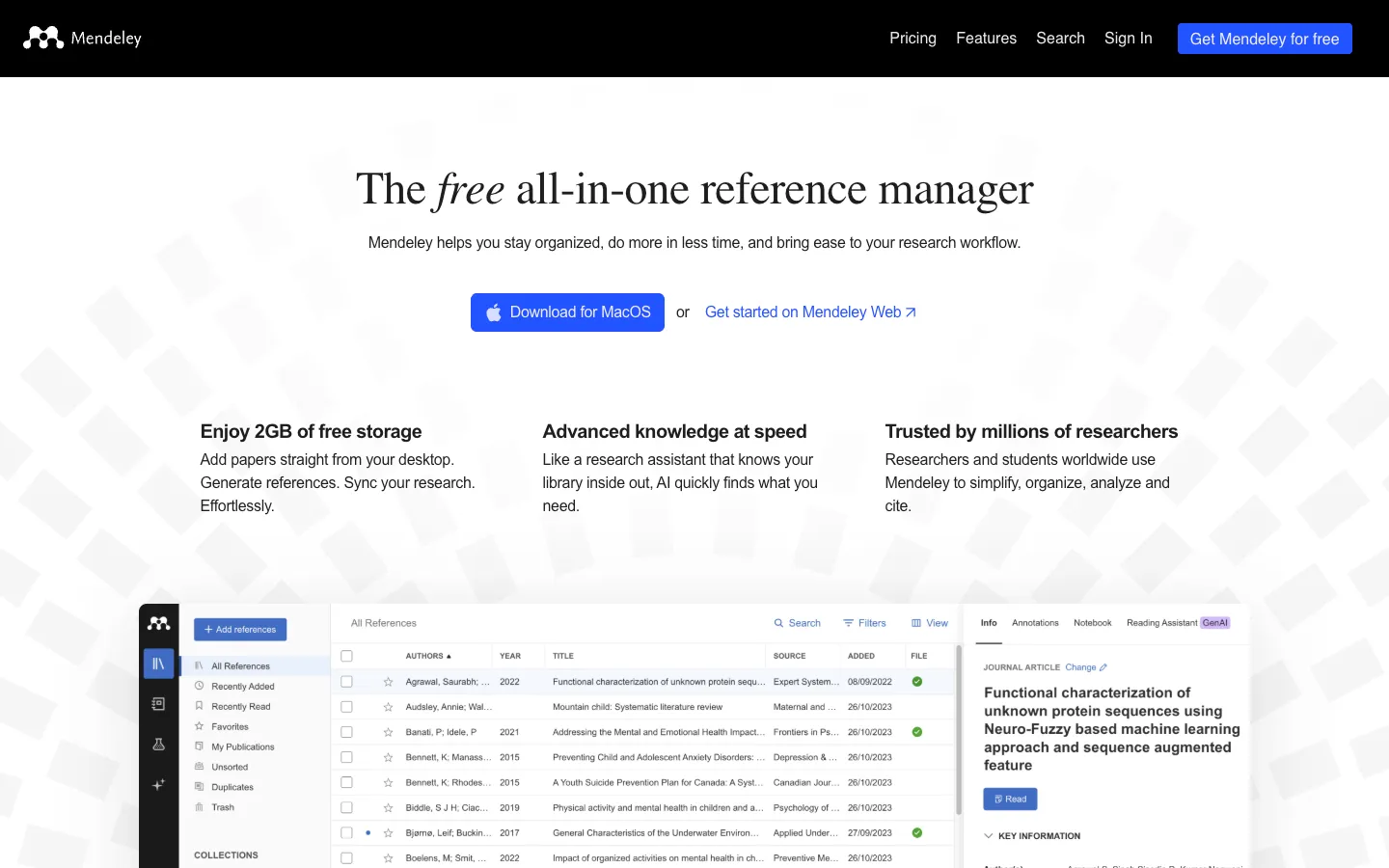
8. Mendeley: Word-centric free reference management plus new AI
Score breakdown (0 to 5)
Search 1 · Coverage 0 · Synthesis 2 · Q&A 2 · PDF 3 · Data extraction 1 · Translation 0 · Reference management 4 · Citation trust 3 · Ease 3 · Value 3 · Integrations 4
Mendeley is the Elsevier-owned incumbent: a free reference manager with a polished Word plugin that is now adding AI library chat (Reading Assistant and Ask My Library). It scores a 4 on reference management, a notch below Zotero and Paperpile, largely because a well-documented decline has eroded the experience for long-time users even as the core Word workflow stays strong.
Key features
- Polished Microsoft Word citation plugin with thousands of styles
- Free tier with 2GB storage and automatic metadata extraction from DOI and ISBN
- Web Importer browser extension and built-in cloud sync
- PDF annotation and private or group collaboration
- New AI: Ask My Library answers with per-source citations (Premium)
Strengths
The Word integration is the most-praised feature, with reviewers calling it the thing they appreciate most and crediting it with carrying them through thesis writing. Automatic metadata from a DOI or ISBN is often more accurate than Zotero's, the Web Importer makes capturing online references quick, and built-in sync works without add-on setup. Its new "chat with your library" AI, with citations that trace each answer back to its exact source, is a sensible step that keeps it relevant. It holds a 4.2 out of 5 on Capterra.
Weaknesses
The documented "downfall" is hard to ignore. The 2020 desktop rebuild removed popular features, and long-time users report frequent logouts, the add-in disappearing from Word, sync bugs, and being signed out into a free account. In-library search is weak (limited to titles, a complaint left unfixed for years), and export lock-in makes leaving painful, since you cannot cleanly export the whole library with annotations. That lock-in, plus Elsevier ownership, is exactly why so many academics migrate to Zotero.
Price
Free with 2GB storage and 5 Reading Assistant questions. Premium PLUS is $4.99 per month, PRO $9.99 per month, and MAX $14.99 per month, the higher tiers adding unlimited AI and more storage.
Best for
Word-centric students and academics who want free citation management with a strong Word plugin and are willing to weigh the platform's recent stability complaints.
How we scored the best reference manager tools
Every tool here is scored once, on the same 13-point rubric, on a 0 to 5 scale where 0 means the capability is absent or unusable and 5 means best in class. The criteria are search and discovery, corpus coverage, synthesis, conversational Q&A, document and PDF analysis, translation, reference management and export, writing and drafting, data extraction, citation integrity, ease of use, value, and integrations. Scores are grounded in documented features, official pricing, and real user sentiment from review sites and research communities, not vendor marketing. Vendor-reported figures such as corpus sizes are treated conservatively and labeled as claims. You can read the full scoring framework behind these numbers.
For this page, we weight the criteria toward what defines a reference manager: reference management and export, ease of use, and integrations carry the most weight, followed by citation integrity and value, with light weight on search, coverage, and PDF analysis. On that pure reference-management formula, a dedicated manager leads the math, and Paperguide and Zotero come out on top. We want to be transparent about that, because it is the honest result and it is the one to trust if a citation library is what you need.
So why is Kenkyu.ai the editorial number one? Because this page covers two jobs, and the ranking math only measures one of them. The weighting captures the organize-and-cite job, where the specialists win and we say so plainly. Kenkyu.ai is placed first for the other job, the find-and-read research front-end that happens before a paper enters your library, where its multilingual search, native-language translation, and source-traceable citations have no equal among these tools. Its reference-management score of 2 is shown openly throughout, and the full per-criterion table below lets you re-weight everything for your own priorities. If you only want a manager, weight the management columns and pick Zotero, Paperpile, or Paperguide.
The full scores for all eight tools:
| Tool | Search | Coverage | Synthesis | Q&A | Translation | Ref mgmt | Writing | Extraction | Citation trust | Ease | Value | Integrations | |
|---|---|---|---|---|---|---|---|---|---|---|---|---|---|
| Kenkyu.ai | 3 | 4 | 3 | 3 | 3 | 4 | 2 | 0 | 2 | 4 | 4 | 4 | 1 |
| Paperguide | 3 | 4 | 3 | 3 | 3 | 0 | 5 | 3 | 4 | 3 | 4 | 5 | 4 |
| Zotero | 1 | 0 | 0 | 0 | 2 | 0 | 5 | 0 | 0 | 5 | 3 | 5 | 5 |
| SciSpace | 3 | 5 | 3 | 4 | 5 | 2 | 3 | 3 | 4 | 3 | 3 | 3 | 4 |
| Anara | 2 | 1 | 3 | 4 | 5 | 1 | 3 | 3 | 2 | 4 | 4 | 3 | 4 |
| Logically | 3 | 3 | 3 | 3 | 4 | 1 | 4 | 4 | 3 | 3 | 3 | 4 | 3 |
| Paperpile | 1 | 0 | 0 | 0 | 2 | 0 | 5 | 0 | 0 | 4 | 3 | 3 | 5 |
| Mendeley | 1 | 0 | 2 | 2 | 3 | 0 | 4 | 0 | 1 | 3 | 3 | 3 | 4 |
The table makes the split clear. Zotero and Paperpile are pure citation managers (strong on reference management and integrations, near zero on AI and discovery), Paperguide and Logically wrap a real manager inside a wider AI platform, and SciSpace and Anara are reading tools that connect to your library rather than run it. Kenkyu.ai sits apart: it scores low on reference management on purpose, because it is the multilingual research front-end you put in front of one of these managers, not a replacement for it.

Written by
Timothy Andersen, Kenkyu.ai Founder