If you are looking for a Jenni alternative, start by separating two jobs that often get lumped together: writing a paper and researching the paper you are about to write. Jenni is an AI writing tool. It drafts in academic tone, autocompletes your next sentence, and drops citations inline. That is genuinely useful, and for fast drafting it is one of the better tools. The reason people churn is almost always trust: AI-generated prose can invent or mis-cite references, and a citation that points to a paper that does not exist is a fast way to fail a review. So the honest question is whether your blocker is the drafting itself or the shaky research underneath it.
Our top pick is Kenkyu.ai, and we want to be straight about why, because it is not a like-for-like swap. Kenkyu.ai does not write your manuscript (it scores a 0 on drafting, and we show that openly below). What it does is the research layer you write from: it searches across more than 200 million papers, translates any one of them into your native language, and answers your questions with citations you can trace to the exact source paragraph. If the thing that scares you about Jenni is the made-up references, the fix is not a different autocomplete, it is grounding your research in sources you can verify, then writing from that. Pair Kenkyu.ai with your writing tool of choice. If what you specifically want is an AI that drafts prose for you, we point you to the genuine writing tools in this list (Paperpal, SciSpace, and Jenni itself) and say where each fits.
Every tool below was scored 0 to 5 on the same 13-point rubric, grounded in documented features, real pricing, and user sentiment rather than marketing copy. The table comes first, then each tool gets a full breakdown.
At a glance: the best Jenni alternatives compared
Scores are 0 to 5 (higher is better). Citation trust is our shorthand for citation integrity: whether a claim traces to a real, correctly linked source. Writing is shown truthfully too, including Kenkyu.ai's 0, so you can see exactly which tools draft prose and which do the research you draft from. Jenni sits last as the baseline you are comparing against.
| Rank | Tool | Writing | Citation trust | Search | PDF reading | Value | Price (USD) | Best for |
|---|---|---|---|---|---|---|---|---|
| Editor's pick | Kenkyu.ai | 0 | 4 | 3 | 3 | 4 | Free; Plus ~$8/mo | The trustworthy research-and-reading layer you write from, across languages |
| 2 | Paperguide | 3 | 3 | 3 | 3 | 5 | Free; Plus $12/mo | One affordable tool from discovery to references and cited drafting |
| 3 | SciSpace | 3 | 3 | 3 | 5 | 3 | Free; Premium $12/mo | Reading a dense PDF, with writing attached |
| 4 | Anara | 3 | 4 | 2 | 5 | 3 | Free; Plus ~$10/mo | Collaborative cited chat across your own document library |
| 5 | NotebookLM | 3 | 5 | 0 | 5 | 4 | Free; Plus ~$8/mo | Free source-grounded synthesis and study outputs |
| 6 | Paperpal | 4 | 4 | 2 | 3 | 3 | Free; Prime ~$11.58/mo | Editing and drafting a manuscript to submission-ready |
| 7 | Liner | 3 | 4 | 4 | 3 | 3 | Free; Pro $14.99/mo | Accurate, every-line-cited search with light writing |
| Baseline | Jenni | 4 | 1 | 0 | 3 | 3 | Free; Plus $12/mo | Fast AI academic drafting with inline citations |
The one-line verdict on Kenkyu.ai: multilingual search across 200M+ papers, native-language translation of any paper, and answers you can trace back to the source paragraph, all in one tool with a free plan that needs no credit card. It is the research front end, not the writer.
What is Jenni?
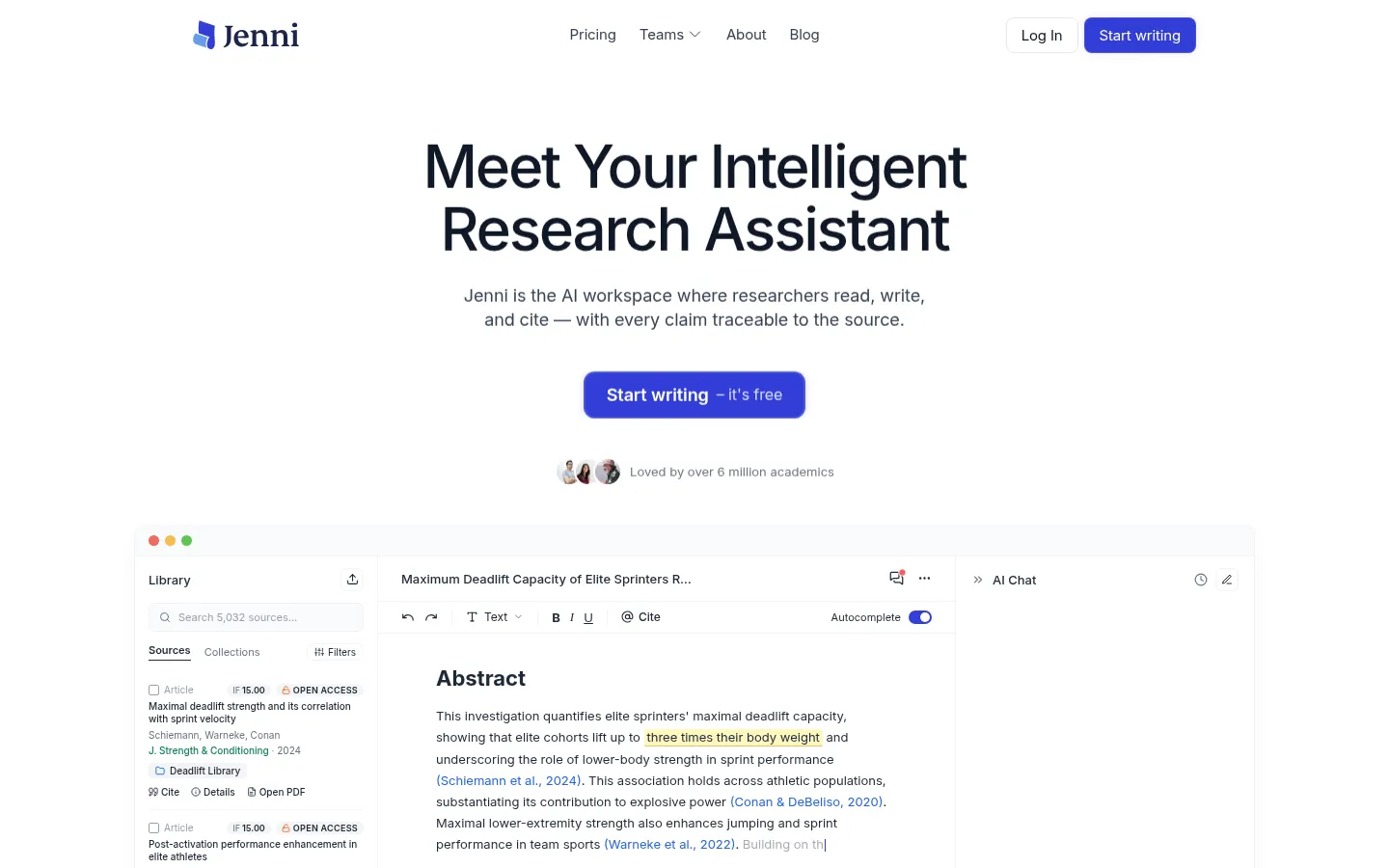
Jenni (jenni.ai) is an AI academic writing assistant. Its centerpiece is context-aware autocomplete: as you write, it continues your sentences in a formal, academic tone and inserts citations as it goes, with support for a very large set of citation styles. Around that it adds an AI chat, an AI editing feature, document-level "Reviews" that flag clarity and repetition across a whole draft, PDF upload and chat with your own library, and import and export to reference managers (.ris, .bib, .csv). A set of SEO-facing mini-tools rounds it out: a literature review generator, thesis-statement generator, paraphraser, essay outliner, and summarizer.
Jenni's genuine signature strength is drafting speed. It turns an outline into a formal first draft quickly, the autocomplete is fluent, and the inline-citation workflow keeps you writing without breaking to format references by hand. The company markets large adoption numbers (more than 5 million writers, 15 million-plus papers written, an average of 5.2 hours saved per paper), and for the specific job of getting words on the page in an academic register, reviewers agree it performs.
The catch, and the reason this page exists, is that Jenni works at the writing layer, not the research layer, and its citations rely on AI generation that can hallucinate references. Editorial reviews and longtime users converge on the same caution: the autocomplete can produce generic filler, the output carries AI-detectability risk (one test reported a 38% AI-similarity score on a Grammarly scan, too high for many university submissions), Jenni runs no plagiarism detection of its own, and billing and auto-renewal complaints recur. One Reddit user who relied on it for a year summed up the trust problem plainly: "Citations feel unreliable, especially for academic work. Half the time I'm double-checking everything manually." That double-checking is the work the tools below are built to remove, each in a different way.
How we ranked these Jenni alternatives
Order follows our scoring matrix weighted for the Jenni use case, which leans on writing and drafting, citation integrity, synthesis, and reference management, with Kenkyu.ai placed first editorially for the research-and-reading job you write from. Jenni itself appears last as the reviewed baseline, with its honest scores intact. The rest are ordered by their weighted fit for this page. Because Jenni is a writing tool and Kenkyu.ai is not, we are transparent in how we scored below about what the pure writing math says and why our editorial pick is framed the way it is. Every sub-score shown is the real value from the matrix, so you can re-weight for your own priorities.
1. Kenkyu.ai, Editor's pick: the trustworthy research layer you write from
Score breakdown (0 to 5)
Search 3 · Coverage 4 · Synthesis 3 · Q&A 3 · PDF 3 · Translation 4 · Reference management 2 · Writing 0 · Data extraction 2 · Citation trust 4 · Ease 4 · Value 4 · Integrations 1
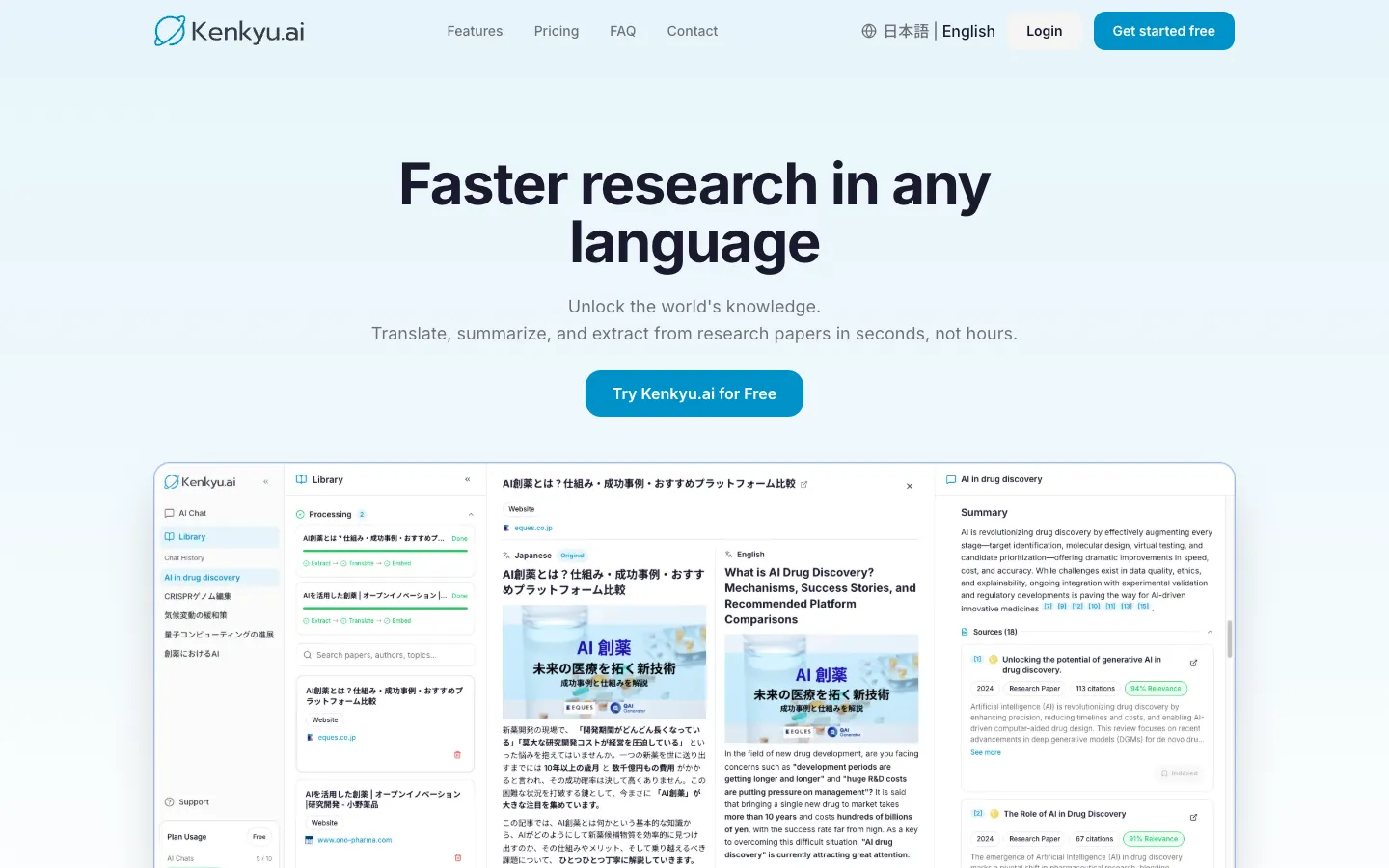
Let us lead with the honest part: Kenkyu.ai scores a 0 on writing. It will not draft your paragraphs or autocomplete your next sentence, so it is not a drop-in replacement for Jenni's core feature. We still rank it first, and the reason is the same reason most people leave Jenni in the first place. The problem with AI writing for research is not the prose, it is the references underneath it. Kenkyu.ai fixes that layer. It searches the same 200M+ paper index that backs Semantic Scholar, translates any paper into your native language with a side-by-side bilingual view, and answers your questions with citations that resolve to the exact source paragraph rather than a possibly-invented title. You write from that, in the tool you already use for drafting.
This is an editorial pick for a specific job, not a claim that it out-writes a writer. On the pure writing-weighted math for this page, a dedicated drafting tool leads, and we say so below. But the churn driver for Jenni is citation trust, and that is exactly where Kenkyu.ai earns a 4 to Jenni's 1. If your work crosses languages, the gap is even wider: Jenni does not translate at all, while reading and citing foreign-language papers is the whole point of Kenkyu.ai. Think of the workflow as research and read with Kenkyu.ai, then draft with Jenni, Paperpal, or whichever writer you trust, with real sources in hand.
Key features
- Search across 200M+ papers (Semantic Scholar corpus) plus the web
- Native-language translation of full papers, with a bilingual reading view
- Cited answers that link to the specific source paragraph, not just a title
- Chat with uploaded PDFs
- Clean console available in English and Japanese
Strengths
Kenkyu.ai's edge is putting search, translation, and grounded answers in one workflow, so the references you eventually cite started as real papers you read and verified, not text a model produced. Citations resolve to the source passage, which is why it earns a 4 on citation trust where a writing-first tool like Jenni sits at a 1. For multilingual researchers it removes two separate steps at once, finding the literature and reading it in the language you think in. The free plan is built for testing without commitment: unlimited search across the full index, 10 AI chats, and 10 uploads per month, with no credit card to start. Plus is roughly $8 per month (¥1,260), among the most affordable paid tiers on this list.
Weaknesses
The honest one first: there is no drafting, paraphrasing, or autocomplete, so if you want AI to produce manuscript prose, you will still need a writing tool alongside it. Reference management is light (you can save papers, but it is not a full Zotero replacement), and there is no browser extension or Word integration yet, so it scores low on integrations. It is also a newer brand than venture-backed names in this space, even though it runs on the same Semantic Scholar corpus many rivals share.
Price
Free, with unlimited search of 200M+ papers plus 10 AI chats and 10 uploads per month and no credit card. Plus is about $8 per month (¥1,260) with unlimited chat and uploads and larger file limits. Enterprise pricing is custom.
Best for
Researchers, graduate students, clinicians, and journalists who want a trustworthy, multilingual research and reading front end to pair with their writing tool, especially anyone working across Japanese and English who needs citations they can verify.
2. Paperguide: the best value all-in-one, with cited drafting built in
Score breakdown (0 to 5)
Search 3 · Coverage 4 · Synthesis 3 · Q&A 3 · PDF 3 · Translation 0 · Reference management 5 · Writing 3 · Data extraction 4 · Citation trust 3 · Ease 4 · Value 5 · Integrations 4
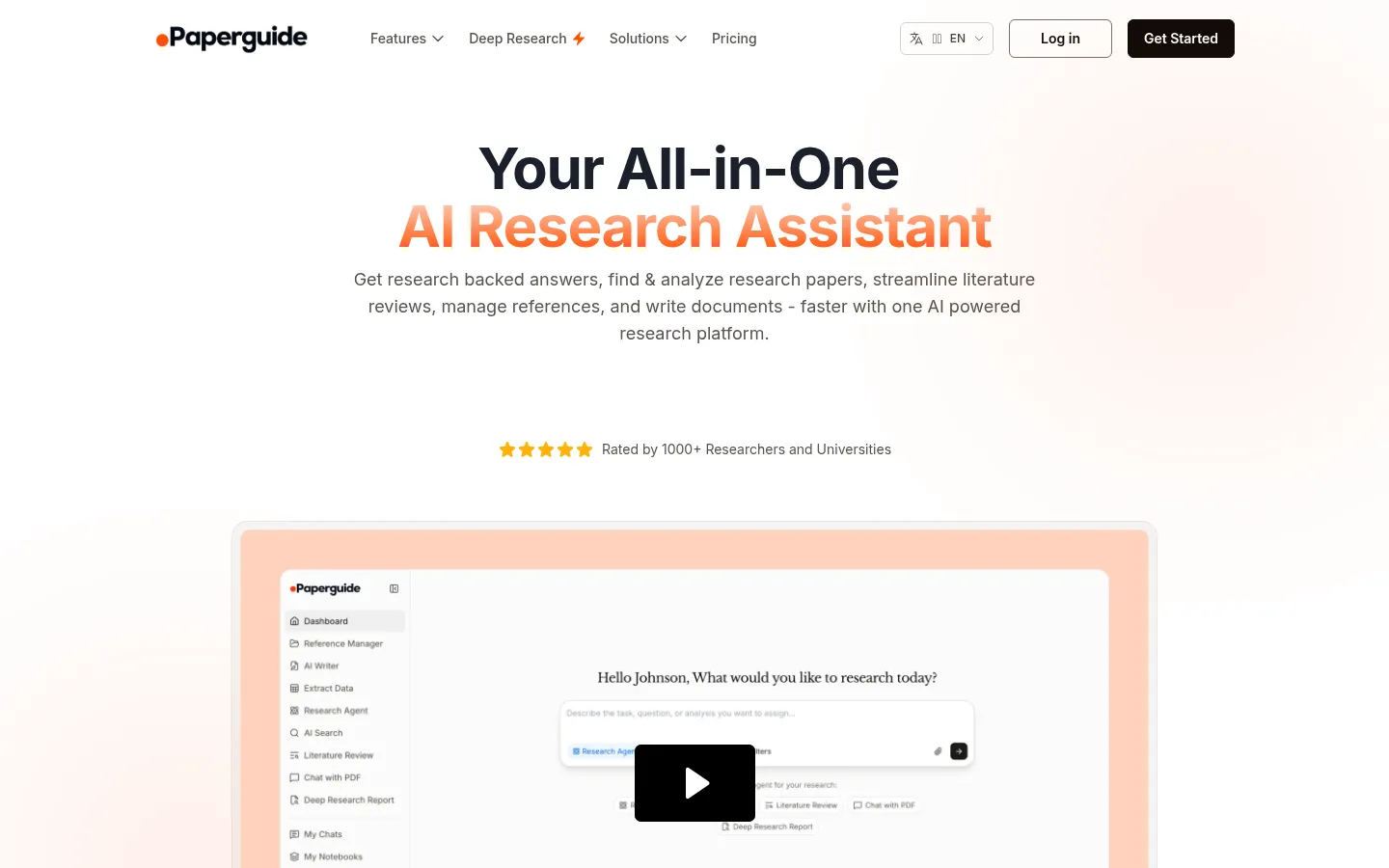
If you want one tool that both researches and writes, Paperguide is the strongest all-rounder here, and it directly addresses Jenni's weak spot. Where Jenni drafts from whatever it can generate, Paperguide's AI Writer drafts from your references and a 200M+ paper database, attaching automatic citations to AI-generated content. It also finds papers, runs a structured literature review, extracts data into tables, and includes a full reference manager. It is the only alternative here to score a 5 on value, pairing a real reference manager (1,000+ citation styles, broad imports) with AI research and writing features well below the premium suites' cost.
Key features
- AI search across 200M+ papers with journal-quality signals (SJR, SNIP, quartiles)
- AI Writer that drafts from your own references with automatic citations
- Full reference manager with 1,000+ styles and many import paths
- Structured, multi-step literature review and data extraction tables
- "Original Text for Verification" to check AI claims against the source
Strengths
The consolidation pitch lands with budget-conscious researchers: Paperguide holds 4.3 out of 5 across 85 AppSumo reviews, with one reviewer noting it "completely replaced Afforai/Logically for me without any real downside." Reviewers value the source-grounding, calling out that "the focus on transparency and credible, source-based answers makes it a tool I can trust," and the verification view that shows the underlying text behind any AI claim. For a Jenni switcher, the draw is drafting that starts from real, cited references rather than generated ones, plus the discovery and reference layers Jenni lacks.
Weaknesses
Paperguide is not a pure writing specialist, and its drafting has the same integrity caveat that pushes people away from Jenni: its AI drafts have been flagged by detectors such as GPTZero, and the founder has said AI-detection and humanizing are "on the backburner." Its database is smaller than SciSpace's (200M versus 280M), reviewers caution you still need to double-check surfaced papers, and it does not translate, so it is no better than Jenni for non-English work. Brand awareness is low, with growth leaning on deals and affiliates.
Price
Free (1,000 credits per month, 20 searches per month, plus the reference manager). Plus is $12 per month and Pro $24 per month, with a 40% student discount and Enterprise custom.
Best for
Students and researchers on a budget who want a single tool that takes them from discovery and references through cited drafting, rather than a standalone autocomplete.
3. SciSpace: read the paper first, then draft in the same place
Score breakdown (0 to 5)
Search 3 · Coverage 5 · Synthesis 3 · Q&A 4 · PDF 5 · Translation 2 · Reference management 3 · Writing 3 · Data extraction 4 · Citation trust 3 · Ease 3 · Value 3 · Integrations 4
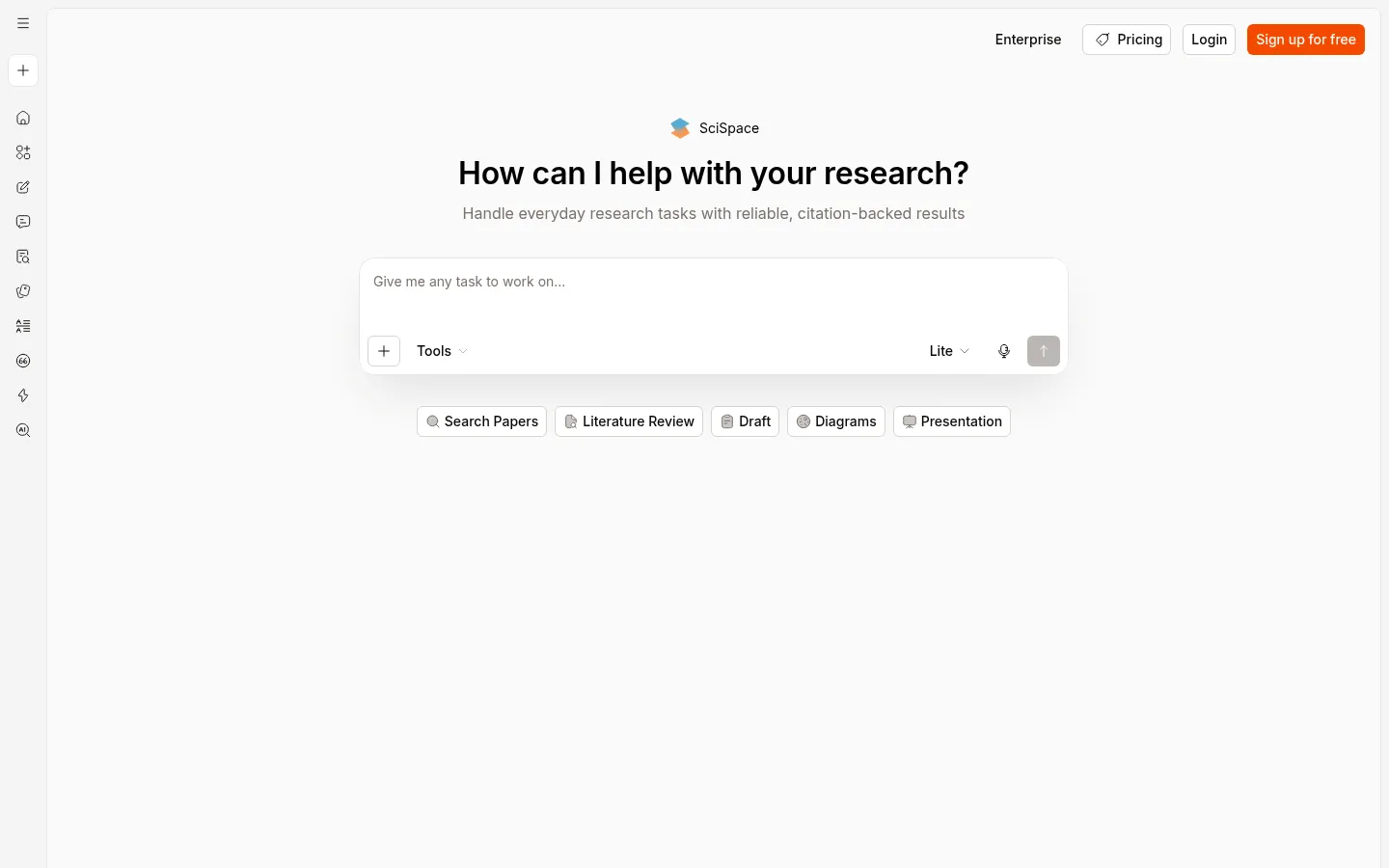
SciSpace is the alternative for people who realize, partway through fighting Jenni's filler, that the real gap is understanding the source. Its Chat with PDF copilot lets you highlight any sentence and get a plain-language explanation with deep links into the source, and on that reading job it scores a 5. It also searches a large literature index (280M+ claimed) and has been quietly building out its own writing surface, so you can read, understand, then draft without leaving the workspace. One reviewer described its new Notebook and AI Writer as "essentially a replacement for something like jenni.ai," which makes it a direct, research-grounded counter to Jenni.
Key features
- Highlight-to-explain Chat with PDF with deep links into the source
- Large literature search index (280M+ claimed) with links to real articles
- AI Writer, paraphraser, and an AI detector
- Data extraction tables across papers
- Chrome extension, mobile app, and a ChatGPT plugin
Strengths
Reviewers single out the reading experience. One associate professor noted that SciSpace "provides access or links to actual articles that you can then search, to ensure that it's not hallucinating false, nonexistent papers, like some other AI engines," a pointed contrast with Jenni's generated citations. It holds a 4.3 out of 5 on Capterra across 79 reviews, and Professor David Stuckler rated it "8 out of 10," calling it "one of the best for chatting with a PDF." For a Jenni user, you keep a drafting surface but anchor it to a paper you actually read.
Weaknesses
The loudest complaint is opaque credit consumption: users report burning credits faster than expected and being pushed to upgrade, with one professor leaving a one-star review after a refund was refused over consumed credits. Its discovery returns a "partial set" rather than exhaustive recall, coverage thins on hard sciences and non-English work, and editorial tests still warn it can "hallucinate information or create fake references," so its writing output needs the same verification discipline Jenni does. The interface can also overwhelm new users. If those credit walls frustrate you, our SciSpace alternatives guide compares tools that bill more predictably.
Price
Free tier available. Premium is $12 per month (annual), Advanced $70 per month, and Max $160 per month, all credit-based, with Enterprise custom.
Best for
Graduate students and postdocs who want to read and decode a dense paper first, with light writing and extraction attached in the same tool.
4. Anara: collaborative, cited chat across your own documents
Score breakdown (0 to 5)
Search 2 · Coverage 1 · Synthesis 3 · Q&A 4 · PDF 5 · Translation 1 · Reference management 3 · Writing 3 · Data extraction 2 · Citation trust 4 · Ease 4 · Value 3 · Integrations 4
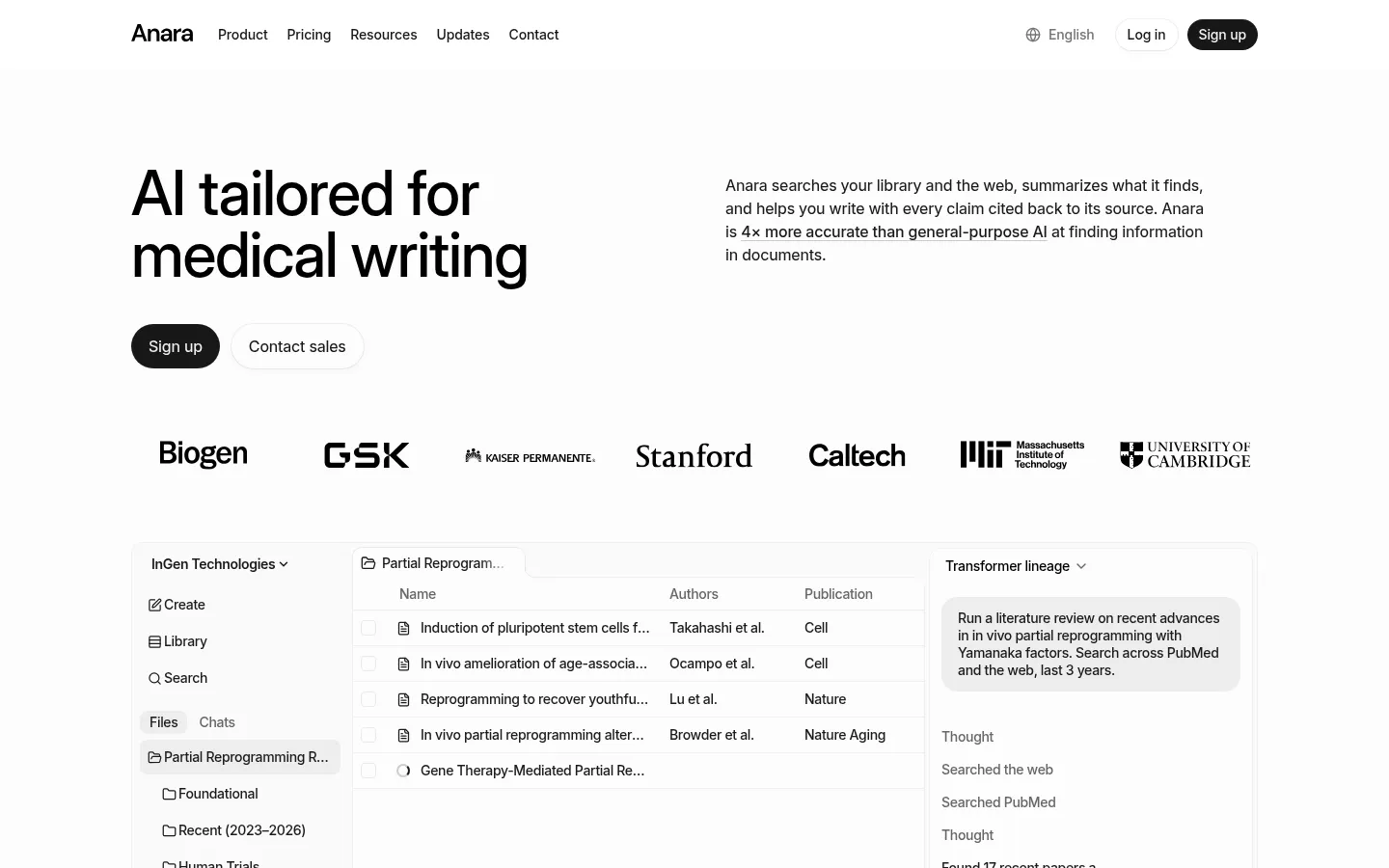
Anara (formerly Unriddle) approaches the trust problem from the reading side. Its signature Chat with Folder lets you drop a batch of PDFs into a folder and query the whole set at once, with every answer cited back to a specific passage in a specific source. For a Jenni user whose pain is unreliable citations, that is the inverse posture: instead of generating references, Anara only ever points to documents you uploaded, and it highlights the exact passage a claim came from. It scores a 5 on document reading and a 4 on citation trust, four points clear of Jenni on the dimension that matters most here.
Key features
- Chat with Folder across an entire uploaded library
- Accurate passage-level citations on every answer
- Handles PDFs, video, audio, and images in one workspace
- Model choice (GPT, Claude, Gemini) and real-time collaboration
- Connectors for Zotero, Mendeley, Drive, Notion, and OneDrive
Strengths
Reviewers praise the precision of its sourcing: an editorial review found Anara's citations "consistently accurate and contextually relevant," noting it "pulls references from the correct documents and highlights relevant sections." Its multi-format support and model choice make it versatile, collaboration is genuinely useful for teams, and privacy is a real selling point (no training on your data, GDPR across tiers). The company reports 3M+ users and 78% citing significant time savings, with usage at Stanford, Johns Hopkins, and GSK. For drafting, it has a writing layer that, unlike Jenni's, sits on top of sources you can see.
Weaknesses
Anara is not a discovery engine: it has no native corpus, so it only reads what you bring (search and coverage score 2 and 1), and translation is minimal. Reviewers find its explanations "too general" for niche or technical work, and it attracts pointed skepticism over aggressive affiliate and influencer marketing, with Reddit threads questioning the hype and at least one user reporting an unexpected charge, so watch the free-tier caps and billing. Its writing is competent but secondary, so as a pure Jenni-style drafting replacement it is partial.
Price
Free (2,000 words per day, 5 uploads per day). Plus is about $10 per month, Pro about $20 per month, and Max about $167 per month, with Enterprise custom.
Best for
Individuals and teams who want to read, annotate, and collaboratively query their own document library with reliable, passage-level citations before they write.
5. NotebookLM: the best free, source-grounded alternative
Score breakdown (0 to 5)
Search 0 · Coverage 0 · Synthesis 4 · Q&A 4 · PDF 5 · Translation 1 · Reference management 1 · Writing 3 · Data extraction 3 · Citation trust 5 · Ease 5 · Value 4 · Integrations 2
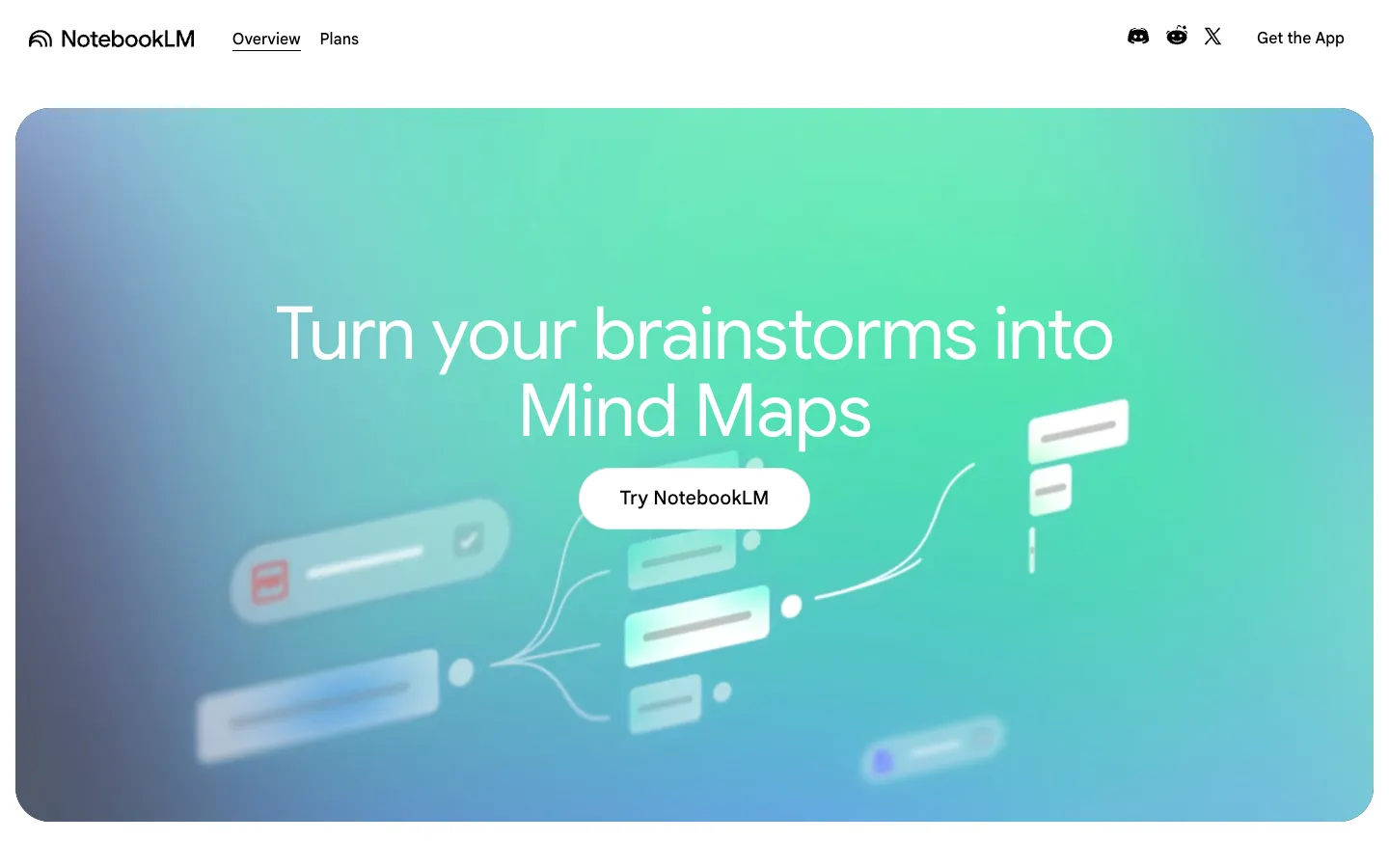
NotebookLM, Google's source-grounded research partner, is the strongest free answer to Jenni's citation problem. It works only with documents you upload and never strays beyond them, grounding every answer in your sources with clickable citations to the exact passage. That constraint is the point: it scores a 5 on citation trust, the top of this list, because it cannot invent a reference the way a generative writer can. It also generates study outputs (podcast-style Audio Overviews, mind maps, quizzes) that have no Jenni equivalent, and it can help draft from your grounded sources.
Key features
- Strict source-grounding with clickable in-line passage citations
- Audio Overviews, mind maps, quizzes, and other Studio outputs
- Strong multi-document Q&A and synthesis
- Clean, near-effortless interface (it scores a 5 on ease of use)
- Free tier with 50 sources per notebook
Strengths
For making sense of material you already have, NotebookLM is excellent and genuinely free. An independent measure put its hallucination rate near 13% against roughly 40% for ChatGPT, it holds a 4.8 out of 5 on G2, and one widely upvoted researcher reported cutting research time from "2 to 3 hours" to "30 to 40 minutes with better clarity." Its strict grounding is the direct antidote to the fabricated-citation risk that drives people away from Jenni, and any drafting it does is tethered to your actual sources.
Weaknesses
NotebookLM cannot find papers: it has no search and no corpus (both score 0), so you supply every source. The free notebook caps at 50 sources and accuracy can degrade as you near that cap, export is limited, there is no real API, and translation is minimal, so it is a weak fit for non-English papers on its own. Its writing is geared to grounded synthesis rather than long-form manuscript drafting, so it is not a full Jenni replacement for putting a polished paper together. To add search and translation to this workflow, see our NotebookLM alternatives guide.
Price
Free (50 sources per notebook). Plus is about $7.99 per month and Pro about $19.99 per month, with higher Google tiers above that.
Best for
Researchers who want source-grounded, trustworthy synthesis and study outputs for free, and who will draft elsewhere once they understand the material.
6. Paperpal: the academic writing and submission specialist
Score breakdown (0 to 5)
Search 2 · Coverage 3 · Synthesis 2 · Q&A 2 · PDF 3 · Translation 2 · Reference management 3 · Writing 4 · Data extraction 0 · Citation trust 4 · Ease 3 · Value 3 · Integrations 5
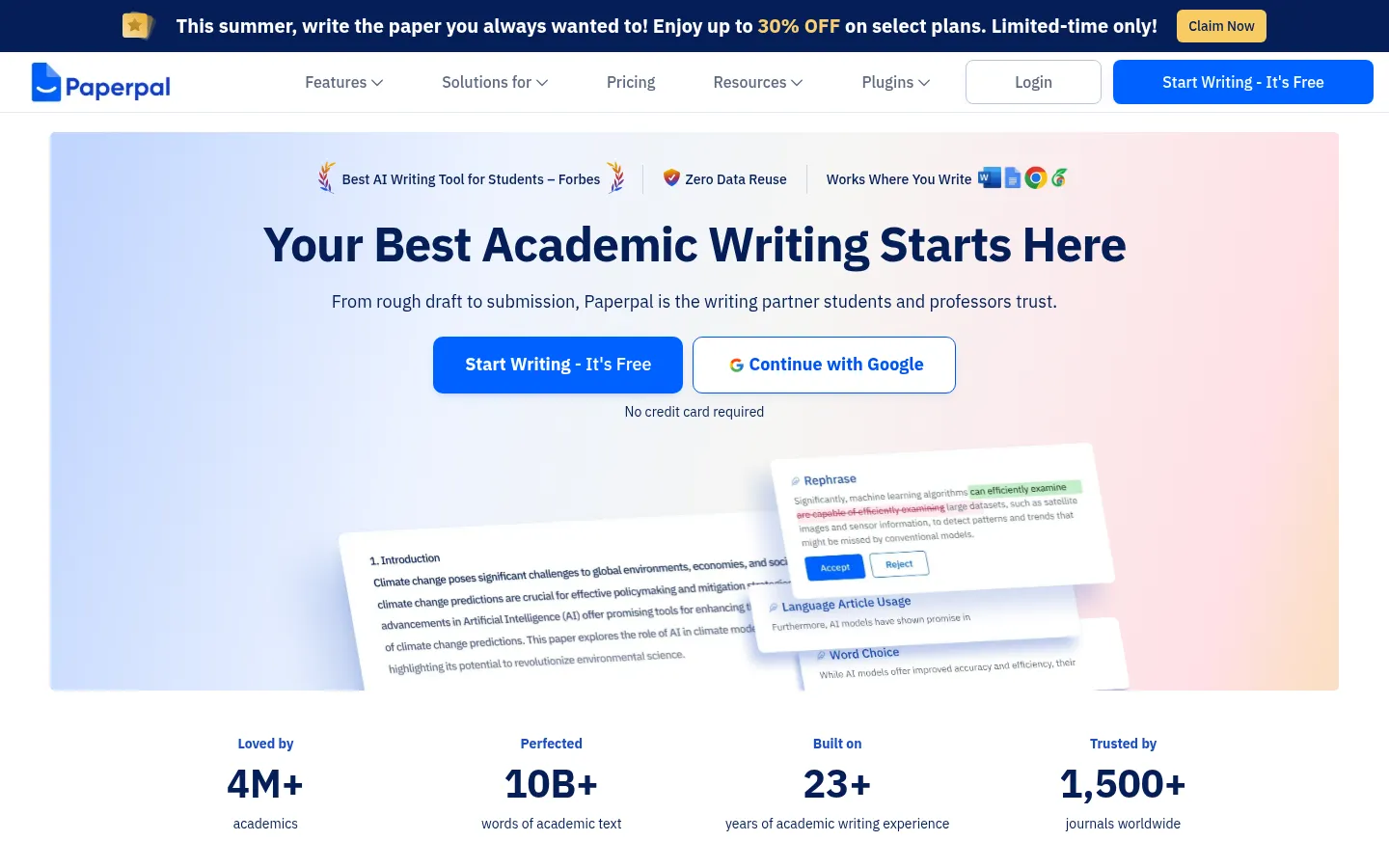
If you want a genuine writing tool, this is the head-to-head Jenni loses most often. Paperpal is an academic writing, editing, and submission-readiness suite trained on published academic prose, and on the integrity layer Jenni lacks, it is far ahead. It drafts and rewrites with academic-specific grammar and language editing, then adds a plagiarism checker and an AI detector that categorizes each sentence as human-written, an AI-human blend, or AI-written. The widely cited verdict is that Jenni leads on raw drafting speed, while Paperpal is the stronger choice for polishing and submission, precisely because it checks the work Jenni just produces.
Key features
- Academic-trained grammar, language, and style editing, plus AI drafting
- AI Paraphraser, plagiarism checker, and sentence-level AI detector
- Research & Cite across 250M+ articles, 10,000+ citation styles
- Chat with up to 10 PDFs in 50+ languages
- Works in MS Word, Google Docs, Overleaf, Chrome, and the web
Strengths
Editors rate Paperpal's academic editing above general checkers: it "catches grammar mistakes that other grammar checkers miss" and gives "subject-specific language suggestions," and it is especially valued by non-native English researchers for making text "sound professional and academic" without the dumbing-down some users complained about with Jenni (one reviewer noted Jenni "replacing key scientific terms with plain language synonyms"). Its integration footprint is the broadest here (it scores a 5), and privacy is a genuine strength, with no training on your data and FERPA, ISO 27001, GDPR, and HIPAA certifications.
Weaknesses
Paperpal is a writing and editing tool first, so for actual research it is thin: no data extraction, weak synthesis and Q&A, and only light PDF chat and search. It can struggle with specialized jargon, it is English-primary, and its aggregate rating sits around a "fairly average" 3.5 to 3.7, with the usual category gripes about billing and value past the free tier. It will polish and check your prose better than Jenni, but it will not find or translate your literature, so it pairs well with a research front end rather than replacing one.
Price
Free (200 language suggestions per month, 5 AI uses per day, 7,000-word plagiarism checks). Prime is about $11.58 per month on the annual plan ($25 monthly), with institutional plans custom.
Best for
Non-native-English researchers who want serious academic drafting plus editing and integrity checks, and who care about catching AI-detectability before submission.
7. Liner: accurate, every-line-cited search with light writing
Score breakdown (0 to 5)
Search 4 · Coverage 4 · Synthesis 3 · Q&A 4 · PDF 3 · Translation 0 · Reference management 1 · Writing 3 · Data extraction 3 · Citation trust 4 · Ease 3 · Value 3 · Integrations 2
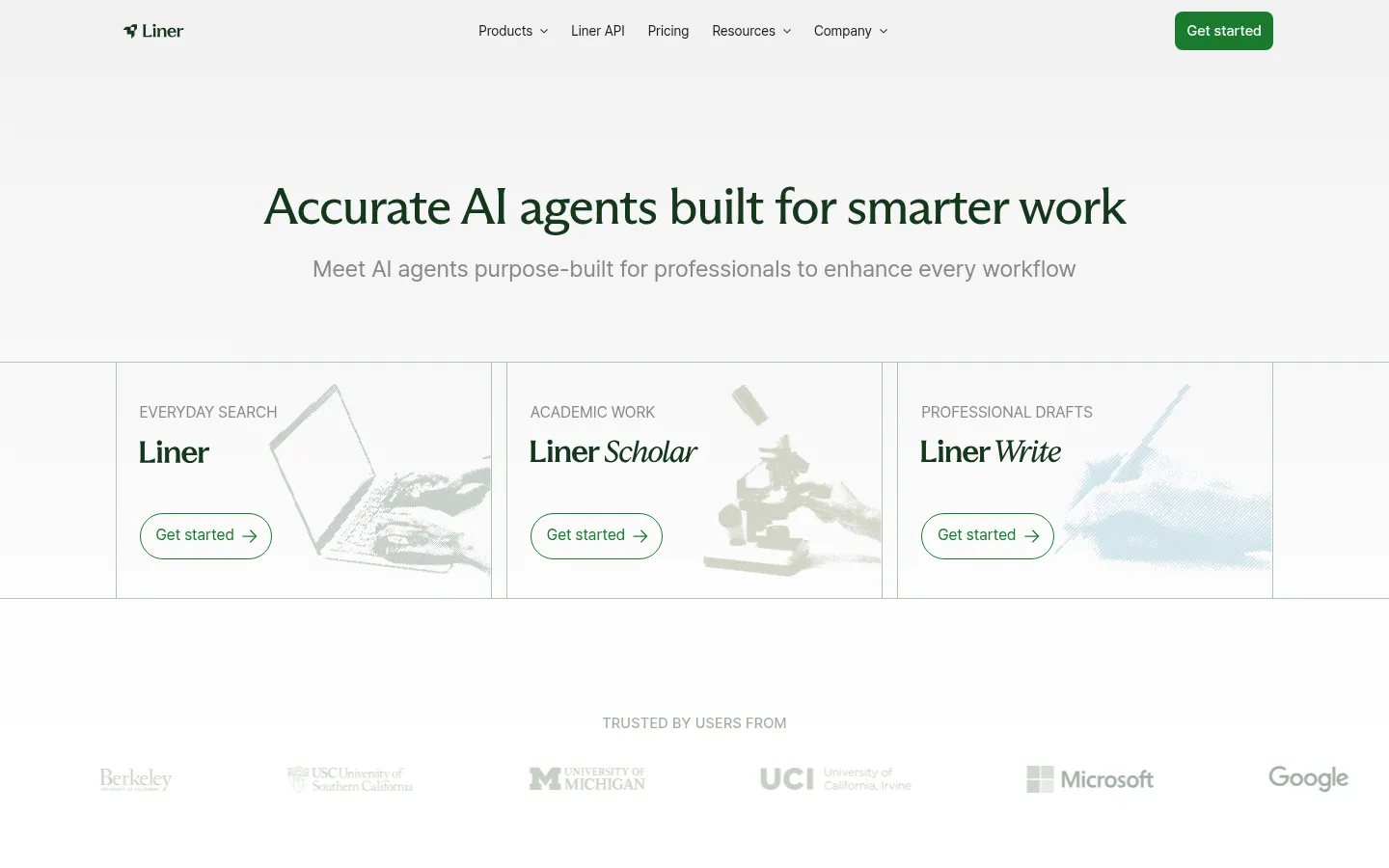
Liner is a Perplexity-style answer engine repositioned for students and researchers, bundling search, a Scholar agent, and a writing tool into one low-priced subscription. For a Jenni user, the relevant difference is direction: Jenni generates prose and hopes the citations hold, while Liner starts from search and cites line by line, leaning on a strong factual-accuracy benchmark. Its Citation Recommender even promises "reputable citations for every line of your draft," which targets exactly the failure mode that pushes people off Jenni.
Key features
- AI search with line-by-line citations on answers
- Large claimed corpus (480M+ papers)
- Liner Scholar agents for literature review and comparison tables
- Built-in writing assistant (desktop-only for Scholar and Write)
- Web, mobile, and browser extension
Strengths
Liner's repeatable selling point is accurate, verifiable, every-line-cited search at a low price. It markets a 95.3% score on OpenAI's SimpleQA factual-accuracy test, reports 13M+ users, and draws roughly 83% positive reviews praising accuracy and research speed, with reviewers noting it "outperform[s] other leading AI research tools like Perplexity" on accuracy. Folding search, a scholar agent, and writing into one $14.99 subscription gives a Jenni user a more research-grounded base for their citations.
Weaknesses
The reputation risk is real: billing, cancellation, and refund complaints are the single most prominent theme in Liner's reviews, an echo of the auto-renewal gripes that also dog Jenni. Accuracy caveats note it can over-generalize, so verification is still wise, the free tier is thin (credit-limited and ad-supported), the mobile app draws bug reports, and Scholar and Write are desktop-only. Its writing is lighter than a dedicated drafting tool's, so it is best seen as cited search with writing attached rather than a full Jenni replacement.
Price
Free (100 credits per month, ads). Pro is $14.99 per month (annual) and Max $29.99 per month, with Team and Enterprise tiers above.
Best for
Students and researchers who want accurate, heavily cited search with light writing in one cheap subscription, and who care more about trustworthy sourcing than long-form drafting.
Jenni (baseline): fast AI academic drafting with inline citations
Score breakdown (0 to 5)
Search 0 · Coverage 0 · Synthesis 2 · Q&A 2 · PDF 3 · Translation 0 · Reference management 3 · Writing 4 · Data extraction 0 · Citation trust 1 · Ease 4 · Value 3 · Integrations 3
Here is the tool you are comparing against, scored on the same rubric. Jenni is, genuinely, a strong drafting tool: it scores a 4 on writing, the joint-highest on this page, and its autocomplete turns an outline into formal academic prose fast. We are not pretending it is bad at its job. The issue is the rest of the rubric. Jenni has no search and no corpus (both score 0), does not translate (0), and scores a 1 on citation trust, the lowest here, because its inline citations are AI-generated and can point to papers that do not exist. It is an excellent writer sitting on an unreliable research foundation.
Key features
- Context-aware academic autocomplete that drafts in a formal tone
- Inline citation insertion across a very large set of styles
- AI chat, AI edit, and document-level "Reviews" for clarity and repetition
- PDF upload and chat with your library; import and export (.ris, .bib, .csv)
- Web app and a browser extension
Strengths
For getting words on the page, Jenni delivers. Editorial reviews praise its "context-aware autocomplete that continues your sentences in a formal, academic tone," its "smart citation tools that find and insert references directly inside your draft," and a document-level review that surfaces clarity issues across a whole draft. It "shines for structured long-form writing," is "efficient at turning outlines into drafts," and its scale (5M+ writers, a reported 5.2 hours saved per paper) reflects real adoption. If your only need is faster academic drafting and you bring your own verified sources, that strength is real.
Weaknesses
The weaknesses are the reasons people search for an alternative. Citations can be hallucinated, the headline integrity risk for academic work, and Jenni runs no plagiarism detection of its own (you must add a separate checker before submitting). Output can be generic filler that leaves you "doing the heavy lifting" yourself, per longtime users, and AI-detectability is a documented risk (a 38% AI-similarity score in one Grammarly test). Billing and auto-renewal complaints recur across review platforms. None of this makes Jenni useless, but it does mean the trust and the research have to come from somewhere else.
Price
Free (10 AI autocompletes per day, 10 PDF uploads, limited chat and edits). Plus is $12 per month and Pro $29 per month, with Teams and Institutions plans custom.
Best for
Students and PhD candidates who want fast academic drafting and inline citation formatting, and who will verify every reference and run their own integrity check before submitting.
How we scored these Jenni alternatives
Every tool here is scored once, on the same 13-point rubric, on a 0 to 5 scale where 0 means the capability is absent or unusable and 5 means best in class. The criteria are search and discovery, corpus coverage, synthesis and summarization, conversational Q&A, document and PDF analysis, translation, reference management and export, writing and drafting, data extraction, citation integrity, ease of use, value, and integrations. Scores are grounded in documented features, official pricing, and real user sentiment from review sites and research communities, not vendor marketing. Vendor-reported figures such as corpus sizes and accuracy percentages are treated conservatively and labeled as claims.
For a Jenni alternatives page, we weight the criteria toward Jenni's own job and the gap around it: writing and drafting and citation integrity carry the most weight, with synthesis, reference management, value, and ease of use behind them. Here is the transparency this page owes you. On a pure writing-weighted formula, a dedicated writing tool leads, Paperpal and Jenni itself draft prose better than anything else on this list, and Kenkyu.ai, which scores a 0 on writing, would not top a ranking that only counted drafting. We still name Kenkyu.ai our Editor's pick, and not for the writing. The most common reason people abandon Jenni is trust: AI-generated citations that turn out to be wrong or invented. The job that actually fixes that is the research-and-reading layer, finding real papers, reading them (across languages, if needed), and citing answers that trace to the source. That is the job Kenkyu.ai is built for, which is why it leads editorially while we keep its writing 0 in plain view and point writing-first readers to Paperpal, SciSpace, or Jenni. The full per-criterion scores in the table above let you re-weight for whichever job is yours.
For the wider category, our guide to the best AI academic research tools ranks the field, our ChatGPT for research alternatives page digs into the citation-fabrication problem in general-purpose chatbots, and our best research paper translator tools roundup covers reading across languages.

Written by
Timothy Andersen, Kenkyu.ai Founder